
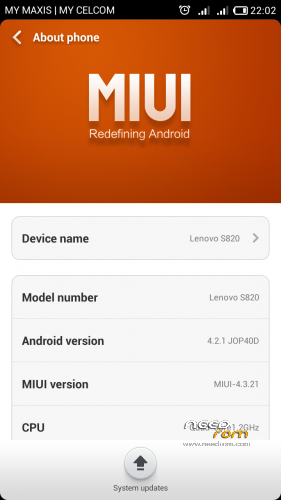
- Title: S820 Miui V5 Base CN
- Listed: April, 2015
- Last modified: 04/10/2015 5:02 pm
- Version: 4.2.1
You must be logged for ROM download.
17528 total views, 1 today
4 Total favorites
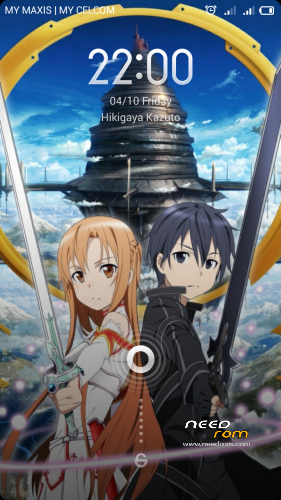
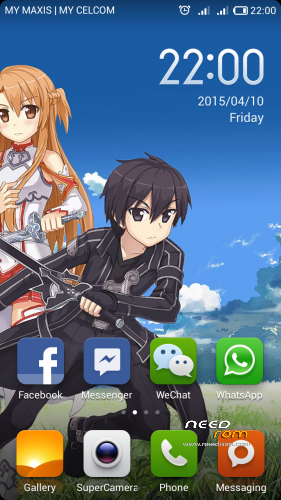
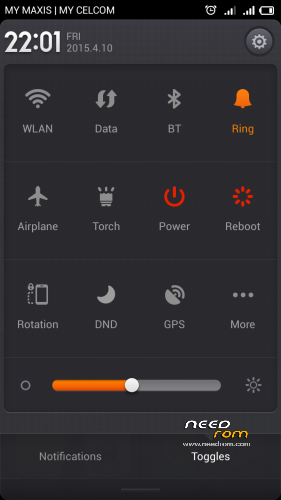
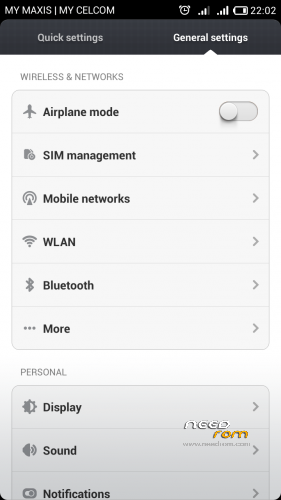

 Member Info
DESCRIPTION
This ROM is for CN Base..so you need to convert you ROW mark to CN mark…
Note: This Miui Rom is Original from The Miui Official Website…
How To Install :
1. Open SP Flashtool…(Extraxt The S137 Rom And CWM)
2. Flash the S137 rom…(Do Not Turn On Your Phone Yet…but it is ok if you did but directly turn your phone off back)
3. Then flash the CWM using SP Flashtool…
4. Copy the Miui Rom,Modem.zip and Gapps to external sdcard…(Do Not Extract The File)
5. Go to Recoverymod By Press Power Button+Volume Down+Volume Up…
6. Wipe Data Factory Reset Only…
7. Flash the Miui Rom first…Then flash the Modem.zip…(Flashing the modem.zip for better GSM signal because the miui original modem is not strong enough to detect the GSM signal)
8. Reboot…(First Boot Take A While In About 5 Or 10 Minute)
9. Complete the Miui Setup…Then go back to Recoverymod and flash the Gapps…
10. Reboot…You may experience forced closed on Setting app during the Google Account Setup but don't worry,it's normal…After you complete the Google Setup , the Setting will never forced closed again….
11. Finish…Enjoy Your Brand New S820 Miui Fone…
-Smooth…
-Battery Saves…(I Think)
-Android 4.2.1…
If you want to know how to install this ROM more clearly…view here…https://indragunawan.com/2013/09/installing-miui-v5-rom-on-lenovo-s820.html…
Thanks Hope You Like It…
※Please make a backup of your device before installing or updating ROM
Oh yea….I forgot something…The LED works perfectly on this rom….And there is no bug in this ROM….
multi language ?????
multi language ?????
Yes…There Are Multi Language….
Gapps cannot be downloaded… Why?
i have updated the gapps download link…sorry for the problem….
this rom 4gb or 8gb…
The Modem V52 link has broken.