
0
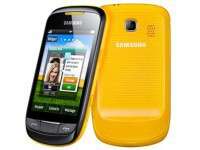
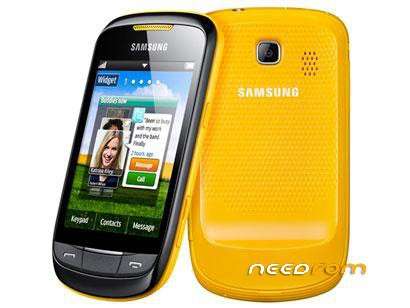
- Title: Samsung Corby II S3850
- Listed: November, 2017
- Last modified: 11/04/2017 11:16 pm
- Version: java
You must be logged for ROM download.
9779 total views, 1 today
4 Total favorites
OFFICIAL
 Member Info
DESCRIPTION
Flash S3850 MultiLoader
- Cable Data S5233
- S3850 MultiLoader V5.65
- Firmware
- Driver
Tutorial
- Instal Driver atau "KIES Samsung"
- Rus as "MultiLoader V5.65.exe"
- Pilih "BRCM2133"
- Insert file : apps_compressed to Apps
Rsrc_S3850_Open_SEASIA_Common_OLB.rc1 to Rsrc1
Rsrc2_S3850(Low).rc2 to Rsrc2
FactoryFs_S3850_Open_SEASIA_Common_OLB.ffs to Factory FS
CSC_S3850_Open_SEASIA_Common_OLB.csc ke CSC
ShpApp.app ke SHP APP
- Off the device, press and hold button "Volume down + Send/call + Power"
for login to download mode
- Insert Usb to PC
- Click "Port Search" for the get connection
- Click "Download"
- Just wait wait for it to finish, unplugged usb
and enter battery press on it
- for Full Reset press : *2767*3855#
- Enjoy….
※Please make a backup of your device before installing or updating ROM