
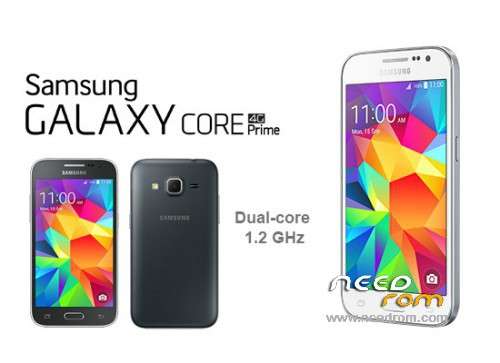
- Title: Samsung Galaxy Core Prime STOCK ROM KitKat 4.4.4 SM-S820L
- Listed: November, 2016
- Last modified: 11/13/2016 2:21 am
- Version: Android KitKat 4.4.x
You must be logged for ROM download.
13025 total views, 2 today
5 Total favorites

 Member Info
DESCRIPTION
Stock Restoration Collection For Samsung Galaxy Core Prime SM-S820L
———-> I gathered these files from different sites: XDA Forums & ODIN Flash.com
I have not decided to flash back to a completely stock version of my KitKat 4.4.4 so I have not sampled these files as of yet.
They do look like good copies in all respects so I would expect good results.
 Contact me if you have any questions, comments, or complications.
**As Always!!!! Backup your existing phone OS/Data to an external storage media just in case something
goes amiss.
A Brief Step-by-Step
1. Assuming you want to install this TWRP backup of the Stock ROM KitKat 4.4.4, you must
first backup your phone's current OS/Data.
You can simply use ADB commands executed from a terminal on a computer to make a backup to that
computer for safekeeping.
Root status is NOT NEEDED to do this!
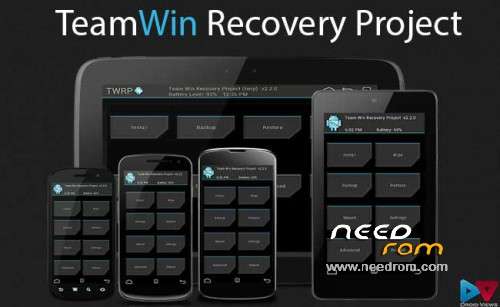
After that, install the TWRP custom recovery file listed above (TWRP-2.8.7.0-S820L.tar.zip).
I used the latest copy of ODIN3 to flash.
Instructions HERE.
2. Now you finally have a custom recovery on your CorePrime!
3. This Step = Crucial and should become a procedural modification
routine before flashing anything…….
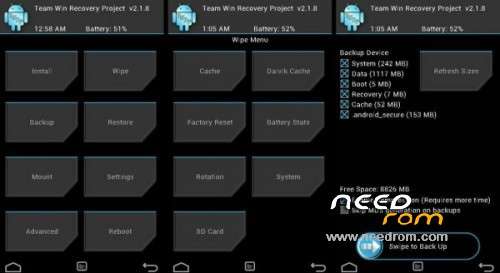
———> Use your new custom TWRP recovery to make a backup of your phone's
system/data/boot/recovery so you always have something to restore if something goes wrong or you just feel like
reverting to whatever state your phone was in previously.
Personally, I consistently save copies of every backup to my laptop as well as upload them to multiple cloud
storage accounts.
4. Transfer or Download the ROM to an External MicroSD Card in your phone's External MicroSD slot
right above the battery.
*You're going to need an SD card with at least 1 GB storage capacity.
$If you have no SD card at the moment and you are going to buy one, I highly recommend investing in a
64 GB storage capacity MicroSD card like a Samsung EVO+.$
+ Being that this particular TWRP backup file is in .tar.xz compressed format, you're going to want to extract
the TWRP folder before the restore.
#You've got options here: Download ROM to computer & extract there, then transfer to phone or Download
ROM to phone & extract to External MicroSD card.
Either way, the job gets done!
5. Power down your CorePrime, then hold Volume Up & Power buttons simultaneously as the boot
screen appears.
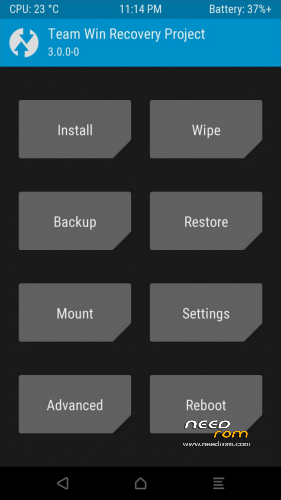
Hold for several seconds, then release and TWRP recovery should load.
Alternatively there are plenty of apps that will power down your device & boot it into recovery for you.
6. Mount to your external MicroSD card storage via the Restore function in TWRP.
Navigate to and select the backup's folder saved in this media.
If you kept the original name,
the folder is labeled: 2016-01-03–09-16-30 KTU84P.S820LUDU4AOH1
I encourage anyone using these files with reports of success/issues to contact me via Email or using this site's PM system.
My personal Email is: psilocelium@linuxmail.org
ENJOY! 


※Please make a backup of your device before installing or updating ROM
Thank You!
thanks for your post1
But I think this rom is locked and you cant switch betwen network modes
please help !
what is the solution to work with other operators.
files do not exist. helP!!!