
- Title: Samsung Galaxy Note 3 LTE (SM-N9005)
- Listed: December, 2014
- Last modified: 12/10/2014 2:19 pm
- Version: TWRP v2.8.1.0
You must be logged for ROM download.
17395 total views, 1 today
1 Total favorites
 Member Info
DESCRIPTION
Custom recovery for Samsung Galaxy Note 3 International Qualcomm SM-N9005 only
Pls check properly at your phone setting or else it may brick your device!
For Android version 4.3xx ->download openrecovery-twrp-2.8.1.0-hlte-4.3.img.tar
For Android version 4.4xx -> download openrecovery-twrp-2.8.1.0-hlte-4.4.img.tar
Your device must be rooted and usb driver installed on your pc .
To root with CF-auto -> for 4.3xx -> CF-Auto-Root-hlte-hltexx-smn9005_4.3xx.zip (Odin_v1.85included)
To root with CF-auto -> for 4.4xx -> CF-Auto-Root-hlte-hltexx-smn9005_4.4xx.zip (Odin_v3.07included)
CF-autoroot Installation method : http://howtoroots.com/how-to-root-samsung-galaxy-note-3/
TWRP installation procedures :
- Download the extract file for your variant.
- Next open Odin3.exe. Put your phone in the download mode by turning it OFF completely.
- Again turn it ON by pressing and holding the Volume Down button, Home button and Power button. (combo keys)
- Now you will see a warning message, press volume up button to continue.
- After that connect your phone to the comptuer. Once the Odin section detects your phone, the ID:COM will turn into blue color. Make sure F.reset time & auto reboot checked and the other left unchecked.
- Then click the PDA tab in Odin and select the downloaded recovery.tar file and allow it to load.
- Tap the start button after few seconds the process will be complete and it will reboot automatically.
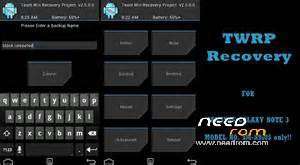
- Next press and hold the Volume Up button, Home button and Power button to access the TWRP touch recovery that you just installed.
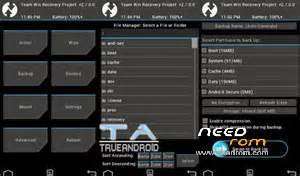
- That"s it! Now, you have successfully installed the TWRP recovery on your phone. Here after using this recovery you can backup your current ROM available on your phone as well as other datas.
- Also don’t forget to make an EFS backup and save it in your computer. Find the option in TWRP recovery.
※Please make a backup of your device before installing or updating ROM