
- Title: Samsung Galaxy Note 3 ROM for Gionee Elife E6 Firmware/ Walton Primo X2/ Allview X1 Soul/ QMobile Noir Quatro
- Listed: October, 2014
- Last modified: 10/29/2014 6:04 pm
- Version: 4.2.2
You must be logged for ROM download.
17394 total views, 2 today
1 Total favorites
CUSTOM


 Member Info
DESCRIPTION
Samsung Galaxy Note 3 ROM for Gionee Elife E6 Firmware/ Walton Primo X2/ Allview X1 Soul/ QMobile Noir Quatro
Features:
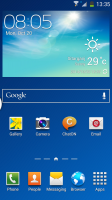
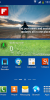
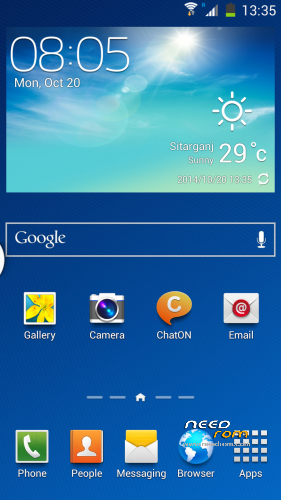
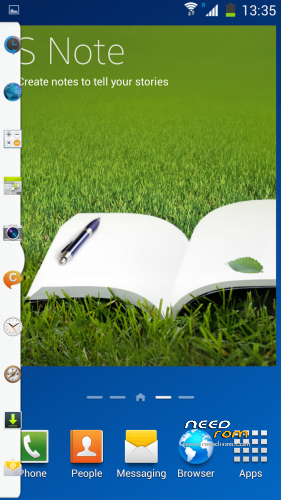
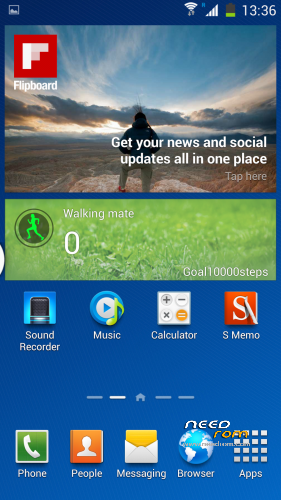
- Note III launcher
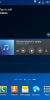
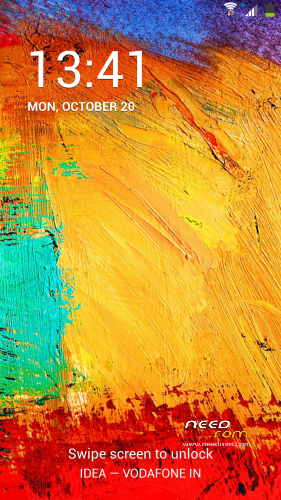
- Note III lockscreen
- Samsung Dialer
- Samsung Task Manager
- Samsung Style Toggles and Quick Settings
- KITKAT easter egg when multiple tapping android version
- Air Gesture
- Smart Scroll (Stock Browser ONLY)
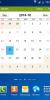
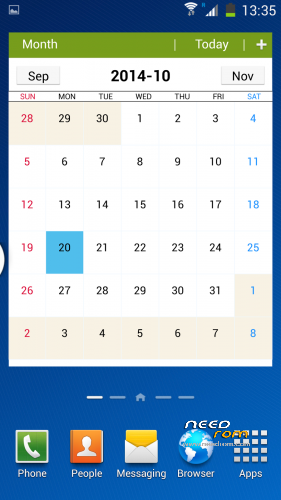
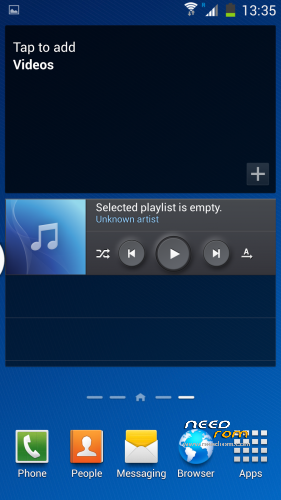
- Note 3 Interface
- Transparent Statusbar
- MUnlock added (Blow to unlock)
- And a lot more
NOT WORKING:
1. Smart pause
2. Multi Window not added
Disclaimer :
I will not be responsible if you Brick your device. Flash At Your Own Risk.
I will not be responsible if you Brick your device. Flash At Your Own Risk.
Mods
1. AdBlock- HERE - BSDgeek_Jake
2. Pure Audio Engine-HERE - Jeeko
3. PurePerformances X-HERE - Jeeko
4. PureGraphics HD-HERE - Jeeko
5. Bravia Engine-HERE - androite
 Select Install Zip From Internal Storage
1. AdBlock- HERE - BSDgeek_Jake
2. Pure Audio Engine-HERE - Jeeko
3. PurePerformances X-HERE - Jeeko
4. PureGraphics HD-HERE - Jeeko
5. Bravia Engine-HERE - androite
*****How To Flash *****
Agreement : I am not responsible for whatever you do with your phone or pressure cooker.
( You Should Take CMW/TWRP Backup for Revert back to your old system. i recommend you to keep 1 working ROM zip in your storage )
1) Download ZIP
2) Put into Internal SD Card
3) Go To CMW /TWRP Recovery
4) Wipe Data/Factory Reset
5) Wipe Cache Partition
6) Mount & Storage >FORMAT SYSTEM
7) Advance >Wipe Dalvik Cache
Select Install Zip From Internal Storage
9) Select the Downloaded Zip And Select YES
10) Reboot
11) Congrats You have Galaxy Note 3 UI ROM now….Report if you find bugs
※Please make a backup of your device before installing or updating ROM
Thanks!!!!
FM radio is not working…plz fix it…
You need permission
Want in? Ask the owner for access, or switch to an account with permission. Learn more
You are signed in as gvenkat.nriit@gmail.com.
Please give permission
Restriction is removed, anybody can download it now..
how do i install this in Gionee E6? installation aborted as soon as i started to install. Also, how to do step 6 and 7 as explained above? please explain in detail. I am doing this for the first time… And i want to do it correctly…
How to root in this rom???