
0
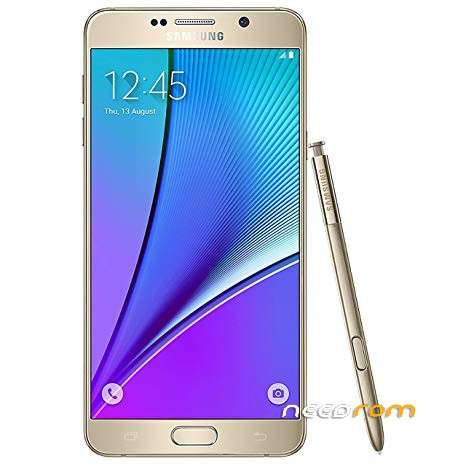
- Title: Samsung Galaxy Note 5 N920V Marshmallow N920VVRS3CRH1
- Listed: August, 2019
- Last modified: 08/24/2019 11:18 am
- Version: Android 7.0 Marshmallow N920VVRS3CRH1
You must be logged for ROM download.
8146 total views, 1 today
OFFICIAL

 Member Info
DESCRIPTION
1. With the phone off, press and hold VOL- HOME AND POWER BUTTON, and wait to enter to Download Mode
2. Install Samsung drivers.
3. Connect the phone to PC computer.
4. Open Odin.
5. Choose for BL, AP, CP files.
6. Go to Options and select "Phone Bootloader Update"
7. Click Start.
8. Remove the battery.
9. Put the battery.
※Please make a backup of your device before installing or updating ROM