
- Title: Samsung Galaxy S5 Pure ROM OBT for Arc Mobile 500D
- Listed: April, 2014
- Last modified: 04/23/2014 4:43 pm
- Version: 2.5.1
You must be logged for ROM download.
30255 total views, 5 today
2 Total favorites
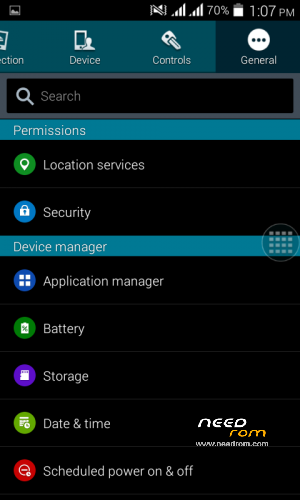
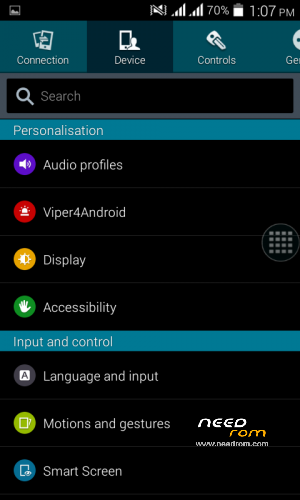
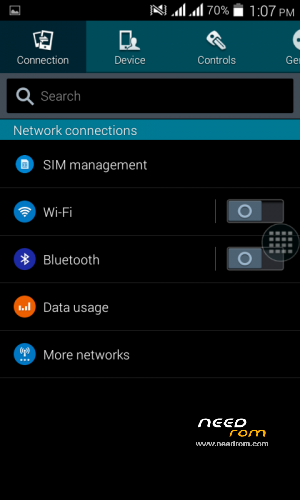
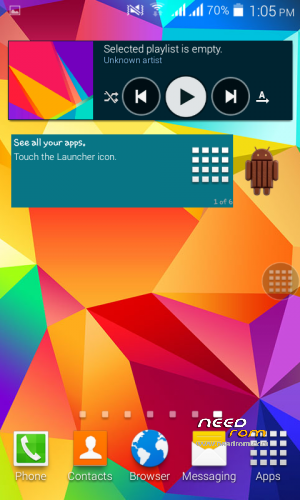

 Member Info
DESCRIPTION
OFFICIALLY RELEASED! CHECK OUT THE STEP BY STEP GUIDELINES BELOW!
Announcement: Version 2.5.5 will officially release on JULY 20, 2014
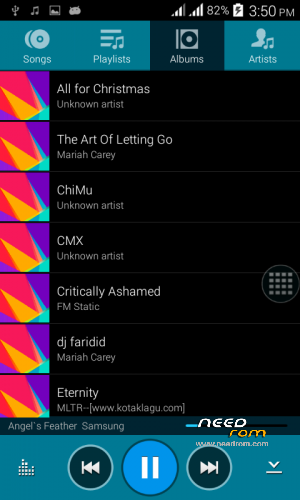
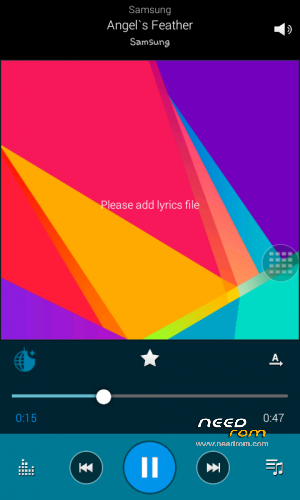
Note: New Screenshoot Preview for version 2.5.5 update
Don't forget to check step IX for more additional information. Thank you and enjoy your new ROM!
ROM step by step Guidelines
I. ROM installation
- Wipe factory/data, Cache partition & Dalvik Cache
- Install zip from SDCard
- Choose AM500D_SGS5PureROMOBT.zip
- Go back
[Note: Please don't reboot your phone after successful installation, follow step 2]
II. Boot Logo
- Install zip from SDCard
- Choose S5PureROMBootLogo.zip
- Flash the zip
[Note: Please don't reboot, follow step 3]
III. Flashing the official tweak
- Install from SDCard
- Choose MODBoostReloadedV4.7.zip
- Flash the zip
- Reboot
[Note: You may now reboot your phone]
——————————————————————————-
IV. Setting up the Official font
- After you have successfully setup the ROM. Now, Install the official font and the guide and the required files was now already inside the zip.
Font setup link: http://www.mediafire.com/download/ggtt6ea7rkag2dx/S5+V2.5.1+Font+Setup.zip
V. Setting up the Lockscreen
- On first boot on screen after the ROM Installation. It will ask you to choose the default launcher.
- Now, choose Galaxy Locker and tap always
- Choose Touchwiz Launcher as a preferred Launcher
- Open the drawer and look for Galaxy Locker
- On theme menu, choose Particle Effect
- and for the other extra settings sa Galaxy Locker kayo na bahala magcustomize ng settings nyan.
[Note: Sometime Galaxy Locker forces close but nevermind it, it's okay.]
VI. ROM Highlights
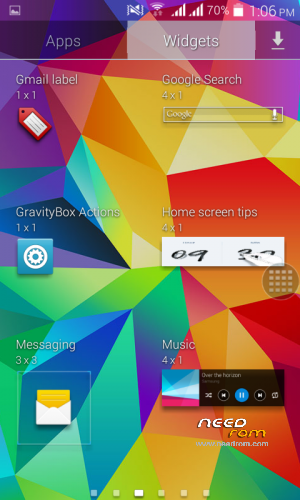
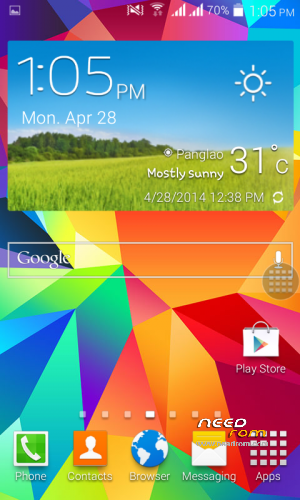
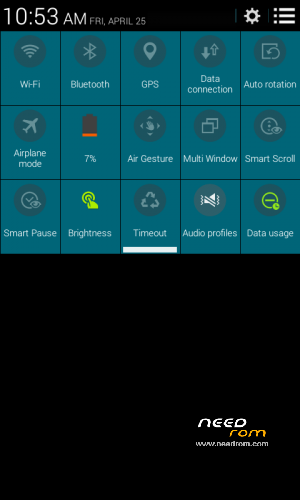
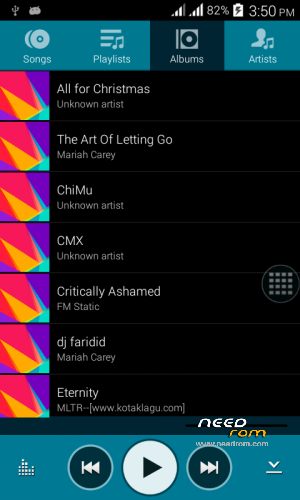
- All new system apps user-interface. A flavored theme from Samsung Galaxy S5
- Added more system app optimization and zipaligning
- Added Performance Boost Tweak
- Added Samsung Galaxy S5 libraries for newest ported app support
VII. Extra Notes
- Official OBT Release: April 22, 2014
Screenshot Preview: https://www.facebook.com/media/set/?set=oa.684374594939122
[Note: Some system apps UI has been changed already. This was only the partial preview not the latest one]
VIII. Credits
- XDA Developers Forum
- SXDA Developers Forum
- Pinoyden & Symbianize Forum
- www.needrom.com for my ROM datas
- Sony Xperia Community
- Missu Team for the Video Player
- Gejos Enterprise for the Booster app
- To my friends in this group and team mates for contributing their great ideas
- For my assistant in theming the system apps
- For my co-Admin Jerico Flores for his ideas
- Arsaw & Albe95 on XDA Developers Forum
- and to those who aren't mentioned, you know who you are.
IX. Tips on S5 ROM:
1. Kindly remove the Galaxy Locker & Booster Settings on system then reboot then install as a normal app again for be able to work correctly.
2. If the video player doesn't open and shows ".lib load fail". Goto Root Explorer>Root>System>Look for SecVideoPlayer then reinstall again. (No need to remove just install it right away)
3. On Mobile Data Connection, kindly remove the proxy & port to it then save.
If the problem still persist on getting fail with Galaxy Locker, Booster Settings & Video Player just pullout it in the system/app folder then reinstall it as a normal apk
Note: Arc Mobile 500D has the same specification with Micromax A110. If you want to port it to your phone just do at your own risk. Thank you!
※Please make a backup of your device before installing or updating ROM
where is the version 2.5.2?
its have a month but no update, i have ported and work!
now i want version 2.5.2, please fast update
Sorry for the delayed response, the next version will soom to be available early next month. Thank you..
im in bootloop…im my phone is a919duo aka micromax a110..plz help..
To get rid of bootloop make sure u have an experience on porting a rom sir.
it wll wrk on a116?
Maythathat’s possible just port it into your device but make sure you have an idea on porting a rom before you flash that sir
phone is not rebooting.. wht shld i doi installed all 3 links
You need to report that back to your phone in order that to work on your handset
Is this for canvas 2 A110
sir…i cant found the link to dl your rom….please share it on my gmail account….emeluar1220@gmail.com
Thanks in Advance….God Bless
newbie here ,. do i need custom recovery for this rom ? and what C.R should i use ? pls do reply