
- Title: Samsung Galaxy S5 SM-G900F
- Listed: January, 2015
- Last modified: 01/10/2015 4:14 pm
- Version: crDroid Lollipop 5.0.2
You must be logged for ROM download.
40633 total views, 4 today
17 Total favorites
CUSTOM
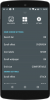
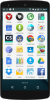
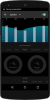
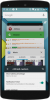
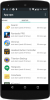
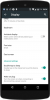
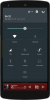
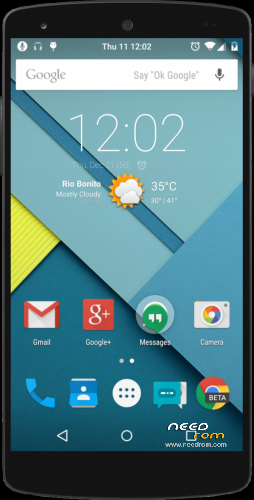
 Member Info
DESCRIPTION
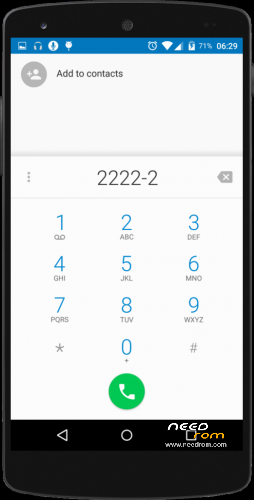
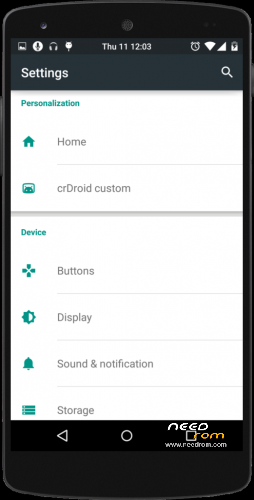
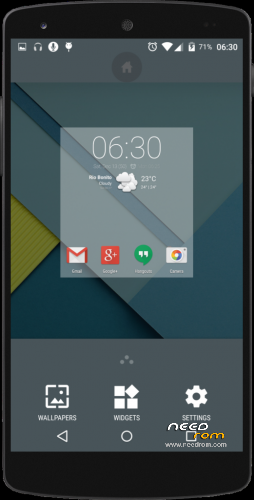
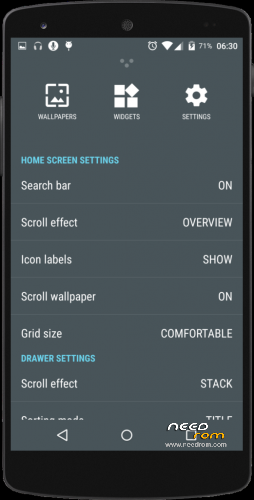
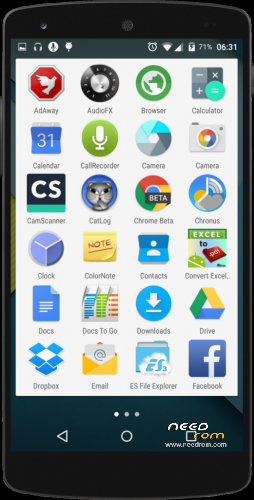
crDroid Lollipop 5.0.2 for Samsung Galaxy S5 SM-G900F
crDroid rom based on Cyanogenmod 12 with extra cool and useful features .
Rom features :
- Nav bar tweaks (on/off toggle and custom dimensions);
- Hardware keys disabler;
- Hardware keys rebinder from CyanogenMod;
- Keys backlight options to HW keys and keyboard;
- Battery text mode (from cm);
- Battery icon options (from cm);
- Media scanner behavior on boot;
- HSPA + icons on status bar;
- SlimRoms heads up customization;
- Traffic metter on status bar;
- Gesture lockscreen;
- Gesture anywhere (launch apps and activities from custom gestures);
- Weather display on expanded status bar;
- Wakelock blocker;
- Left handed navbar option;
- XuiMod toast animations;
- AOKP custom system animations;
- App circle sidebar;
- CPU info overlay option in development settings;
- [Connect/disconnect notification support;
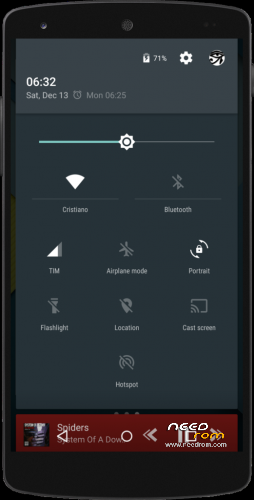
- Long click support on quick settings;
- Screen recorder;
- Animated rotation tile;
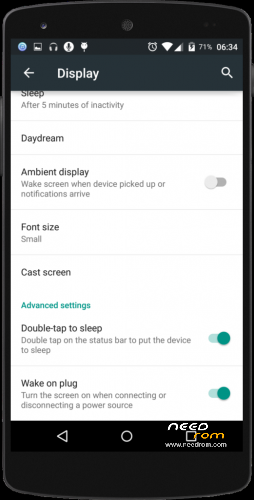
- Wake up on plug;
- Development shortcut;
- Performance settings from CyanogenMod;
- Clock and time clickable in expanded status bar;
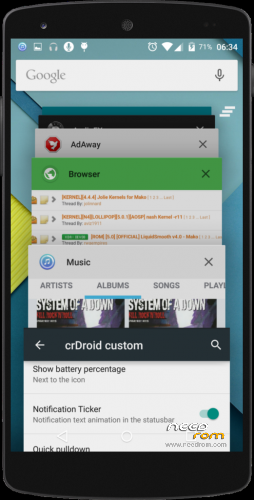
- Notification ticker;
- Quick unlock;
- PIN keypad shuffler;
- Custom lockscreen shortcuts;
- Answer calls with hardware home button;
- Status bar clock tweaks (right, center or hide clock with many dates formats to show. Custom colors included);
- Notifications counter;
- Volume keys wake the device;
- Ability to hide the alarm clock icon from status bar;
- Dialer Lookup;
- Profiles form CyanogenMod (new merges and lollipop style);
- Protected apps (using trebuchet launcher);
- Filter spam notifications;
- CyanogenMod SuperUser;
- Clear all button in recent panel with custom option (hide, top right or top left);
- Disable search bar in recents;
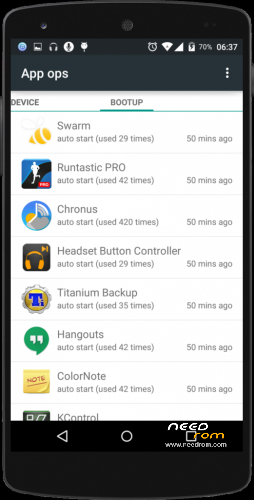
- Privacy guard from CyanogenMod with new Superuser access through it!!!;
- Ability to hide superuser status bar icon;
- Quick settings pull down with one finger (right, left or off);
- Smart pull down;
- Configurable 0, 90, 180 and 270 degree rotation;
- Toggle to not allow quick settings on secure lockscreen;
- Brightness control through status bar;
- Double tap status bar sleep;
- Data activity indicators;
- Call blacklist support;
- Increasing ring tone;
- In call vibrations;
- Ambient display (DOZE features);
- Advanced reboot menu;
- Option to hide adb notification;
- Screen shot quick delete with confirmation;
- Long press back to kill with configurable timeout;
- Volume button custom actions (skeep track, wake screen, adjust sound and keyboard cursor control and swap volume buttons);
- Less frequent notifications sound;
- Advanced keyboard features (auto rotation with timeout, disable full screen, selector notification, show enter key, volume key cursor control);
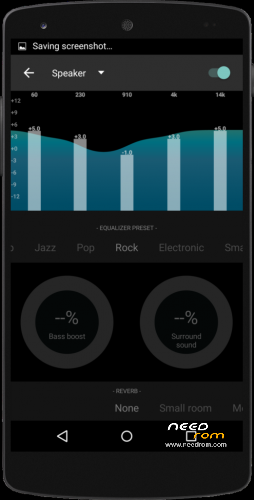
- New Eleven music player and AudioFX from CyanogenMod
-
First time installing crDroid to your S5, or coming from another ROM:
- Make sure you're running a proper working Recovery (CWM or TWRP)
- Copy GApps and crDroid zip to your internal SDCard
- Boot into Recovery
- Flash crDroid zip
- Flash GApps zip
- Flash SuperSU (not mandatory. We have CyanogenMod su access inside)
- DO A DATA WIPE / FACTORY RESET
- Reboot
- Don't restore Apps using Titanium Backup!Upgrading from earlier version of crDroid:
- Copy crDroid ZIP to your internal SDCard
- Boot into Recovery
- Flash crDroid zip
- Reboot - All credits go to ***************** crDroid.org
※Please make a backup of your device before installing or updating ROM
thank you