
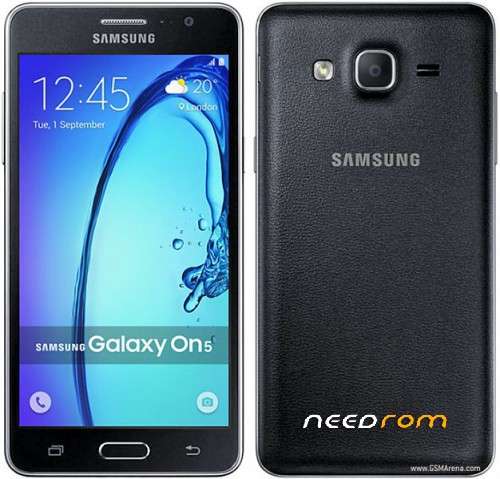
- Title: SAMSUNG ON5
- Listed: February, 2019
- Last modified: 02/05/2019 10:34 pm
- Version: 6.0.1
You must be logged for ROM download.
8046 total views, 1 today
 Member Info
DESCRIPTION
Flash file for Samsung ON5 G550T1 extract and use odin to flash
CSC, CP, BL, and AP are all in the file
select all files you wish to flash to phone
Now to enter download mode
Make sure you have a working usb
1. Make sure your phone is switched off.
. Press and hold the power, volume down and home button.
3. Release all keys when you see the Samsung Logo is being displayed
4. Download Mode should be now displaying on the phone's screen.
5. You can now connect your phone to computer via the usb.
6. You're now set
Select start and you'll see the process being run, you'll get the green PASS! when it's finished flashing…
※Please make a backup of your device before installing or updating ROM
mont5
es libre de fabrica??