
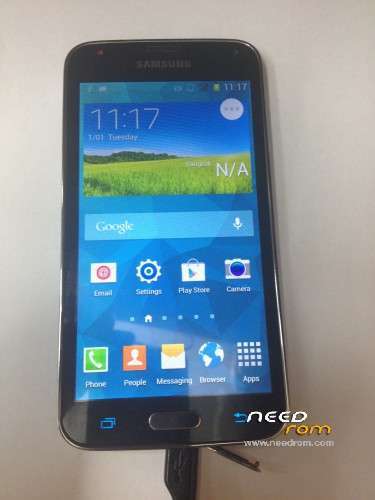
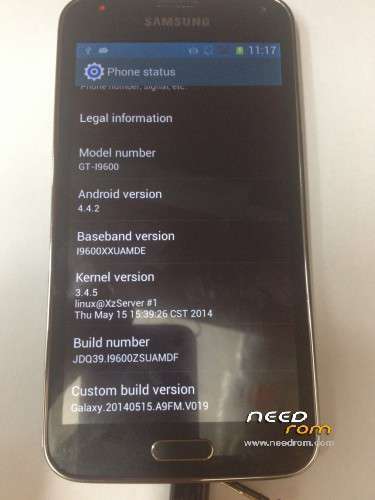
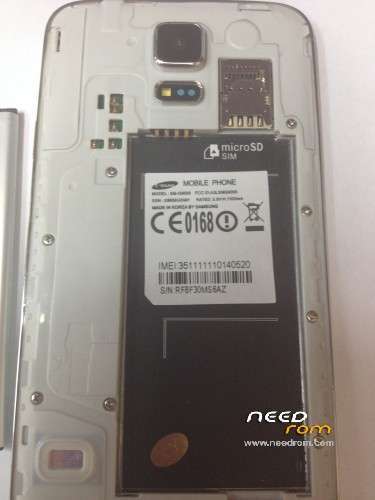
- Title: SM-G9008 MT6572 S5
- Listed: November, 2014
- Last modified: 11/30/2014 8:06 pm
- Version: 4.4.2 Official ROM
You must be logged for ROM download.
45058 total views, 4 today
16 Total favorites
 Member Info
DESCRIPTION
- Unpack FlashTools, and Click on Flash_tool.exe
- Select a the MT6572_Android_scatter.txt in ROM
- Wait file to be added into Flash Tool
- choose Option->USB Model,click USB Model
–> Choose Option->DA DownLoad All->Speed->High Speed, click High Speed
- Turn off your phone, remove the battery and replace it after some seconds (and don't turn on the phone).
- "Press F9 (hit Download button)" OR " if upgrade ROM Firmware->Upgrade "
- and connect your phone into the computer via USB data cable.
- The process will start and a red progress bar will appear after color purple, yellow.
- And green circles display
- Finish !
※Please make a backup of your device before installing or updating ROM
Hi, Is this suaitable for UBIFS S5 cloen SM-G900
I have tried many so far not working.
I think I flashed wrong image earlier or disonnected in between as I got purpule screen once.
Let me check this one also.
I tried, I get very diffrent error now
BROM ERROR: S_SECURITY_INVALID_PROJECT (6124), MSP ERROR CODE : 0×00
All my previous ROM given 4032 error
how to resolve this I have sec_rom back up from my original rom, should I use it instead of yours?
HI
JUST RESTOR YOUR BACKUP AND TRY THIS ROM.
hello can you help me i need img file not go save file thank you
Nand flash?
Sp tool file eror file go save not img file help
THANK you
what is the secret code to change samsung logo after format ????
flash s5 g900f avec succes merci
with this rom : https://www.needrom.com/wp-con.....1129_223556.rar
and other roms : https://www.needrom.com/downlo.....comment-page-2/