
- Title: SM-J710GN Combination File to Remove FRP
- Listed: July, 2017
- Last modified: 07/04/2017 1:29 pm
- Version: Android 7.0
You must be logged for ROM download.
20808 total views, N/A today
1 Total favorites
 Member Info
DESCRIPTION
About Device
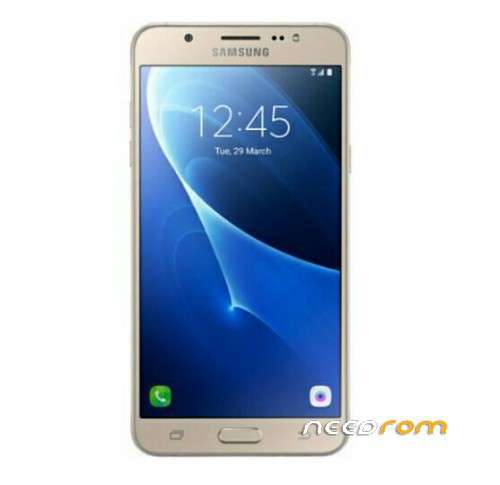
Device Name : J7
Device Model : SM-J710GN
Version : J710GNDXU1APL1
File type : Combination
File Format : md5.tar

Samsung Sm-J710GN Combination File to remove FRP Lock
About Device
Device Name : J7
Device Model : SM-J710GN
Version : J710GNDXU1APL1
File type : Combination
File Format : md5.tar
Requirements
Samsung USB device Driver
ADB Driver
Odin Tool or supported software box
How to flash Combination file
Download Combination file
Download Odin Tool
Put device into Download mode
Press Vol – ,Home Key and Power key together
Press vol + for confirm Download mode
Connect device through USB data cable with pc
Open Odin and click on Ap,or bootloader section of Odin
Select Combination file
Click on start menu tab of Odin
Wait few time while combination file write to device
After complete writing file remove Device from Pc
Power on device
Follow basic steps and when you are at the step of where device need Gmail account
Open Z3x flash tool setup and connect device with pc
Select ADB from Z3x tab ,after that go to FRP unlock section
Wait few seconds while FRP remove done
Remove USB cable ,Power off device ,Power On again and enjoy
※Please make a backup of your device before installing or updating ROM
link is delet
link update
password?
password boss
password please
another helpful link for you
Clone flash file for samsung smj800fn mt6572
wher is Z3xflash tool? sir
Password inside post
http://www.pakfirmware.com
not work