
- Title: Sony Xperia Miro ST-23i
- Listed: December, 2014
- Last modified: 12/28/2014 2:49 pm
- Version: Cyanogenmod 10 Jelly Bean 4.1.2
You must be logged for ROM download.
16817 total views, 3 today
2 Total favorites



 Member Info
DESCRIPTION
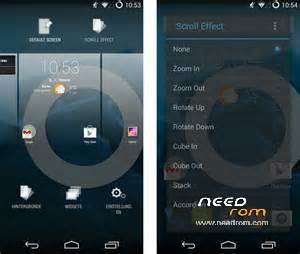
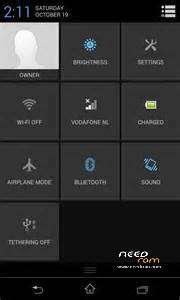
Cyanogenmod 10 Jelly Bean 4.1.2 for Sony Xperia Miro ST-23i
Download zip file and extract the boot.img from cm10 zip , move to root directory of sdcard .
a] Install custom recovery -> download Rashr flashing tool from Play Store .
-> select update recovery , choose boot.img to flash
b] In CWM recovery -> under mount -> mount data ,system,sdcard ,recovery.
-> then go to backup you existing rom under backup and restore
-> go to Wipe , do factory reset , wipe cache
-> in Advanced , choose wipe dalvik cache
c} Finally go to install , select zip file to flash , then reboot . ( Optional-flash Gapps)
Known issues : camera will not work if sdcard removed .
※Please make a backup of your device before installing or updating ROM
Is there no more issues? I want to port to Xperia E C1505,.,.,
After Installion not play google play. why?