
- Title: SRR KITKAT (4.4.2)
- Listed: May, 2014
- Last modified: 06/29/2014 4:41 am
- Version: V3 ( UPDATE)
You must be logged for ROM download.
69249 total views, N/A today
 Member Info
DESCRIPTION
LIKE my Page on FB and Follow my latest work 
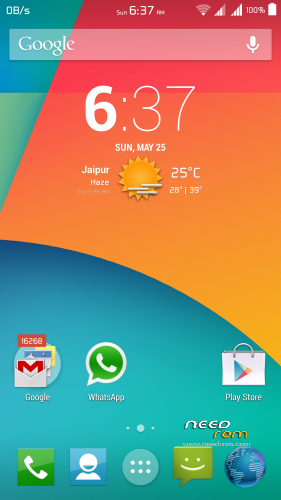
SRR KITKAT (4.4.2) V3 by SKD
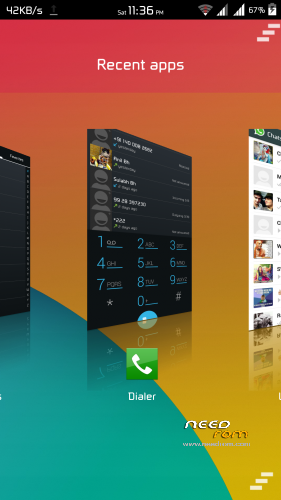
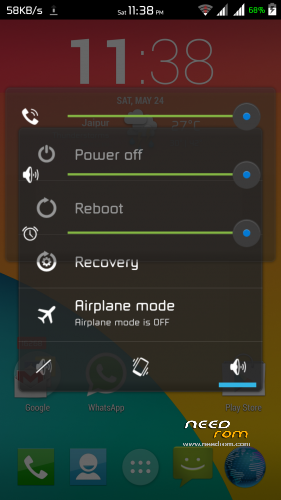
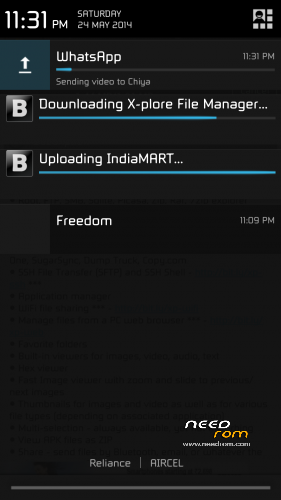
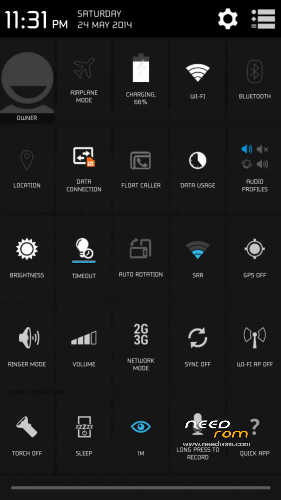
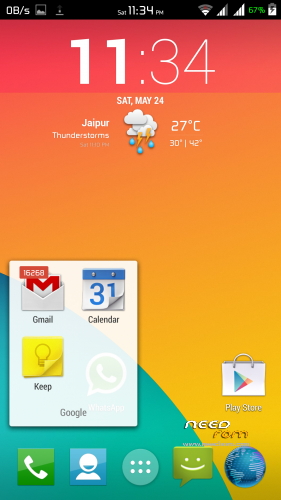
This Rom brings all the features from world's best Rom's Timescape, Sense, AOSP (kitkat) and many more.
This Rom is even more deeply customised according to your taste so just give it a try and tell me how's it ?
This Rom is Stable, Reliable, Bugless, with perfect Performance and basically for Daily use.
This Rom is with so many features which is going to blown you mind…!!!
I hope you like this rom and feel the taste of KITKAT with Cool Stuffs.
Guys Remember Base Rom which used in this is Jelly Bean 4.2.2 but it Fully like 4.4.2… This Rom is mixture of many great Roms…:)
Give it a try guys I bet You find this Rom best among all other loook alike Kitkat Roms Now…
Guys Please Donate me I need 450$.., so help me in getting this by donating small amounts.., Just Donate me !!!
Sandeep_maratha100@yahoo.com ( Send Directly on this Id through Paypal and choose payment for services/goods,
don't click on Donate , because In India this feature does't work.)
Changelog :
Don't give Bad Rating's If you had problem PM me…
But Don't Give Bad Ratings, Its a Result of So many hard work.
If their are problems then I tried to Solve it, but don't discourage , otherwise I started thinking why Iam wasting my time for you Guys…
Hope you understand Guys…!!!
I Love you all..
Version 3.0.1
-Change in Framework to look nice and solved many colour issues.
How to See Missed Badges in SRR KITKAT V2 and V3 Rom
——————————————————————————————————————————————————————————————————————————————————————–
 )
)
How to Apply Themes ( Watch this Video )
DOWNLOAD THEMES
HTC_EleganceX_xTheme
IOS 6 Xtheme
XperiaSense5_JB05
XperiaTouchwiz5
More Themes
and Search Google for More …
How Photosphere work in this Rom
※Please make a backup of your device before installing or updating ROM
Unfortunately all roms have problems with rss occassionali blocks. In my humble opinion there a
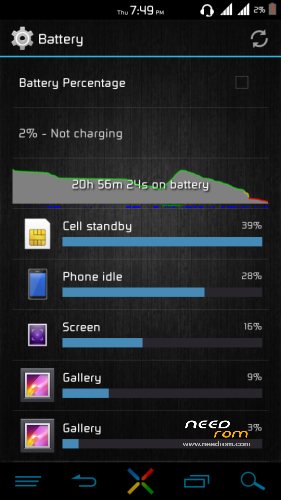
Management problem of battery, so it would be much better to use for your future rom an ‘other baseband.
Greetings, thank you.
P.s. RSS
to Fix NVRAM error
How to fix problem with self changing mac address in wifi.
I couldn't workout SN_STATION method and this one is easier, but your phone must be rooted.
0. Turn off wifi in phone
1. Download and extract http://www.4shared.com/rar/mD2.....2q/Mod_Mac.html on your pc
2. You don't need to edit WIFI file with hex edit (xvi32.exe) if you want to use default mac address (D0.B3.3F.6B.EF.DE), if you don't then just change values 4 to 9 in hex edit.
3. Copy files WIFI and WIFI_CUSTOM from WIFI_NVRAM_Files folder to sd card
4. Install from play store ROOT BROWSER app or any other good file manager
5. Use this app to rename WIFI and WIFI_CISTOM files to WIFI_OLD and WIFI_CUSTOM_OLD in data\nvram\APCFG\APRDEB folder in your phone memory, not sd card
6. Copy WIFI and WI_CUSTOM files from sd card to data\nvram\APCFG\APRDEB folder in phone memory
7. Reboot
8. Done
here’s a solution for the nvram error
https://www.dropbox.com/s/zqaq.....fok/WIFI_CUSTOM
https://www.dropbox.com/s/gqoa.....mk41g2w7s7/WIFI
Here’s the solution for nvram error in wifi.
First, you have yo download the files in The link, than you have to copy the files called wifi and wificustom in the folder /data/nvram /apcfg/aprdeb.
Than you have to give the right permission rw-rw—- reboot and the error will diappear
Yeaaah!thanks at all!!! now wifi works!! However i haven’t problem whit battery, it works fine
Download file this is my "problem" memory!!it's impossible!!! Ahahah and someone can confirm charge problem when the phone is turned off?
I think maybe factory reset your internal sd card fixed this problem…,
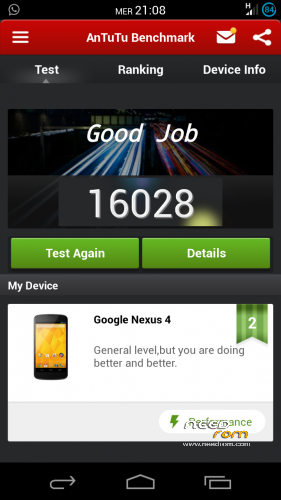
What is the Antutu score with this rom ?
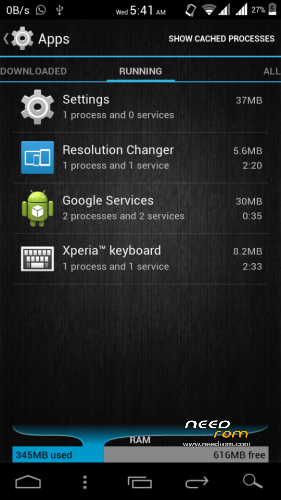
Look my last screenshot: there is written that total memory is 2,35 gb, but there is also written that memory usable is 12,62 gb!!! How can be possible???? One of them is wrong!!! However, turn off the phone and charge it and look the animation during the charging!!!
iam not facing that memory issue…, its strange why you are seeing that…, and yeah in off charging animation is different ..:)
when i install a new app, the memory usable drops, while the total memory doesn’t drop (remains 2,35 gb)! So this is not a problem and now i know that 2,35 is wrong! However the charge animation doesn’t work when the phone is turned off!!! And i found another bug, perhaps the biggest: when i turned off the phone before going to sleep it was 85%,when it turned on this morning it was 69%!!
use battery caliberation app…
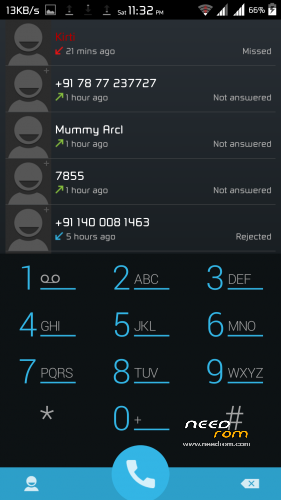
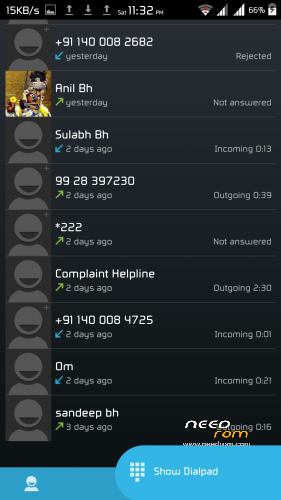
Hi, SDK I like your float caller app, can I install on my stock rom ? and what do I have to do for that? thanks