
- Title: STAR B92M
- Listed: March, 2013
- Last modified: 05/16/2013 5:26 pm
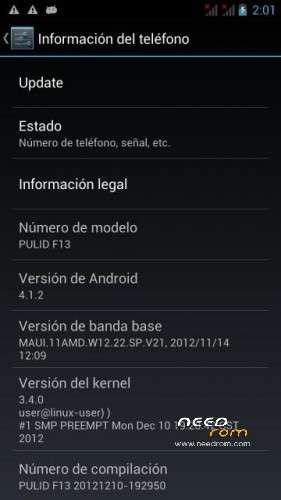
- Version: ROM Android 4.1.2
You must be logged for ROM download.
25977 total views, 3 today
 Member Info
DESCRIPTION
Hello everyone I have took the No cholestrol rom and
* inserted a new preloader for 1GB B92M owners
*include 2.5GB mod
*included CWM recovery
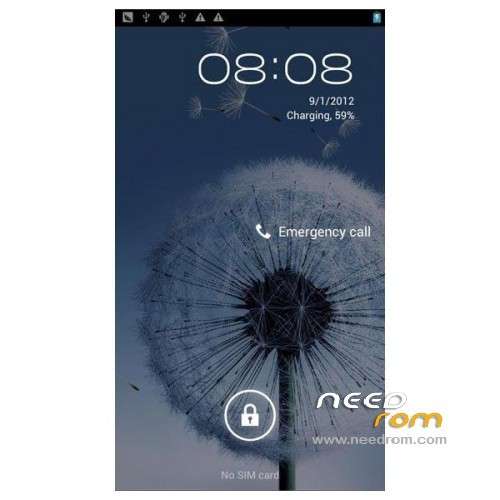
*changed the boot logo to the s3 boot logo
*added the s3 boot animation
*inserted the default wallpaper in the wallpaper gallery
*Uses external SD as primary phone storage
*Rooted
UPDATE: Solution and ROM below confirmed working on B92M V2 by hanengels
————————————————————————————–
Requirements :
400MB space for extraction(compressed to 200MB for faster download)
WINRAR
Phone
Compuer(windows)
USB CABLE
Driver+ROM+Flashtool
—————————————————————————————-
Please backup your applications and data before the whole process
—————————————————————————————-
Instructions:
1-Extract RAR and all RARs in contents
2-Install the driver for mtk6577 by running InstallDriver.exe
3-Open Flash_tool.exe
4-Choose "Scatter-loading" and browse to "\B92M-1G-4.1.2-2.5G\MT6577_Android_scatter_emmc.txt"
5-Click on Download
6-Power off phone and remove battery for 10 seconds and reinsert
7-Connect phone and wait for the bars to finish(first red => last yellow)till a green circle appears
8-Disconnect phone,remove battery for 5sec then reinsert,power on(while holding the power and volume+ buttons)till CWM recovery appears
9-Use "Volume-Up" and "Volume-Down" buttons to navigate.Press Power button to enter submenu.
10-I- Backup your existing data.
10-II. Wipe data/factory reset.
10-III. Restore backup data.
10-IV. Reboot system now.
Enjoy!
I have a youtube video named "B92M 1GB New Updated ROM Jelly Bean 4.1.2 2.5GB internal Rooted"
——————————————————————————————-
Note:
For those having bluetooth and wifi issues then probably because they have the 2013 version of B92M , and I am still searching for a solution.
This might work(solution by dans82 )
B92m of (2013) designed for those who do not work WiFi, BT, radio, GPS
Instructions:
1) install of Flash tools
2) in recovery wipe cashe, wipe dalwik cashe, wipe data, wipe android-secure
3) reboot system
4) install of recovery
5) in recovery wipe cashe, wipe dalwik cashe, wipe data, wipe android-secure
6) all ready
——————————————————————————————-
Credits:
steelburn for providing initial ROM
veisen for 2.5 GB files help
——————————————————————————————-
If you would like to thank me you can donate to me
Don't forget to hit the thanks button
※Please make a backup of your device before installing or updating ROM