
- Title: STAR S5
- Listed: May, 2013
- Last modified: 05/10/2013 4:41 pm
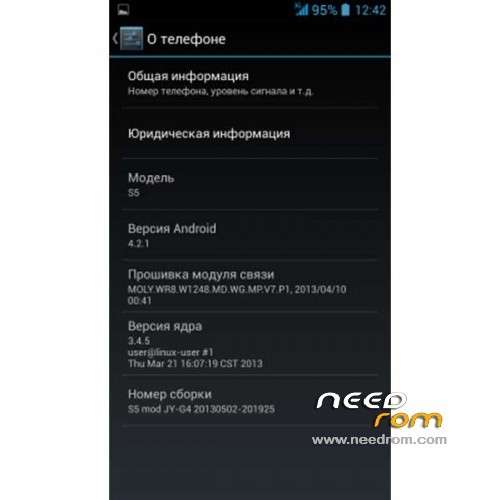
- Version: ROM Android 4.2.1
You must be logged for ROM download.
24252 total views, 2 today
 Member Info
DESCRIPTION
ROM Phone STAR S5 – ROM Android 4.2.1
Features ROM:
Based on the last Rom JIAYU G4 build_20130502-201925
1. Cleaned out the entire Chinese software
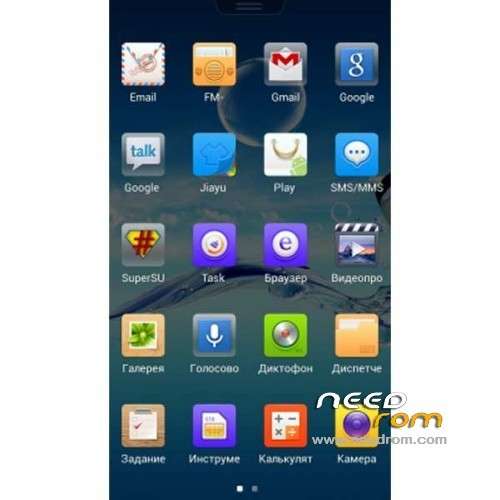
2. Pre-installed SuperUser, RootExplorer, Busybox, MobileUncleTools
3. Core with rutshelom and support init.d
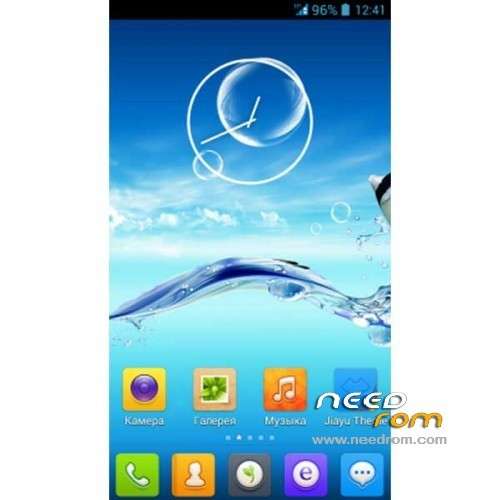
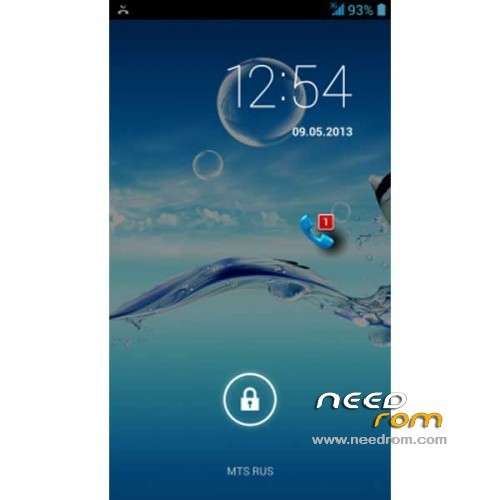
4. Updated logo and bootanimation
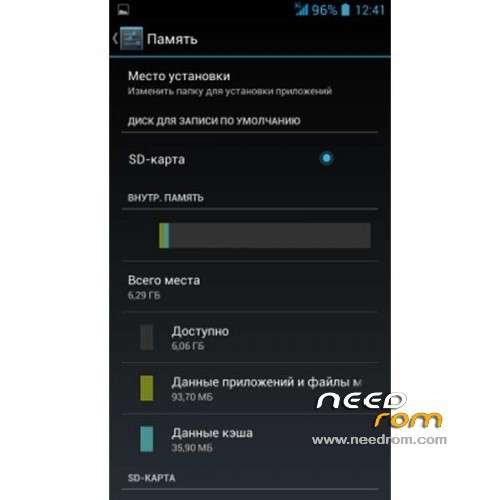
5. Completely re-allocated memory.internal 6.29 Gb …(Without the use of an external memory card to use the rom is not recommended)
6. Launcher (default launcher is used by LeWa)
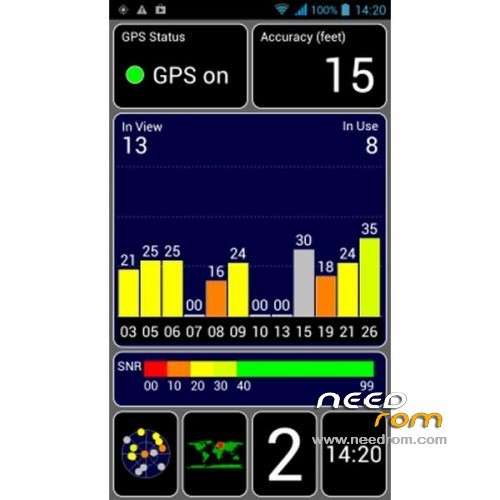
7. All wireless communication systems operate with standard mode. GPS.conf defaulted on RU server ….
9. The camera 8 megapixels interpolated to 12
10. Updated keyboard Android and Market 4.2.2
Note: As there are versions of "butterflies" on the ROM 4GB, these versions do not try to flash configuration files (EBR1 EBR2 MBR) in this case to remove …
memory is reset by the device with a 8GB version, be careful!
Language support: Multilang
THX to feropont on the forum of my friends russian.
Install ROM :
Info of lematters: (thx)
Flash this rom with spflashtools, then don't poweron the phone normally, but start into recovery to wipe data/factory reset. If you don't do this, it will bootloop because the new partition will be in conflict with the old one.
To start into recovery after flashed the new rom : turn off the phone, connect to the pc usb cable and hold power+volumeUp button (20 seconds in total) until you go into recovery menù, then release buttons.
————————————————————————————————————-
Unpack FlashTools, and Click on Flash_tool.exe
Select a the MT6589_Android_scatter_emmc.txt in ROM
Turn off your phone, remove the battery.
Press F9 (or hit Download button) and connect your phone into the computer via USB data cable.
The process will start and a red progress bar will appear after color purple, yellow.
And green circles display
Finish !
You can now safely disconnect your phone and turn it on.
※Please make a backup of your device before installing or updating ROM
which baseband used on this mod?
Hi, i have one GPS.conf of Portugal, but where is the original GPS.conf for replacement?
@bowserm Can I have same question and more explanation
1. Do you have any idea for 850MHz on this phone. Because some web said, it's work can work with 3G 850/2100 Mhz.
Anyway anyone can use this mobile phone use on 3G 2100 Mhz.
2. FOR Location Service. I can use GPS stellite and location service. BUT many time it doesn't work. IT show " your location is temporarily unavailable" many time and facebook very hard to catch place.
SO anyone got some problem and how to solve it.
Thank you
I like this ROM…looks good, everything to flow smoothly as expected. I like that the internal ROm has been combined. I have a 32gb sd card with FAT32 format. I successfully flashed Yulypis english Recovery. But when I try to do a backup, I get an error message "Can't mount backup path". Ideas why?
Forget this post…I discovered my own absentmindedness. Didn't realise ROM already with CWM…flashed Yulipis at first…now smarter.
This Rom works fine, wifi, big data ,cwm recovery backup & restore …etc., look forward to JB 4.2.2.
whats the antutu score?
I've been using this ROm for 2 weeks…have run Antutu 3 times…12696, 12,911, and 13,037. Can't explain the difference except new apps added, others deletetd.
I am very impressed with the ROM…GPS works fast and reliably. But I notice a WLAN problem. If I notice that a website won't open or Gmail won't fetch new mail, I disconnect WLAN and immediately reconnect…then works fine. Already tried the MAC address fix by replacing two Wifi files in system, problem remains. Ideas?
thank you. good.
I forgot to start into recovery to wipe data/factory reset and now the phone is bricked. Don´t turn on. With the sp flash tools it appears an error: ERROR BROM : S_FT_ENABLE_DRAM_FAILED (4032) What can I do? Someone help me please
OH MY GOD!
THIS IS THE ROM I WAS LOOKING FOR!
GPS LIKE A BOSS!
can you pls make a (youtube) manual howto put the rom on the phone ? I managed to put the butterfly effect on my phone (copied the zip file to my phone's memory, started in recovery, wiped all the data and installed from zip file). Can it be done with this rom too (this is a .7z file instead of .zip file). I'm not sure how to work with SP flash tool
Thanks in advance !