
- Title: STAR S7180 LeWa os5
- Listed: November, 2013
- Last modified: 11/11/2013 2:21 am
- Version: ROM Android 4.1.2
You must be logged for ROM download.
14667 total views, 1 today
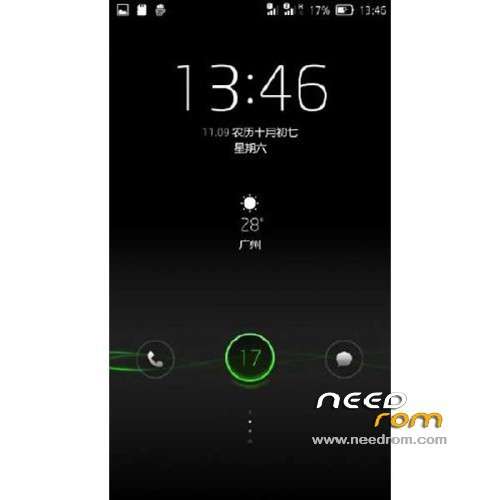
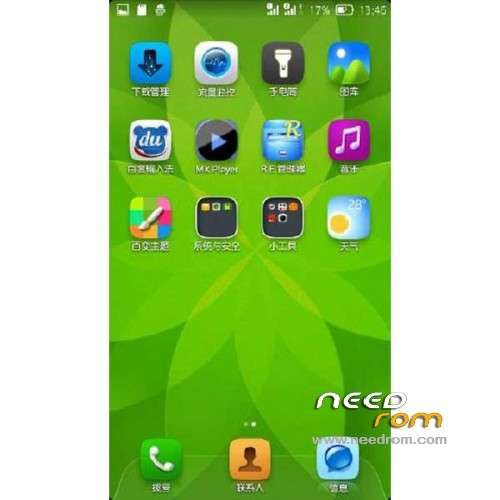
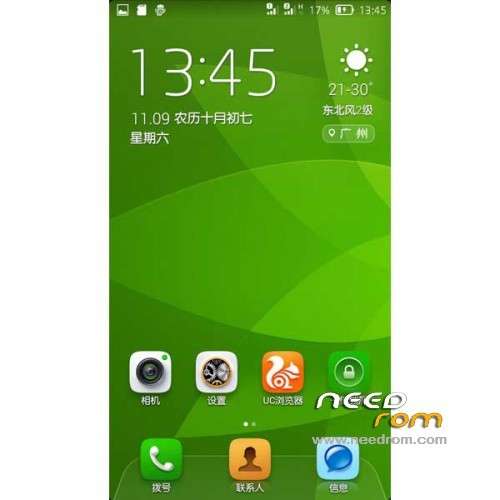
 Member Info
DESCRIPTION
ROM Mobile STAR S7180 QHD – ROM Android 4.1.2
ROM Features :
Ported Amoi N821 LeWa os5 11.10
[New] Mtk tewak v14
Edit to add additional settings to recompile setting.apk (mtk engineering mode convenient search Star )
[Modify] button to change a battery icon ( battery icon after power may not be to the display – battery icon selection )
[ Variety ] Replace landscaping theme main interface background
[ Optimization ] Replace improve photo quality camera file
Edit to remove strong brush to remove part of the system apk file recovery
Edit to add init.d script support kernel fix otg
Edit to modify the statistical power reference values , RF occupancy percentage reduction , more power
Edit to remove the boot second screen
[Amended] Update Baseband
[Modify ] Replace License Management
[ Optimization ] Add AicBootFix, add cooling mode
[ Optimization ] Add Sony display engine , the screen display update delicate
[ Optimization ] zipalign all procedures have been optimized to improve fluency
[ Optimization ] button vibration feedback magnitude lower , softer
[ Optimization ] optimized automatic brightness adjustment threshold
[ Optimization ] automatically open epo and agps
[ Fix ] pull usb restart a previous version
Please set root privileges – Developer option to manually open
Set on the phone can not be opened within
Gapps not include – Rooted
Language support: EN/CN
Install ROM :
CWM
Step 1: Download the custom ROM copied to an external SD card root directory
Step 2: the shutdown state. While holding down:
– Power button + volume button up, to enter the recovery mode.
– Wipe Data / Factory Reset -> delete all user data
– Wipe Cache Partition -> Wipe cache
Step 3: Return to recovery main interface Install zip from sdcard -> choose zip from sdcard -> Select your ROM
Step 4: Brush complete, restart the phone Patience required – first boot takes a while
※Please make a backup of your device before installing or updating ROM
When using loudspeaker to answer call, microphone does not work. It there a fix for this.
Hello
Trying to use this custom rom on my Star s7180. The phone is OK but I have a couple of issues I was hoping a new rom would fix. I tried using the offical rom but for some reason mtktools will not connect to the phone so the new scatter file never gets uploaded. I figured I would try CWM and do it directly from the SD card Unfortunately I have a couple of issues there I need help with
In the directions it says Power button + volume button up, to enter the recovery mode.
But on my Phone when I do that I just get a deas android robot. I then pull the battery swtart over and when I push power and the – button then I get into recovery mode. Ok no big deal but just want to check if anyone knows why this is.
Next when I get into the what I assume is recovery mode it is in Chinese. there is a link with a translation on Needrom.com
https://www.needrom.com/cwm-fo.....orm/#more-13515
except that my Chinese menu does not match that one
Here is mine. I woner if anyone knows how to navigate this menu so I can try this custom rom
Swedski