
- Title: Style Win.8 for w11 version B 2-32
- Listed: April, 2014
- Last modified: 04/28/2014 5:38 pm
- Version: 4.2.1
You must be logged for ROM download.
15148 total views, 1 today
 Member Info
DESCRIPTION
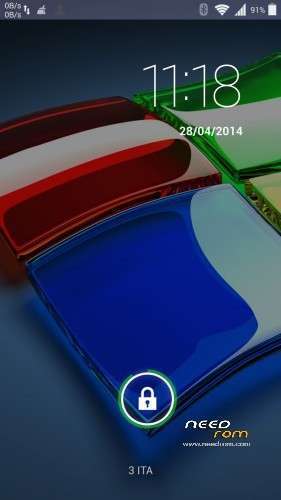
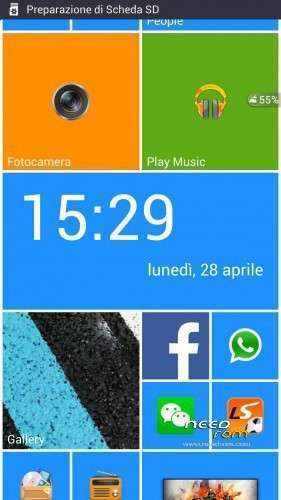
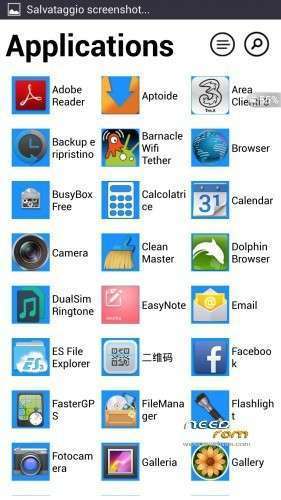
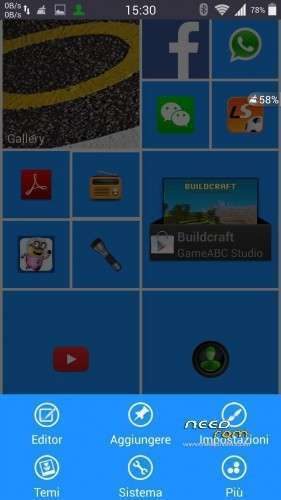
Hello ! Today I present a modest style Win8 rom …
Tested in all respects I have not seen any bugs , except that of the rest of the launcher Win8 and how it all works in all my rom that I have adapted for our w11 also works in this part of the geomagnetic compass that is ..
Hardware: MT6589
Model: W11 Thl
Build number: w11_Win.8
Build UTC dates : 20130523-022107
Android v. 4.2.1
Baseband v: MOLY.WR8.W1248.MD.WG.MP.V6.P9 , 17/09/2013 14:21
Kernel v: 3.4.5 ( ouyangxian @ ouyangxian – Lenovo – Product) (gcc version 4.6.x – google 20,120,106 ( prerelease ) (GCC )) # 1 SMP Tue Sep 17 15:57:27 CST 2013
Install ROM:
CWM
Step 1: Download the custom ROM copied to an external or internal SD card root directory
Step 2 : the shutdown state. While holding down:
– Power button + volume button up , to enter the recovery mode .
– Wipe Data / Factory Reset -> delete all user data
– Wipe Cache Partition – > Wipe cache
– Advanced -> Wipe Dalvik Cache
Step 3 : Return to recovery main interface Install zip from sdcard -> choose zip from sdcard -> Select your ROM
Step 4: Brush complete , restart the phone Patience required – first boot takes a while
To change because of a bug in the launcher of Windows 8 only the first installation (then not need it anymore), you must follow these steps:
- Tapped the "settings"
- From the picture that opens corked at the top right on "LockScreen"
- In the new window, tapped on "Launcher 8 LockScreen"
- Now change the setting of the lockscreen to "ON" and "OFF"
- You can exit and restart the cell … the installation process is finished!
if you liked! the donations are welcome
※Please make a backup of your device before installing or updating ROM
…..in download…. i try it
prova prova ragazzo
fine work thank you
Great job!!!
have 1-16 ? i need too .thank you
try to use it, but before you do something unzip the rom and put the file boot.img of your rom stock ……..
not working error it says i need to pay for it + the start up logo was replace by a hand with wolf drawing
you should pay for the launcher ……. just for the logo is not easy to change I can not understand how it was done by thl
Don't install this rom.
WI-FI problem , settings-security-unknown sources can't be activated , missing sensors calibration in display , delete recovery mod.
After 2-3 wipes and reboots finaly connected to wireless and unknown sources activated but again don't try this one
to me the wifi works well, for the calibration to what you need
image before boot animation stock in phone how to remove it? also the battery charging status while the phone was change maybe i bootloop my phonE?