
- Title: Supercopy Note 3 P770
- Listed: July, 2014
- Last modified: 07/04/2014 7:48 pm
- Version: 4.2.2
You must be logged for ROM download.
23475 total views, 1 today
3 Total favorites
CUSTOM











 Member Info
DESCRIPTION
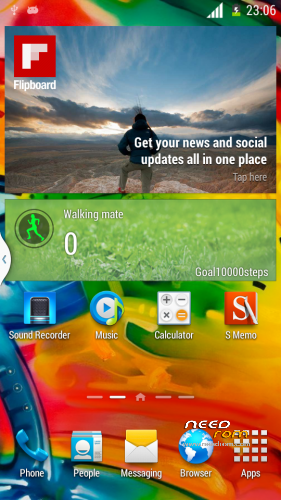
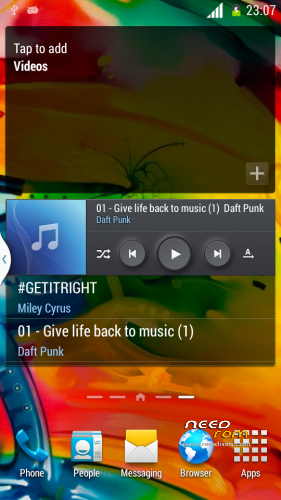
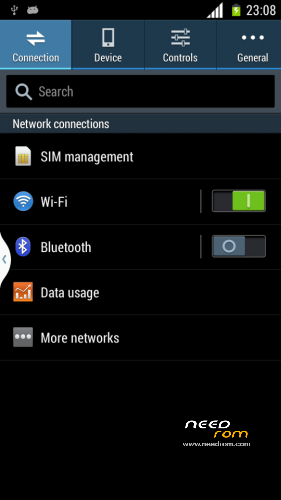
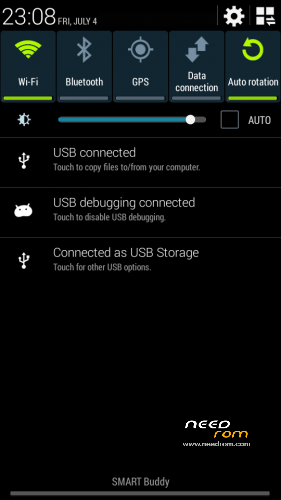
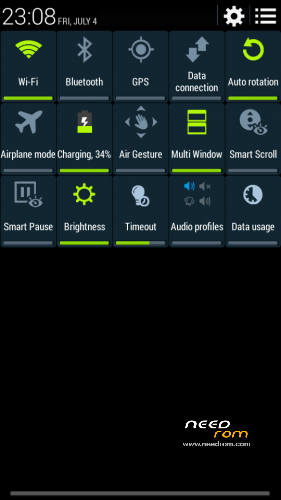
Ported Star i9000 Tirta / halentech S4 4.2.2 base
Changes:
Supercopy Note 3
Fixed a2dp bluetooth
Fast GPS Lock
Add Wallpapers
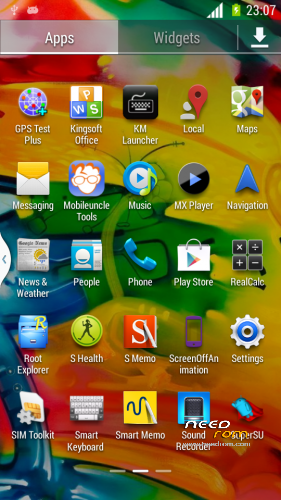
Modified pre installed apps
Working:
Almost all
Not working:
Face Unlock
Voice Unlock
Smart Pause
You tell me
How to install
wipe data factory reset, wipe cache, wipe dalvik cache
Install zip from sdcard > choose rom after flash reboot
※Please make a backup of your device before installing or updating ROM
Nice rom…
Touchdown not working…
What about notification led?Is it functional?
Using Lightflow is the best option for notifications led.
camera support hd recording?
Stevedat led flow doesnt work. No led flashing. What other options can you suggest?
I mean lightflow app. Did u try lightflow on your 770? If so, please let me know how it works. Thanks
I made this video a long time ago when i was using Miui ROM.
I now using ROM 4.2.1 and still enjoying it – Lightflow works well.
I have used it from ROMs such as: S110, S113, Lewa, Miui, 4.2.2 – it has been working well so far.
You just need to follow all my settings in Lightflow and it should be "light on" for you.
Note:
Granting Root is required.
Lightflow works just enable all Breath light then in notification change all breath to Solid.
In Galaxy Locker app in more advance settings change screen Timeout to 5s
Gravitybox works just goto about-use Holo background to see black labels to white.
I sent you a PM, have you received it buddy?