
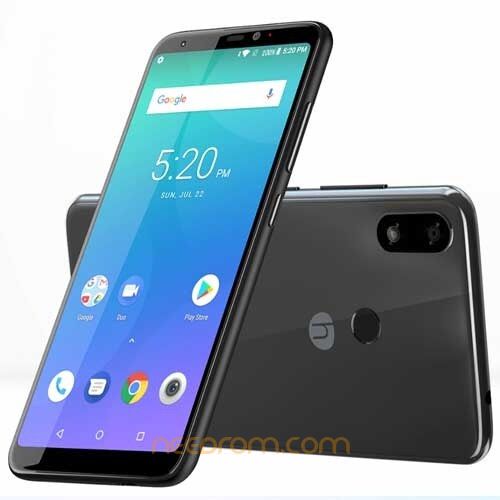
- Title: Symphony V138 FRP File
- Listed: June, 2026
- Last modified: 06/26/2026 6:41 am
- Version: V4
You must be logged for ROM download.
803 total views, 1 today
1 Total favorites
 Member Info
DESCRIPTION
⚠️ Disclaimer: Flashing carries risks. Always back up your data and ensure you have the correct firmware for your specific device model. Proceed at your own risk!
Flashing Guide (SPD UpgradeDownload Tool)
-
Prep: Install Unisoc/SPD driver. Open UpgradeDownload.exe.
-
Load: Click the Load Packet button (gear icon) and select your
.pacfirmware file. -
WARNING: Flashing overwrites existing data and carries a risk of bricking if the firmware is incompatible or interrupted. Ensure your device battery is charged above 50%.
-
Start: Click the Start Downloading button (play icon).
-
Connect: Power off your device, hold the Volume Down button, and connect it to the PC.
-
Finish: The process bar will turn green once it reaches "Passed."
Password: bypassfrpfiles.com
※Please make a backup of your device before installing or updating ROM