
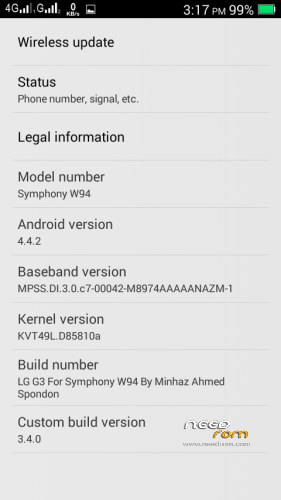
- Title: Symphony W94 LG G3
- Listed: July, 2015
- Last modified: 07/28/2015 3:51 pm
- Version: 4.4.2
You must be logged for ROM download.
13446 total views, 1 today
2 Total favorites
 Member Info
DESCRIPTION
Hey all…
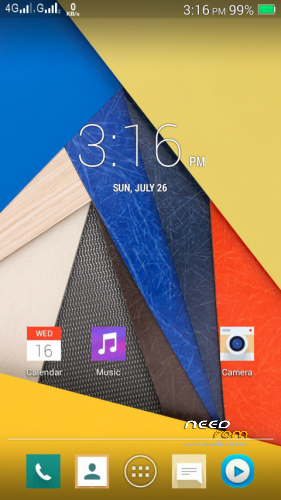
I am here with my new port for Symphony W94-
LG G3 UI Rom. This rom is much faster then any other rom for spice mi 509 with no bugs.
This Rom is my own favorite rom.
Features:
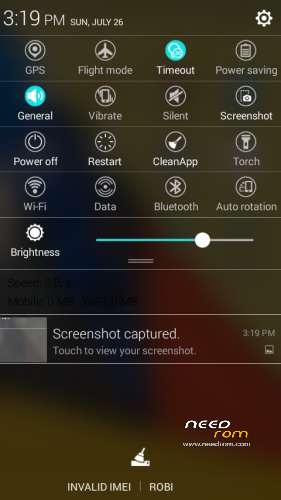
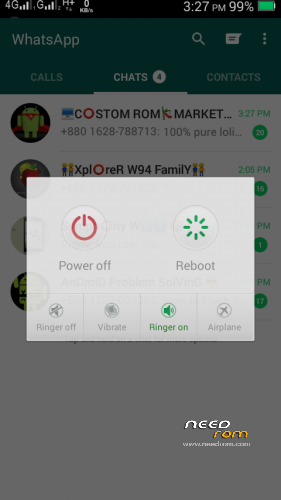
1. Awesome UI
2. More Free Ram
3. More Battery Efficient
4. Stable and Smooth
5. Good Camera Quality
6.Awesome Dolby Effects
7. Without bugs
8. Play Store working
9.Deodexed app,priv-app&framework for optimization
10.G3 ringtones and other
*****And Much More*****
11. Specially Internal bug fixed
::: Procedure for Flashing a custom rom via Philz recovery :::
#go to PhilZ recovery by pressing (power button + volume up button)
#select "Wipe and Format Options" >>>
then select "Factory Reset">>> Yes
#then Select "wipe cache">>> yes.
# then select "Wipe dalvik/ART Cache cache >>> Yes
#then Return to the main menu again pressing +++Go Back+++
#select "Install Zip" >>> Chose Zip From/storage/sdcard1 >>> select –Custom Rom>>> yes.
#then a process will occur.
#wait untill it finish
#then reboot your Primo RH
::::::: Procedure for Flashing a custom rom via CWM recovery :::::::
#go to cwm recovery by pressing (power button+ volume down button)
#select wipe/data factory reset >>> then select yes.
#Select wipe cache partition>>>then select yes.
#then select mounts and storage>format/system>yes format
#then select advanced option>>> then wipe dalvic cache and wipe battery stat.
#then Return to the main menu again.
#select Install from sd card > install zip from SD card > select –Custom Rom> yes.
#then a process will occur.
#wait untill it finisheS
#then reboot your Primo RH
::::::: Procedure for Flashing a custom rom via TWRP recovery :::::::
# Power off your phone.
# Turn your phone on in recovery mode (by pressing VOLUME UP + POWER buttons).
# Go to TWRP { Also known as Recovery Mode. }
# GO > WIPE> ADVANCED WIPE> SELECT – DALVIC CACHE, CACHE, DATA, ANDROID SECURE, SYSTEM AND THEN SWIPE TO WIPE
# THEN A PROCESS WILL START AND WAIT UNTILL IT FINISHED.
# THEN SELECT- BACK AND RETURN TO MAIN PAGE.
# NOW THE FINAL PART- SELECT – INSTALL> SEARCH YOUR ROM
# AND THEN SWIPE TO CONFIRM FLASH.
# WAIT UNTILL IT FINISHED.
# THEN WIPE CACHE/DALVIC CACHE.
# REBOOT YOUR PHONE/SYSTEM REBOOT.
Dhonnobad Sobaike
Amar jonno sobai dowa korben please………..
※Please make a backup of your device before installing or updating ROM
NICE VAI
vai link ta agin den…plz