
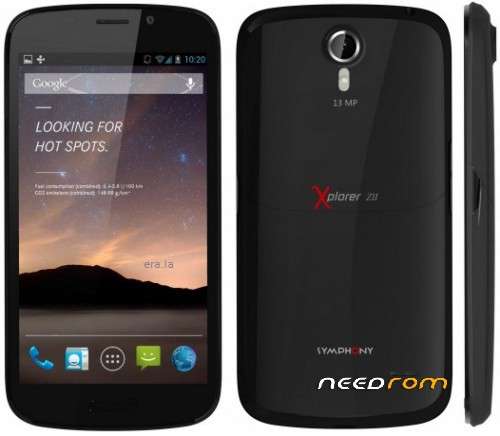
- Title: Symphony ZII
- Listed: March, 2017
- Last modified: 03/30/2017 1:44 pm
- Version: Android OS,V4.2.1
You must be logged for ROM download.
10508 total views, 1 today
 Member Info
DESCRIPTION
Setup>>5>>>>Download sp Flash Tools >>>>>>>>>>>>>>>>>>>>>>>>>>>>>>>>>>>>>>>>

Setup>>6>>>>>Now open Sp flash Tools>>>>>>>>>>>>>>>>>>>>>>>>>>>>>>>>>>>>>>>
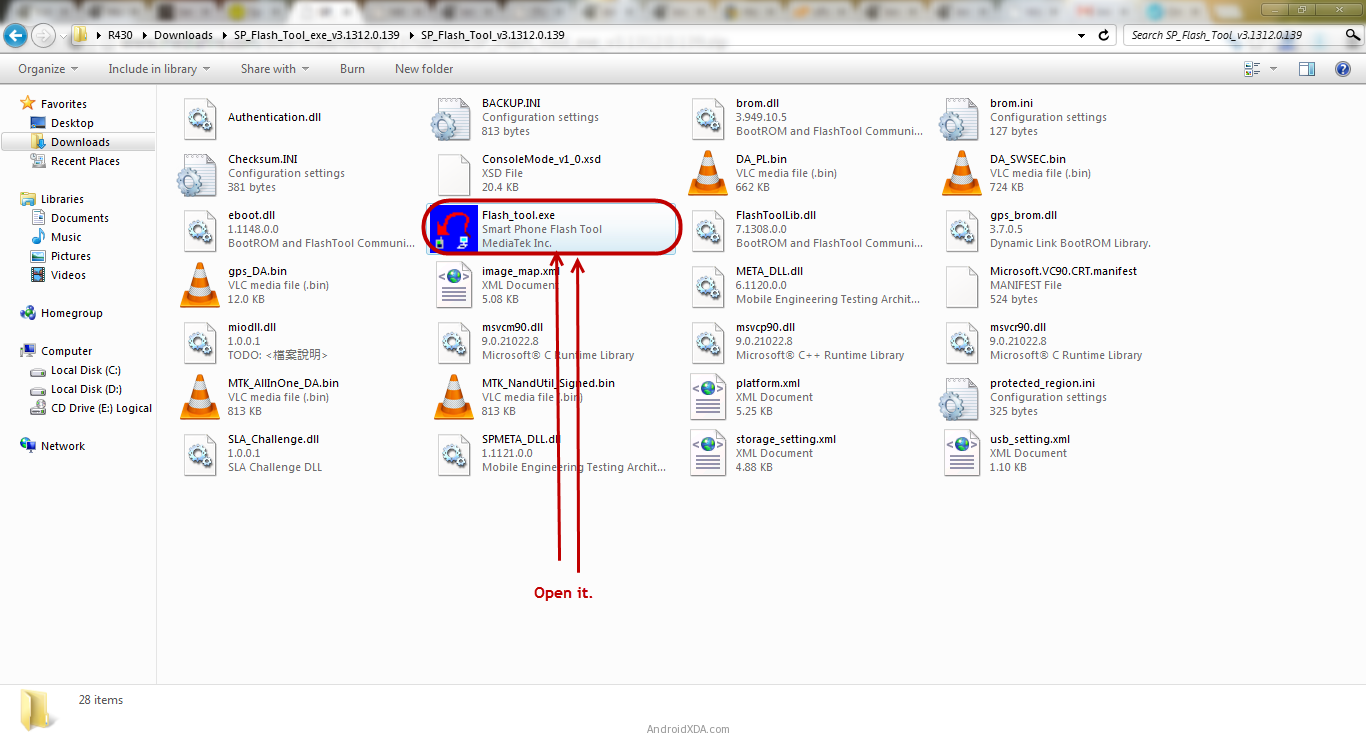 How To Flash China Smart Phone Using SpFlash Tools
Setup>>>7>>>One Official Flash Tool is launchd ,Click on Scatter -Loading Button From The Right>>>>>>>>>>>>>>>>>>>>>>>>>>>>>>>>>>>>>>>>>>>>>>>>>>>>>>>
 How To Flash China Smart Phone Using SpFlash Tools
Setup >>8>>Now locate the Scatter File (You Will Find Thes File China mtk smart Phone official Firmware.>>>>>>>>>>>>>>>>>>>>>>>>>>>>>>>>>>>>>>>>>>>
 How To Flash China Smart Phone Using SpFlash Tools
Setup>>9>>Now Click The Download Button To Bing The Flashing process>>>>>>>>>>>>>

Setup>>10>>Now Connect Your mtk SmartPhone ( Android ) To The Computur using Usb Cable Without>>>>>>>>>>>>>>>>>>>>>>>>>>>>>>>>>>>>>>>>>>>>>>>>>>>>
bettry After Connecting The Divice To The Computure Volume Down Or Volume Up Ky So That your
Computure Easily Detect Your Android phone>>>>>>>>>>>>>>>>>>>>>>>>>>>>>
Setup11>>Once Flashing is Computure ,a Green Ring Will Appear>>>>>>>>>>>>>>>>>>>>>
 How To Flash China Smart Phone Using SpFlash Tools
Setup>>12>>Close The Android Smart phone Sp Flash Tool On Your Computer And Disconnect Your
Smart Phone From The Computer>>>>>>>>>>>>>>>>>>>>>>>>>>>
Congratulation Now your mtk Android Smart phone is Successfully running.>>>>>>>>>>>>>>>>>
Thes Tutorial only China mtk Smart Phone Android Official Flash Tools .>>>>>>>>>>>>>>>>>>>>>
Symphony Xplorer ZII Latest Flash File Download
※Please make a backup of your device before installing or updating ROM