
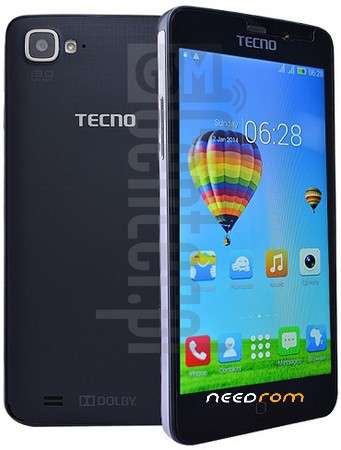
- Title: Tecno F6 MT6582 100% Tested Firmware
- Listed: February, 2018
- Last modified: 02/19/2018 2:18 pm
- Version: Android 4.4.2 KitKat
You must be logged for ROM download.
10293 total views, 1 today
 Member Info
DESCRIPTION
How to Install 4.4.2 KitKat For Tecno F6
Step no 1: Download Latest Stock ROM And extract The Firmware File on your computer.
Step no 2: After Extracting Official File you will find the SP Flash Tool Computer Based Software, Update Instructions & Drivers.
Step no 3: Now Install The Latest Android USB Drivers (skip this Step If Your PC Already has a Drivers).
Step no 4: RUN the SP Smart Phone Flash Tool Software Then Select the Scatter File from the stock ROM Files folder.
Step no 5: After The Complete Setup Connect your Device to PC or laptop using the USB Data Cable.
For Complete Flashing Guideline and For Downloading Tools You
※Please make a backup of your device before installing or updating ROM