
- Title: THL 4400 LeWa OS 5.1
- Listed: October, 2014
- Last modified: 10/02/2014 1:00 pm
- Version: 5.1
You must be logged for ROM download.
19866 total views, 1 today
2 Total favorites
 Member Info
DESCRIPTION
description:
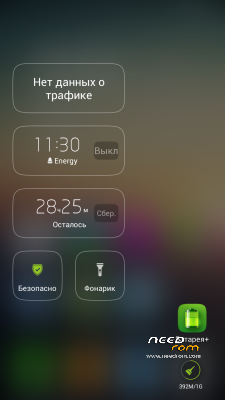
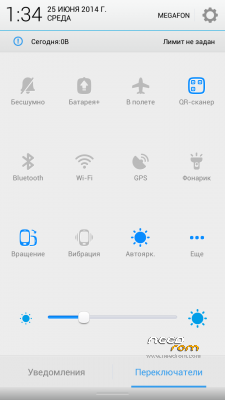
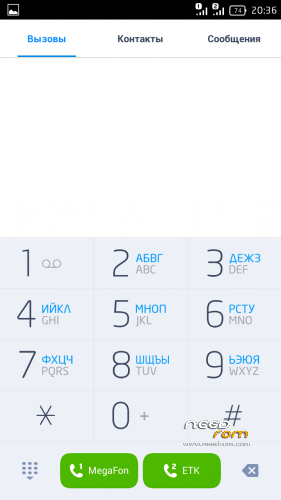
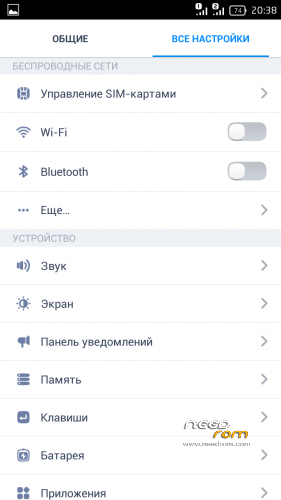
Firmware deodeksirovana
Photo in full screen
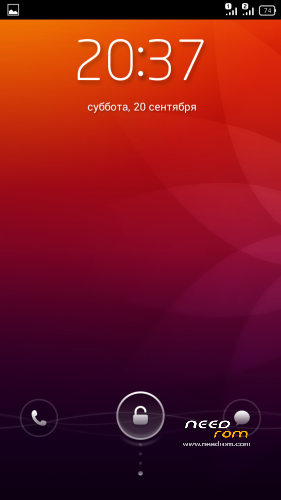
Service on Lokskrine
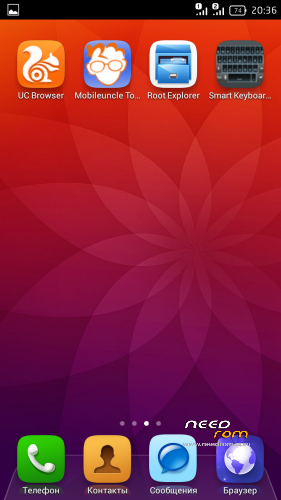
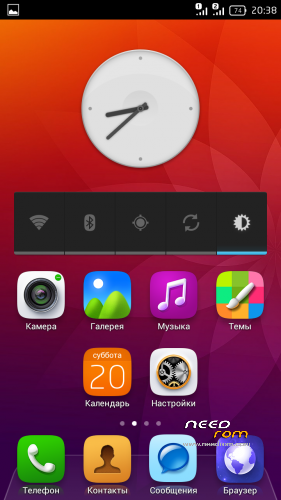
Add a wallpaper
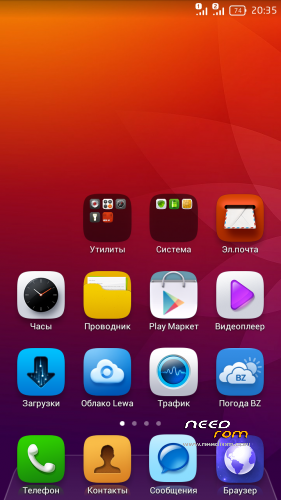
Removed from the firmware:
Lewa AppStore
Lewa Cloud
Lewa GameCenter
Lewa Search
Lewa Updater
MtkWorldClockWidget
VideoFavorites
Galaxy4
HoloSpiralWallpaper
LewaPond
LewaPush
LiveWallpapers
MTKAndroidSuiteDaemon
PicoTts
Substituted Chinese calendar Lewa
Replaced Weather Weather BZ from Burgerz
Added a animation for inclusion
GAPS present.
setting:
Put out by CWM, TWRP
- In Recovery makes the point: Wipe Data, Wipe Cache, Wipe Dalvik Cache;
- Install the zip with the firmware and reboot the device;
- Attention! In this case, all the data and programs previously installed will be deleted!
Backup necessarily !!!
※Please make a backup of your device before installing or updating ROM
10download and still no review… hmmm still enjoying miui downloading in progress porting on tuesday! big thankz to smookesva!!!!
smooth ui love this than the miui…….. thumb up for smookesva for these lovely custom ROM coming in from his stable
No otg support… and pls who knows how to fix this system storage running out of space thing as it kips bugging me
sadly there is no root previllages
A realy good job.
Until 3 weeks I use this rom and could not find a error.
how do i install this rom guys?
been using it for few days, it looks really nice, it works perfectly stable…only thing it was unrooted after first boot with this rom so you will have to root your phone again (i just use RootGenius it is one click root in 1-2 minutes so it is not a problem)
it also comes with gaps, i dont know why this rom isn't 5/5 it really works PERFECT lol
and for those who have problems with internal memory, use your sd card for second partition just google it
i personaly did this:
1. in cwm "partition sd card", 4096 MB, swap 0 MB (you can also do it directly on your PC with minitool partition wizard free edition
2. installed link2sd, it found second partition automaticaly, just pick ext2, reboot and you are good to go
link to sd card -> whole app is moved to sd card (your second partition) but it is a little bit slower, cuz internal memory is faster obviously
How to install this rom? I've made everything according instructions (Wipe Data, Wipe Cache, Wipe Dalvik Cache), during installation there was no error messages, but the phone hangs on reboot…