
- Title: THL 5000 SGS_UI
- Listed: May, 2015
- Last modified: 05/19/2015 4:08 pm
- Version: multilanguage
You must be logged for ROM download.
22779 total views, 3 today
6 Total favorites
 Member Info
DESCRIPTION
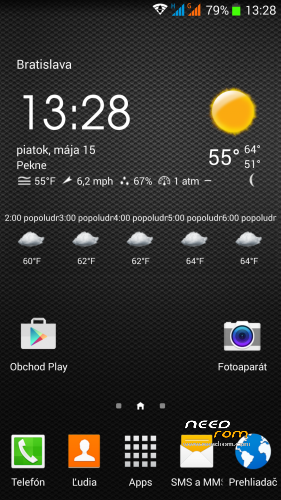
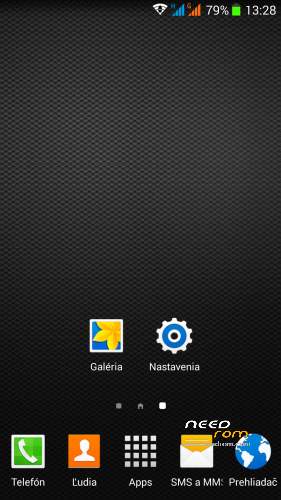
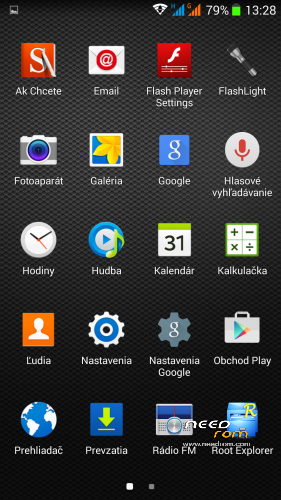
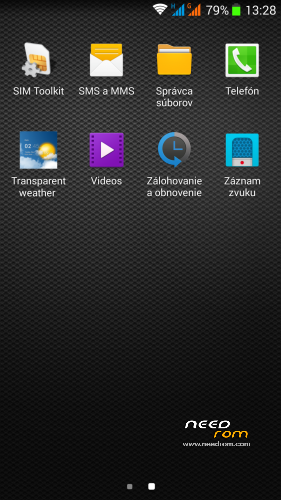
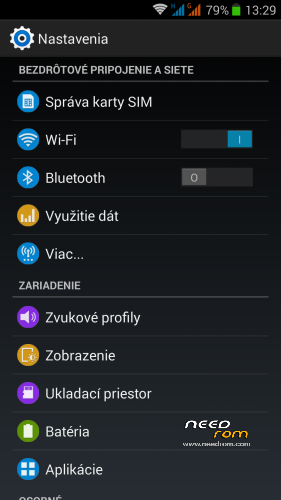
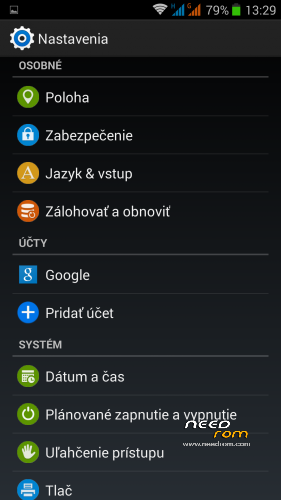
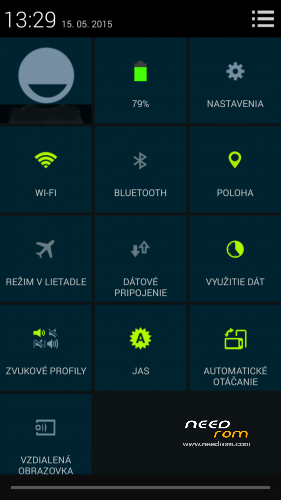
THL 5000 SGS_UI – newest ROM from excellent ukrainian author Dimid/iv2012 (see below this post and please donate him on WebMoney, it's a pity that Dimid hasn't Paypal), based on slightly improved Ultimate ROM engine, GAPPS are included. Some people asked me to upload ROM here, Dimid gave me permission. I prepared special patch which remove the residual cyrillic and add missing translates.
Languages: Multilanguage
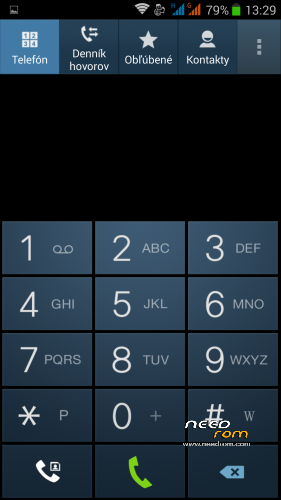
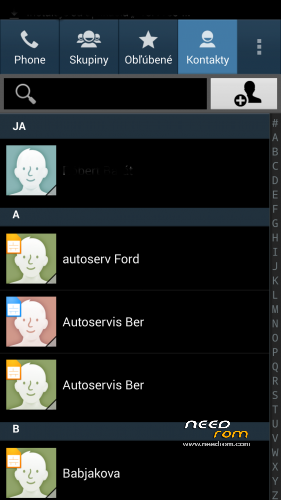
Mistakes: Samsung Contacts application has a small bug, does not search contacts by clicking on the alphabet at the right edge of display (see additional patches). It's a trifle, normal search window works well. If you want to use contacts search by clicking on the alphabet at the right edge of display, install exDialer from Google Play.
Installation: (as usually from TWRP)
1 - save the ROM file on the SD card
2 - jump to TWRP recovery, if you haven't it, install it (installation instructions are here, sorry in slovak language only,use Google translator): http://androidforum.cz/twrp-2-7-1-0-root-pre-thl-5000-t57731.html
3 - click Wipe and select items: Dalvik Cache, System, Cache, Data, Int.SDcard (optional) and Android Secure, then click Swipe to Wipe
4 - click on Install, choose ROM file and install it - click Swipe to Install, then click Reboot System
5- go to TWRP, istall file SGS_UI_NewTranslates2.zip - click Install, then Wipe Cache/Dalvik, then Restart to system
5 – finish
Otional patches ():
SGS_UI_NewTranslates2.zip - remove residual russian curillic and add new translates
Root_thl5000.zip - install Superuser.apk (ROOT) - necessary for e.g. TitaniumBackup, etc.
Kernel110_old_disp.zip - Kernel for old type displays (repair Gama value to "2.0")
Modem_st_850.zip – for testing purposes, original THL modem 850/2100MHz. If you have problems with wifi/3G, try this. It will replace integrated 900/2100Mhz modem from Dimid (several people reported small problems, me not). This modem may be used in any Dimids ROM. If you do not have problems, do not install.
Other patchs are not necessary now. Everything is integrated in the file UltimateV3_NewTransl&Patch1.zip.
Two alternative patches, which are mutually rewritten, therefore always install only one of them:
Dialer_ST1.zip – Install classic Dialer and Contacts from firmware Ultimate ROM (fully support flip cover)
Contacts1.zip – Revert back Samsung Dialer and Contacts. This original Contacts have a small error, does not search contacts by clicking on the alphabet at the right edge of display. Caution: if you are using sync Google contacts, patch erase them! After installation, it must therefore be re-synchronized.
Didmid page: http://4pda.ru/forum/index.php?s=&showtopic=592576&view=findpost&p=40036564
Dimid donation – WebMoney:
WMU: U413791826969
WMR: R386284664505
WMZ: Z333649149339
※Please make a backup of your device before installing or updating ROM
bootloop after flashing from CM 12.1 lollipop ROM.