
- Title: VibeUI 2.0
- Listed: May, 2015
- Last modified: 05/04/2015 2:36 pm
- Version: v.1507 7.21.1
You must be logged for ROM download.
19081 total views, 3 today
4 Total favorites





 Member Info
DESCRIPTION
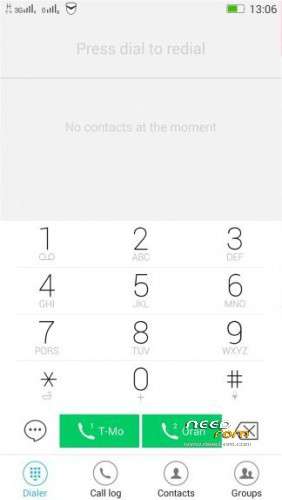
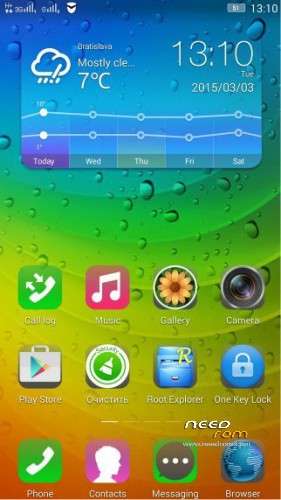
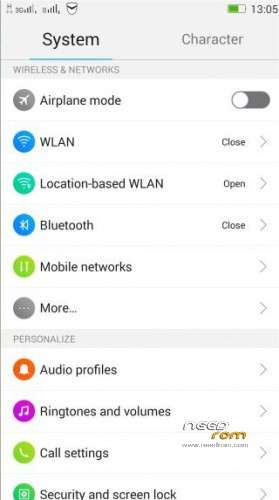
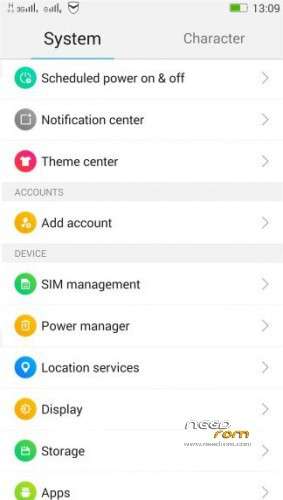
THL 5000 VIBEUI 2.0 Final / VibeUI 2.0 1507 7.21.1 - next ROM from excellent ukrainian author Dimid/iv2012 (see below this post and donate him on WebMoney, he hasn't Paypal). It is port from phone Lenovo s939 2.0 VibeUI 1507. No OTG and NFC, ROOT and GAPPS are included. Dimid gave me permission to upload ROM here.
Dimid version originaly support only three languages: english, russian and chinesse. Therefore, I prepared a patch file that expands the number of languages at number 59. I am still working on better translations. (if you want to support me in next translations, click to Paypal button on this page, This is not a button to support Dimid).
To see all supported languages click here (picture): https://www.needrom.com/wp-content/uploads/userfiles/2015/all3.jpg
Installation:
Before flashing make a full backup of the current system in TWRP (Boot, Logo, Nvram,Recovery,Uboot,System,Data). If you will want to return previous ROM, simply restore the backup.
1) install drivers on PC (support Win 7/8 – 32/64bit)
- unpack archive "Driver_Auto_Installer_v1.1236.00.zip" to folder e.g."C:\x\", will get folder "Driver_Auto_Installer_v1.1236.00"
- in this folder run as administrator file "Driver_Auto_Installer_v1.1236.00\Install.bat"
- during the driver installation will shows window, click on second option "Install the driver software"
- be patient, wait until shows the black box with message "Press any key to continue …"
- now press Enter, the window will close
- restart PC
2) Install ROM – Flashtool
- upack archive "THL5000_VibeUI_1.5GB.rar" to folder "C:\xx"
- unpack file "SP_Flash_Tool_v5.1352.01.rar" to folder e.g. "C:\xxx" and run file "flash_tool.exe" (when you first start the following error message appears, click OK)
- then will open the program window, on the right side, click on the "Scatter-loading" and select the file "C:\xx"\MT6592_Android_scatter.txt and click on "Open"
- will get this screen
- in the menu Options\Option\Download set checkbox "DA DL All with Checksum"

- in the drop-down list, select the firmware methods "Firmware Upgrade"

- switch OFF your phone (very important!)
- click the "Download" button, seemingly nothing happens, the computer is waiting for your phone
- now connect your phone (phone is OFF) to the PC
- the process will start, red/yellow/magenta/yellow progress bar will appear at the window bottom (wait to starts/finish process)
- finally will shows this window
- done, switch OFF phone,close the program in the PC, disconnect the phone and then run it
- start your phone
- when first start the setup process starts, select english language
- go to TWRP and install combo patch file NewTranslat&Patch_6.zip (click Install button, then button Wipe Cache/Dalvik, then click Restart button) – it will install all Dimid patches and additional languages.
Adittional patches
- The core for the new display type - VibeUI_boot_1.1.2_fixed.zip
- All other original patches BT_Fix.zip, ideaFriend.zip, GreenLed100.zip, ScreenRecorder.zip are now included in one combo patch file NewTranslat&Patch_6.zip.
Why is this version FlashTool, not for TWRP? Because Dimid had to repartition the memory to increase the size of the partition / system. In our small stock section does not fit the big firmware. If in the future you will be flashed using Flash Tool other firmware, it is necessary to save the layout to be copied from the replacement of the firmware files MBR, EBR1, EBR2, MT6592_Android_scatter.txt. Marking does not affect the subsequent firmware through recovery. His older backups also can restore this layout. Now under the system allocated 1.5 GB of internal card about 9GB. It was in the drain 800 mb, 9.77 GB. Size Userdata stayed prezhdnemu. All future firmware will do in view of the new layout. (Translated from russian).
Dimid pages:
http://forum.china-iphone.ru/thl-5000-neoficialnie-kastomnie-proshivki-t35956-40.html#p1388722
http://4pda.ru/forum/index.php?s=&showtopic=592576&view=findpost&p=38571574
Dimid donation – WebMoney:
WMU: U413791826969
WMR: R386284664505
WMZ: Z333649149339
※Please make a backup of your device before installing or updating ROM