
- Title: THL T100S Nexus Experience
- Listed: April, 2014
- Last modified: 04/11/2014 9:58 pm
- Version: 4.2.2
You must be logged for ROM download.
24453 total views, 2 today
 Member Info
DESCRIPTION
UPDATE: I will no longer be giving support for this rom. I am busy working on a Deodexed, with xposed. Thank you. Enjoy.
Welcome To My THL T100S Nexus Experience Custom Rom.
I was opting for a full nexus experience and I think I achieve it. The common Chinese UI etc was just not cutting it so I decided to build this custom rom. (odex)
This rom is rooted with Supersu apk, BusyBox and all the bloatware and unnecessary apps have been removed (NO CHINESE APPS). I have found no bugs whilst using this rom.
This rom is based on the latest Stock Rom For the THL T100S.
I have added the following:
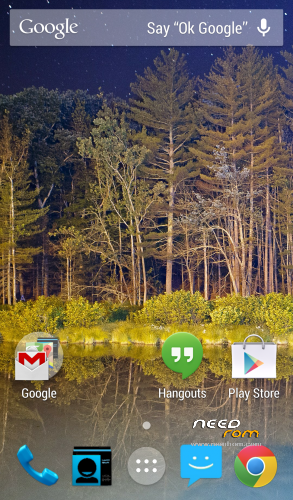
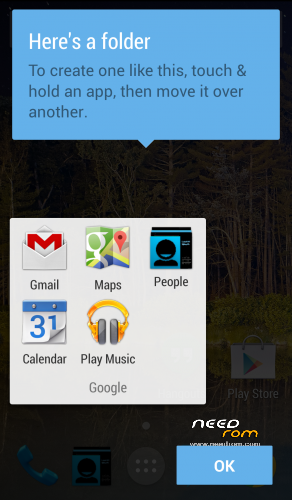
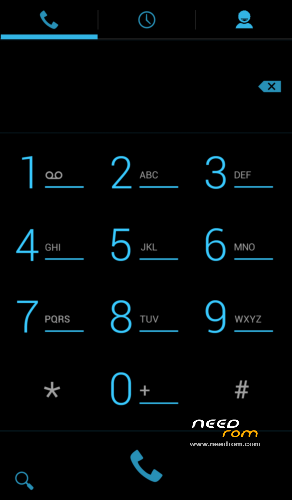
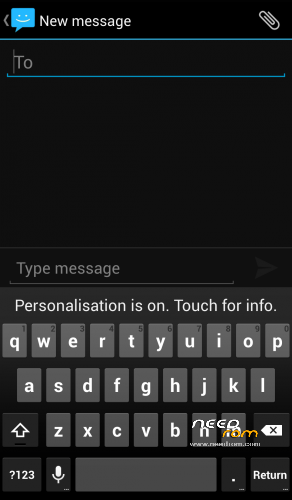
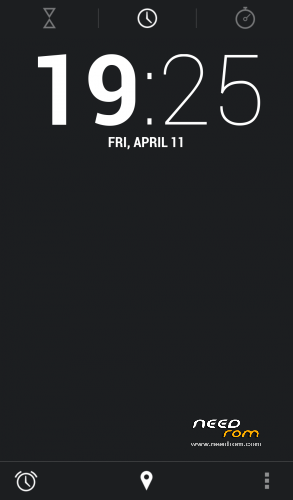
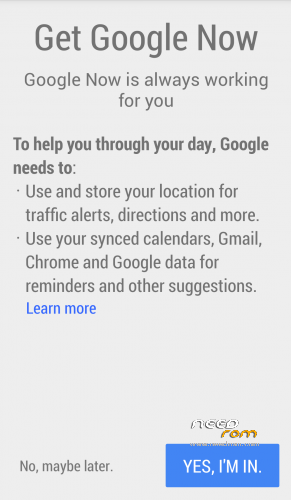
Google Home Launcher, Google Now, HOT KEY ”OK GOOGLE”, Nexus Calculator, Nexus Messaging with inverted colours, Nexus Dialler with inverted Colours, Nexus Phonebook with Inverted Colours, Nexus 5 Google Keyboard with Personalisation, Nexus Clock, Nexus Calendar, Hangouts, Play Music, Google Device manager(useful app), Google Quick office, Gmail2, Maps, Chrome, flash player, es file explorer, es task manager………….
GPS fix is almost instant and the navigation works second to none. Build.prop has also been edited and should give you access to all apps in play store.
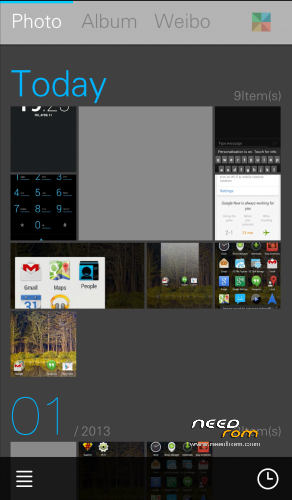
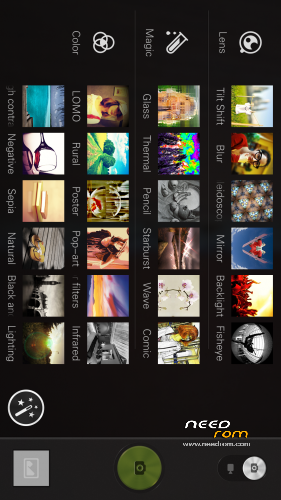
I opted for MX Player for the standard video player as it can play any format and has never let me down. ES File explore is also included in the system apps as it lets you explore the root of the phone for customisation. The Nexus Camera and gallery has been removed and replaced with the far more superior SUPER camera and Gallery (Excellent quality pictures with endless customization, You won’t be disappointed). If you would like the nexus camera and gallery which includes 13mp support, however photosphere is not working as the THL does NOT have a gyroscope, (well mine anyways) let me know and I’ll update another rom with your requests. Before you opt for the Nexus camera please install a test app for the Gyroscope to see if your THL T100S is equipped with one.
I’m busy working on a full deodexed rom which will support xposed framework and gravity box which should be coming soon. If you’re happy with this rom, Please donate so we may bring you more fantastic roms. Don’t forget to rate it!
Installation instructions:
1: Back up your phone,
2: Do a full wipe of the system, Wipe Cache, Wipe Dalvic Cache, Wipe data. ( You may get some bugs if you miss this step)
3: Flash with CWM or TWRP
4: Enjoy!!!!!!!!
Regards
Tigerwishpaw.
Spoiler: As with any custom rom there will always be a risk of BRICKING. I am not responsible for anything that goes wrong with your installation. Please remember to do a full back up of your system prior to installing.
TIP: I noticed a small plastic film in my back camera lens, after I removed this the picture quality was excellent.
Updated: VPN support added.
※Please make a backup of your device before installing or updating ROM
@tigerwishpaw
hi yes its about phone recording (not voice recorder)
thanks i have got it
Btw will hope soon release with deodex rom ;) and support xposed (and gravity box too )
nice rom
Glad you're happy, I busy working on deodex rom as we speak. take care.
how can i add contacts from sim2 i can not see
Go to contacts, press menu button (bottom left next to home), Import contacts from sim.
import only from sim 1
I will look into this later in the day. Will get back to you.
hi
I have used carliv touch recovery but when i have tried to restore from sdcard, i have received this:
"Checking MD5 sums…..
MD5 mismatch!"
sure, i am the problem, but i don't understand
tnx!
Flash a stock rom first, Then flash this over the stock rom, do a full wipe.
hello and when i turn off the phone i can not open it..i must remove the battery first
I am not sure why that is, I have flashed this rom, tested this rom and have found no problems.
sorry tiger, but i am noob in android world
I must flash ne stock rom (maybe this? http://www.thlmobilestore.com/.....cal-rom-backup/) with SP_Flash_Tool?
then, i must install cwm, copy the zip on sdcard, reboot in recovery mode and install from zip?
Check your PM. Send you a message.
Please upload an original camera app, because it is the fastest cam I have tried so far and I don’t want to go back to previous rom only because of the camera app. Your rom is very good but why did you use 17 january rom and not the newer one (25 feb)?
This is 20feb ROM. I only used build.prop off 17 jan because was already tweaked and I tweaked a bit myself.
Ok, I see. Thanks for explanation. Can you upload the original camera apk?
is this rom has a video call setting/compatibility? not skype or any apps…