
- Title: THL T11 CM11
- Listed: May, 2014
- Last modified: 06/17/2014 4:02 am
- Version: 4.2.2 CM11
You must be logged for ROM download.
42412 total views, 9 today
1 Total favorites
CUSTOM


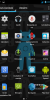

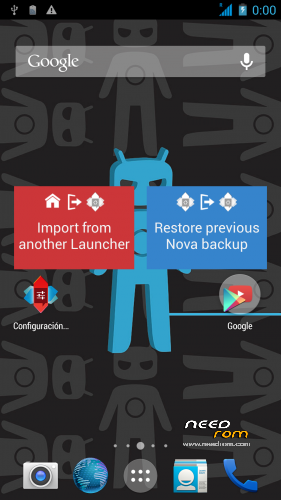
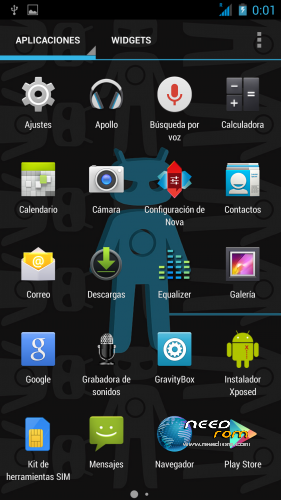
 Member Info
DESCRIPTION
Here's a version au JCampano CM11 T100S Rom for T11 with last T11 Boot.img
I don't test it a lot. but work on my T11
Please be sure to make a backup of your phone before !
Then just Wipe Data/Cache/dalvik
And update from CWM
V2 :
Correct APN issue.
Remove Gravity Box (now you can install it by xposed installer
GPS Fix
MobileUncle MTK Tools preinstalled.
V2.1 :
Update source to 2.1 from Jcampano.
fixe spn name, T11 module
Before flashing this be sure to have a backup of you IMEI ! (i lost mine randomly)
※Please make a backup of your device before installing or updating ROM
i'm trying to install msb_v2, finally.
I was on cm11v2.1; i made a cwm nandroid backup.
i tryed a restore from the nandroid but the restore goes on error.
I'm on rua1 autocwm v5.5.0.4 for thl t11.
Any ideas?
this is the best and stable ROM than ever.
Only one thing: it’s it possible to solve the smart wake problem? I must disable it.
Tnx
KeyChain.apk is missing in this ROM so you are unable to manage certificates.
any news about smart wake???
Hi everyone. I made data wipe/factory reset to install this ROM and my phone died. When I start the screen appears black/grey and I can't do anything. Can someone help me please??
when some upgrade of version with smart Wake up?
Greetings
Hello. I have the stock rom and want to put 2.1 cm11 but I wonder if it is absolutely necessary to back up imei or can I install the rom without problem. makes me unsure that person who does not turn the phone … and forgive the rough translation of google
You must have rooted your phone. Install Mobile Uncle Tools and make a copy of the IMEI it's very simple. Then enter to the recovery mode and install the ROM. I have a copy of my IMEI's but I never had problems with it. It's only for your mobile safety.
no !. I did the wipe data and phone died, I got the blue screen and did not return to work … can not be. how I can make it work again ??
First of all, you have to flash the stock ROM with SPFlashTools. Then you have to repeat all process, first, root your phone, then install a recovery (I suggest you to install Carliv Touch Recovery) with Mobile Uncle Tools and finally you can install this ROM. I don't think that you lost your IMEIs but if you made a copy as the creator of this ROM told us. Then you could recover it with Mobile Uncle Tools.
Is there the possibility to transfer apps from the internal memory to the SD?
expect a new rom kitkat 4.4 , thanks