
- Title: THL T11 LG-G3 RoM by frakk
- Listed: May, 2015
- Last modified: 05/19/2015 2:27 pm
- Version: 4.4.2
You must be logged for ROM download.
18238 total views, 2 today
7 Total favorites
 Member Info
DESCRIPTION
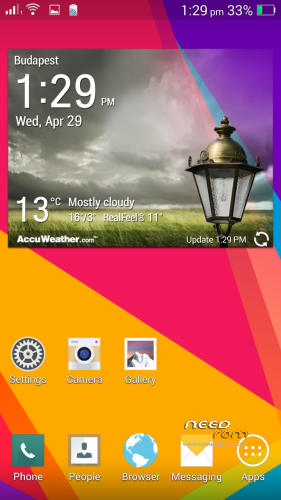
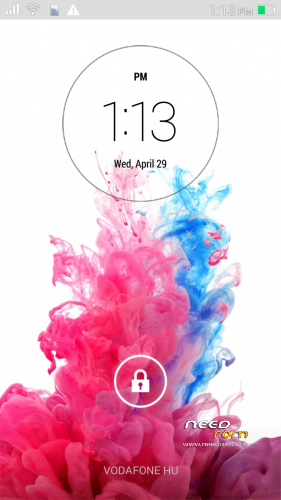
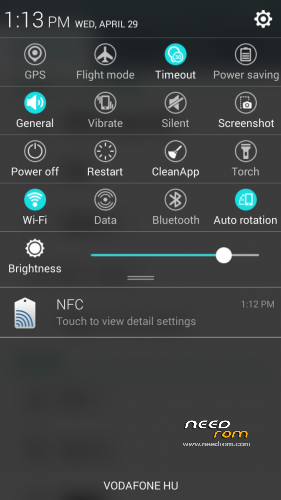
THL T11 LG-G3 RoM by frakk
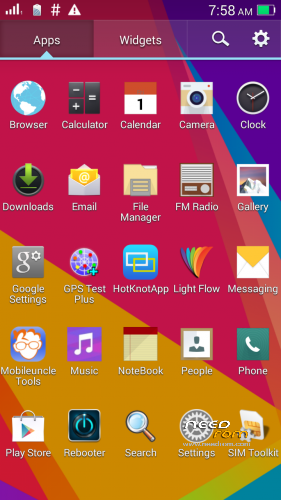
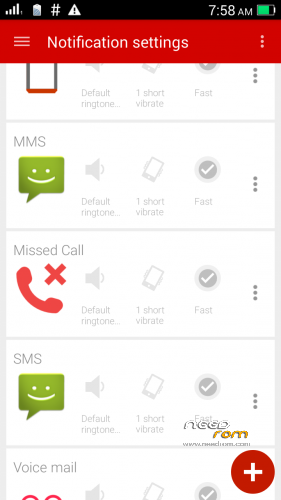
6582 port, not his own, but Light Flow app include works perfectly on LED notification!
(eighth picture the correct settings)
- Android 4.4.2
- ODEX
- Multilanguage version (default language:English)
- Gapps include
- Root (SuperSu)
LG App:
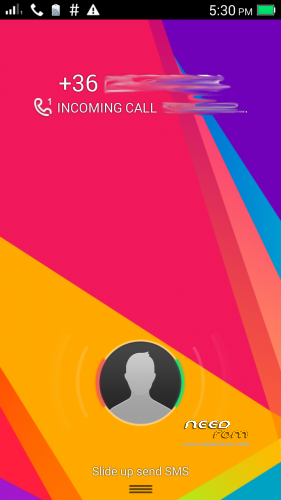
- LG LockScreen
- LG Bootanimation
- LG Camera
- LG Gallery
- LG File Manager
- LG Clock, Alarm, Stopwach, Timer
- LG Note
- LG Calender
- LG Calculator
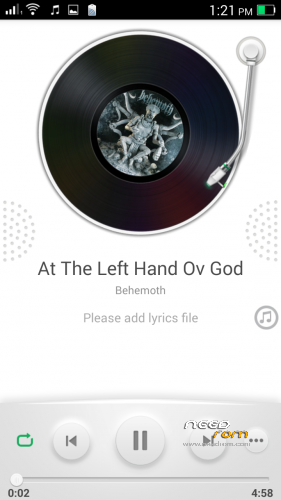
- LG FM Radio
- LG Torch
- LG Launcher
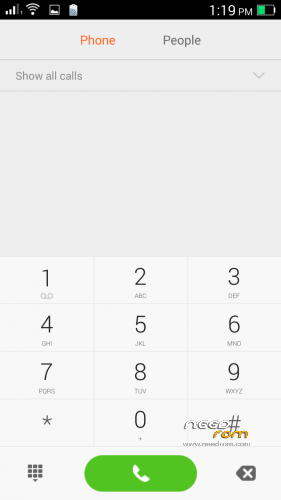
- LG Dialer
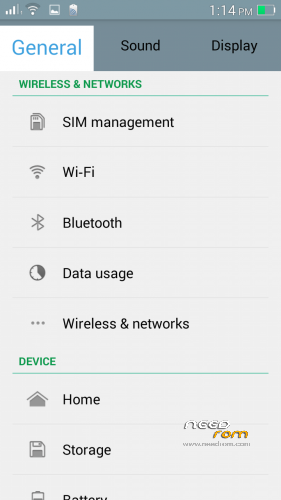
- LG Settings
- LG SystemUI
- LG TaskManager
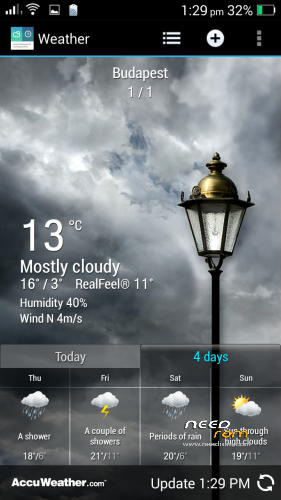
- LG weather apps and widgets
and many more
Plus Application:
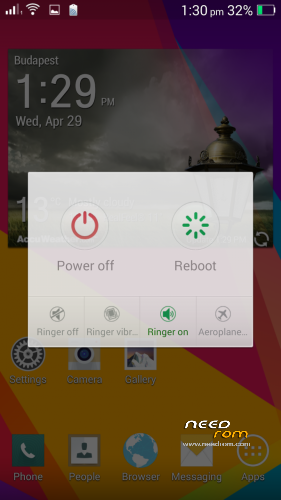
- Add Rebooter
- Add GPS Test app
- Add Mobileuncle MTK Tools
Please make a backup of your device before installing or updating ROM
CWM:
Step 1: Download the custom ROM copied to an external SD card root directory.
Step 2: the shutdown state. While holding down:
– Power button + volume button up, to enter the recovery mode.
– Wipe Data / Factory Reset -> delete all user data.
– Wipe Cache Partition -> Wipe cache.
– Advanced -> Wipe Dalvik Cache.
Step 3: Return to recovery main interface Install zip from sdcard -> choose zip from sdcard -> Select your ROM.
Step 4: Brush complete, restart
The phone Patience required – first boot takes a while.
※Please make a backup of your device before installing or updating ROM
You are a genius,Frakk !
esta se puede cargar con sp flazh tool
realy nice rom.Thanks!
Hi, i flashed it with TWRP and it looks like a stock 4.4.2 , do you think that is the problem? Flashing went well, and i have the wallpapers and etc. from G3 in the phone, but it looks only like official rom, not like the LG G3
Before rom install:
– Wipe Data / Factory Reset -> delete all user data.
– Wipe Cache Partition -> Wipe cache.
– Advanced -> Wipe Dalvik Cache.