
- Title: THL T11 MINIMAL RoM by frakk
- Listed: November, 2014
- Last modified: 11/05/2014 2:08 pm
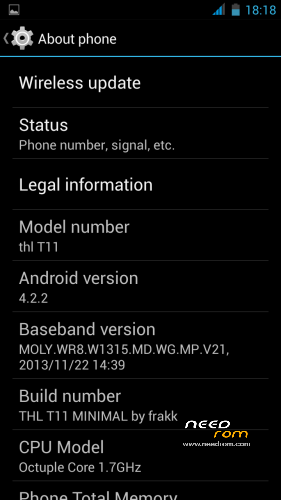
- Version: 4.2.2
You must be logged for ROM download.
18749 total views, 1 today



 Member Info
DESCRIPTION
THL T11 20140623 MINIMAL ROM:
ROM Based on Official ROM ThL T11 version: thl_T11.159A.A1.JB9.HD.EN.16P128.OV8825.MT6592GW.20140623 – V1_WCDMA
- 100 % Deodex
- Multilanguage version (default language:English)
- LED notifications FIX
- Gapps include
- Root (SuperSu)
- Add. busybox
- Add. Black THL Bootlogo
- Add. New Android L Bootanimation
- Xposed works
- Smart wake works
- Add. Fulscreen caller photo
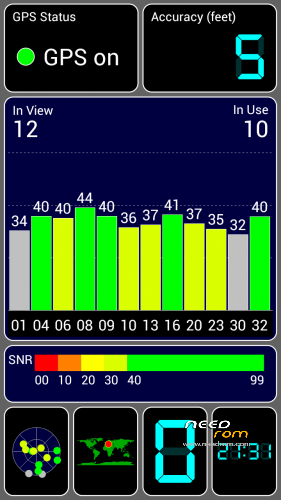
- GPS Fix (Europe)
- Build.prop edited
- USB Debugging icon from Status Bar Disable
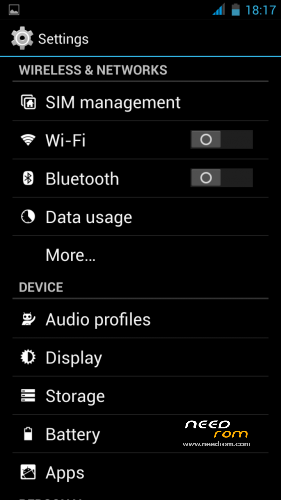
- Modified Settings menu (white icons)
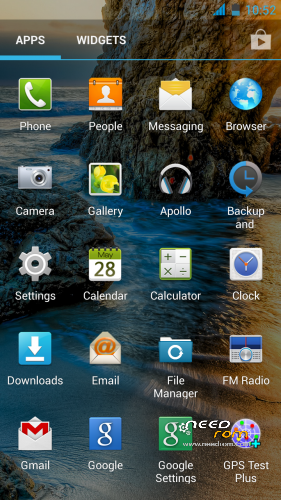
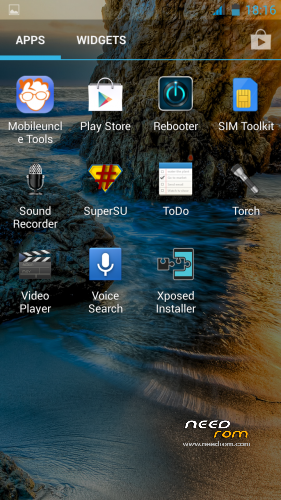
Add system app:
Xposed Installer
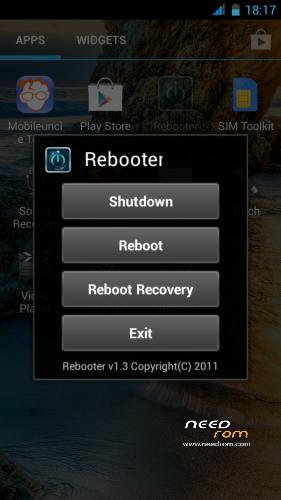
Rebooter
Apollo Music Player
GPS Test
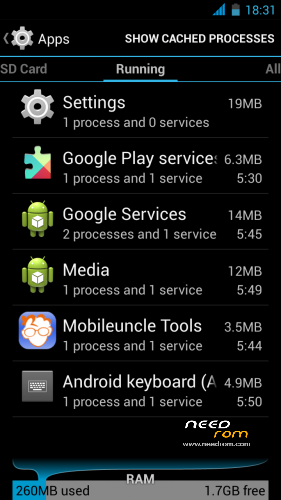
Mobileuncle MTK Tools
CM File Manager
Sound:
Ringtone:OldPhone.ogg
Notification sound:Thinkerbell.ogg
Alarm:Tictac.ogg
The other sound deleted
Delete Bootsound
Deleted apps and files:
Original file manager (instead CM File Manager)
Chinese apps
Chinese and Japanese keyboard
Default music player (instead Apollo Music Player)
Youtube application
BacicDreams (Daydream works, only empty)
Camera effects test videos (AndroidInSpace, Sunset)
Google Maps
Google Text-to-Speech
Google Ears
Live Wallpapers (Wallpaper picker works, only empty)
CWM PATCH:
+ OriginalContactPatch:restore original conatact and phone application
(No Fulscreen caller photo)
+ AndroidLSoundsPatch:add all Android L Ringtones, Notification, Alarm and System Sound
+ AllAppsRePatch :restore the deleted applications
(Filemanager, GoogleEars, LiveWallpaper, Maps, Music Player, Youtube, BasicDreams,Google TTS)
+OriginalMusicPlayer Patch:Restore Original Music Player (to operate in SmartWake "m" Drawing)
Make a backup of your NVRAM/IMEI before flashing highly recommended !
Install ROM:
CWM.
Step 1: Download the custom ROM copied to an external SD card root directory.
Step 2: the shutdown state. While holding down:
– Power button + volume button up, to enter the recovery mode.
– Wipe Data / Factory Reset -> delete all user data.
– Wipe Cache Partition -> Wipe cache.
– Advanced -> Wipe Dalvik Cache.
Step 3: Return to recovery main interface Install zip from sdcard -> choose zip from sdcard -> Select your ROM.
Step 4: Brush complete, automatic restart
The phone Patience required – first boot takes a while.
Install Patch:
Step 1: Download the PATCH, copied to an external SD card root directory.
Step 2: the shutdown state. While holding down:
– Power button + volume button up, to enter the recovery mode.
– Wipe Cache Partition -> Wipe cache
– Advanced -> Wipe Dalvik Cache
Step 3: Return to recovery main interface Install zip from sdcard -> choose zip from sdcard -> Select your PATCH
Step 4: Brush complete, restart
Thanks: 105kacsa, carcaca, JCampano, dheen, Dragonizer, brant34,well83 and Indiant
※Please make a backup of your device before installing or updating ROM
But why is not android 4.4??
Not out yet.
Some people have android 4.4 come to Germany shop
Never heard of it.
Dove hai sentito questa cosa? where did you hear this? \(•0•)/
Thanks so much Frakk
Downloading…
I will keep you posted about how your rom runs.
Regards
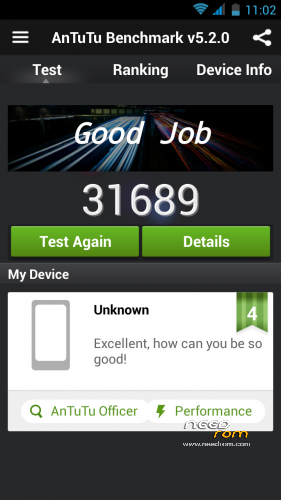
Everything is works fine. The style is nice, and this rom is the fastest.
Thank you frakk!
Does this ROM support Czech language?
these languages are included:
http://kepfeltoltes.hu/141111/.....ltoltes.hu_.jpg
The original contacts patch will solve the reverse contact names???
Yes
hi! what about this rom? friends who install this, works everything in rom? any serious bugs?
With this rom the phone stays at deep sleep mode after charging or the cpu sticks at 1144Mhz??
After all, follow the description.
"Power button + volume button up, to enter the recovery mode.
– Wipe Data / Factory Reset -> delete all user data.
– Wipe Cache Partition -> Wipe cache.
– Advanced -> Wipe Dalvik Cache.
Step 3: Return to recovery main interface Install zip from sdcard -> choose zip from sdcard -> Select your ROM.
Step 4: Brush complete, automatic restart"
????With this rom the phone stays at deep sleep mode after charging or the cpu sticks at 1144Mhz??
I did not change, such as the original.
Sorry for the big letters on the above comment!
I did not change, such as the original