
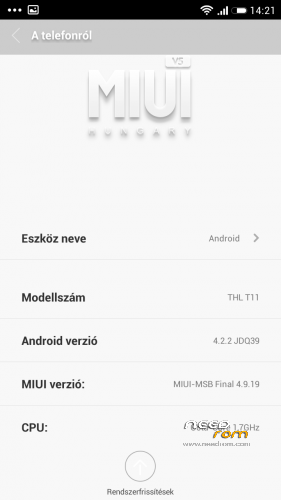
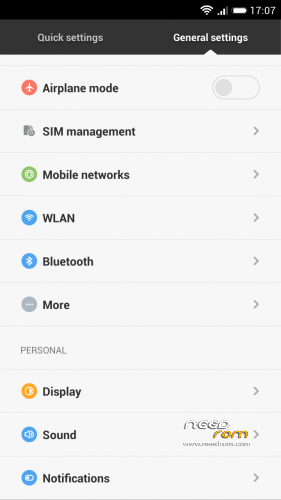
- Title: THL T11 MIUI-HUNGARY-MSB Final 4.9.19.multilang
- Listed: July, 2014
- Last modified: 11/10/2014 3:53 pm
- Version: MIUI 4.9.19 Final
You must be logged for ROM download.
36048 total views, 6 today
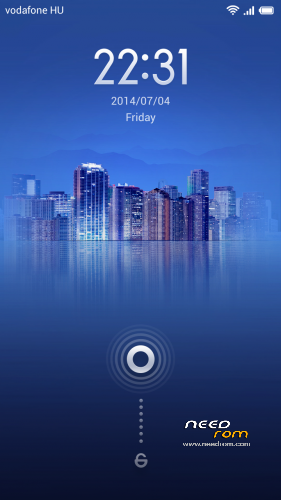
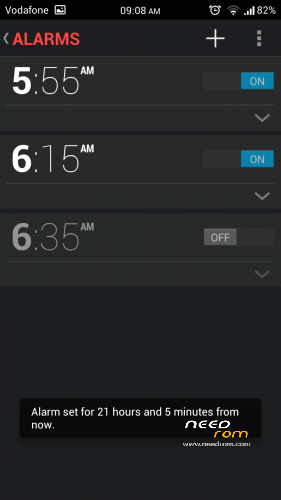
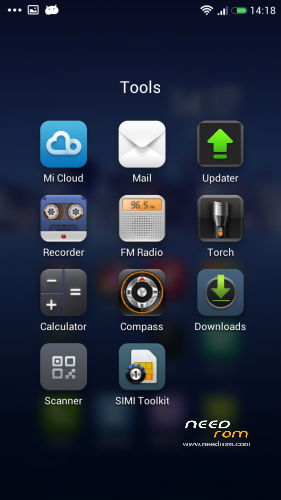
 Member Info
DESCRIPTION
We have best MIUI support over the World, so this ROM not big deal.
I implemented some improvements into ROM to myself and I share with you.
If you like it, use it.
ROM from Hungary
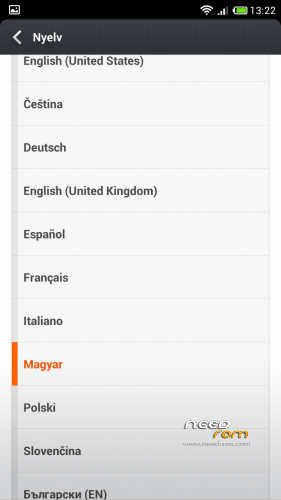
Language support: Multilang
*OTA weekly update (maybe)
If you are happy for my work, remember to donate on paypal
If you want me to post weekly updates regularly please remember to donate. Even 1$ is appreciated.
Base rom: nibiru H1
- added init.d support
- added sysctl support
- added zipalign support
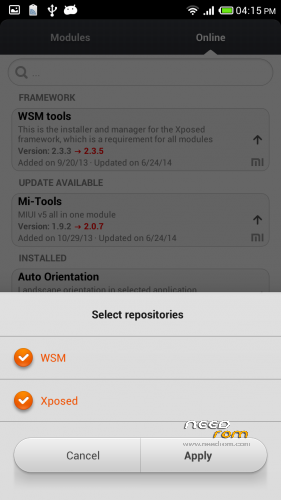
- added WSM tools, Mi-Tools, NetworkLocation fix, Auto Orientation, WSM MiThemes, Weather BZ, News & Weather
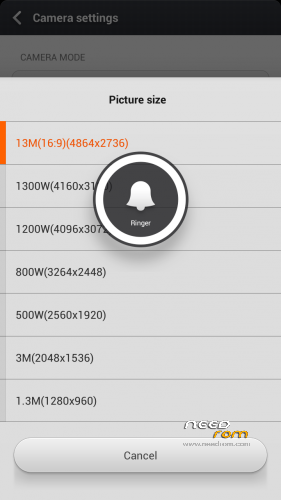
-camera feature (Picture size 13M 16:9 and New Clock (extra features)
Update: 2014.07.02. THL_T11-MIUI-HUNGARY-MSB.4.7.4.multilang v2
Update: 2014.08.08. THL_T11-MIUI-HUNGARY-MSB.4.8.8.multilang
Update:2014.08.18 THL_T11-MIUI-HUNGARY-MSB4.8.15.multilang
Update:2014.08.30 THL_T11-MIUI-HUNGARY-MSB4.8.29.multilang
Update: 2014.09.10 THL_T11-MIUI-HUNGARY-MSB.4.9.5.multilang
– Charging problem when phone turned off – solved
- Front cam fix
- Add Turkish language
Update: 2014.09.22 THL_T11-MIUI-HUNGARY-MSB.4.9.19.multilang
Make a backup of your NVRAM/IMEI before flashing highly recommended !
Install ROM:
CWM
Step 1: Download the custom ROM copied to an external SD card root directory
Step 2: the shutdown state. While holding down:
– Power button + volume button up, to enter the recovery mode.
– Wipe Data / Factory Reset -> delete all user data
– Wipe Cache Partition -> Wipe cache
– Advanced -> Wipe Dalvik Cache
Step 3: Return to recovery main interface Install zip from sdcard -> choose zip from sdcard -> Select your ROM
Step 4: Brush complete, restart the phone Patience required – first boot takes a while.
※Please make a backup of your device before installing or updating ROM
BT pairing works fine but once connected its shows no network
Have tried this update and still the same no problem connecting to the car kit
but all I get is No Network even though my phone has a network
MTK ENGINEERING installs, and modifies the IMEI, youtube searches the name of the app and there are many tutorials on how to do it. About the ROM is the best I've tasted. Thanks a lot
Download file
Coming soon !
based on latest MIUIandroid ROM
- multilanguage support 20+
(Arabic, Bulgarian, Chinesse, Croatian, Czech, Dutch, English, French, German, Greek, Hebrew, Hungarian,Italian, Korean, Polish, Portuguese, Brazilian, Romanian, Russian, Slovak, Spanish, Thai, Turkish, Vietnamese)
I just installed the lates version of this rom, is beautifull, but i losted root permisions and i am not able to install any app. Now I am trying to reroot my phon using root genius but it won´t let me, any suggestions…
Enable root in permission manager app.
Ok that solves the root issue what about the not been able to instal anything issue???
Would root permissions fix the problem with no network while connected to BT