
- Title: THL T11 SG-S5 RoM by frakk
- Listed: April, 2015
- Last modified: 04/28/2015 5:16 pm
- Version: 4.4.2.(fake 5.0)
You must be logged for ROM download.
15208 total views, 1 today
1 Total favorites
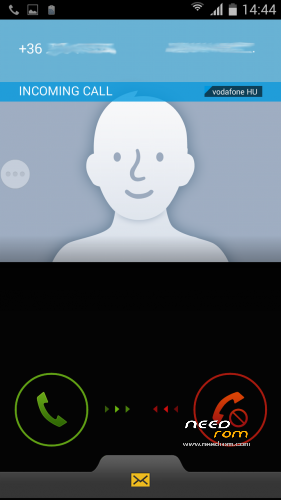
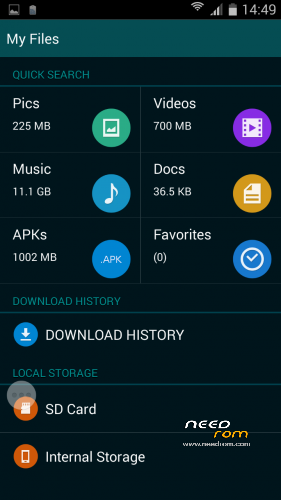
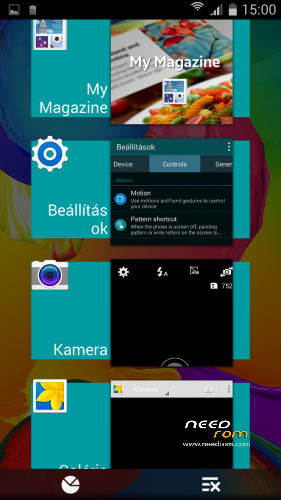
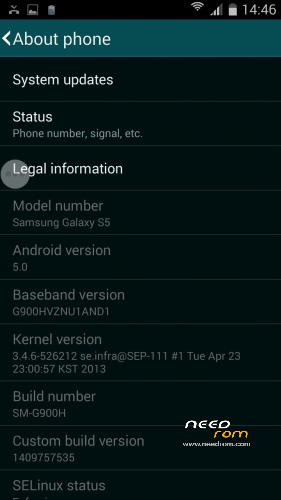
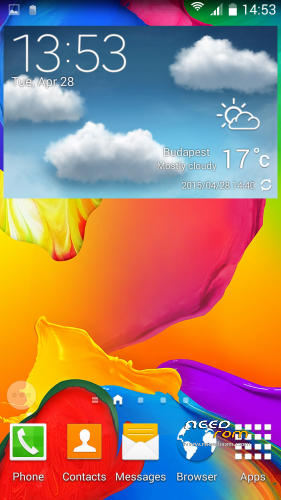
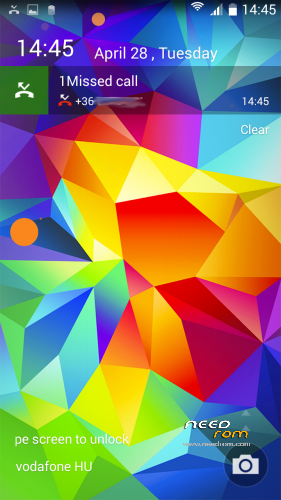
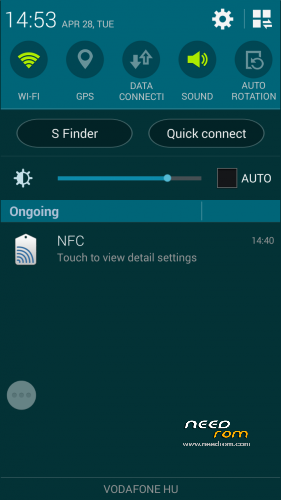
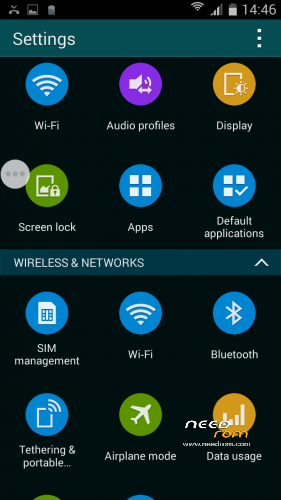
 Member Info
DESCRIPTION
THL T11 SGS5 RoM by frakk
(Samsung Galaxy S5 Rom)
Important notes!
- Settings > About Phone > Android Version you can see 5.0 but this ROM version is 4.4.2 !
- Samsung extra feature (Motions and gestures, Air view, Smart screen) not work!
- Missed call led notification not work! (LightFlow app works perfectly on LED notification!)
- Android 4.4.2
- 100 % Deodex
- Multilanguage version (default language:English)
- Gapps include
- Root (SuperSu)
SamsungApp:
- Samsung LockScreen
- Samsung Bootanimation
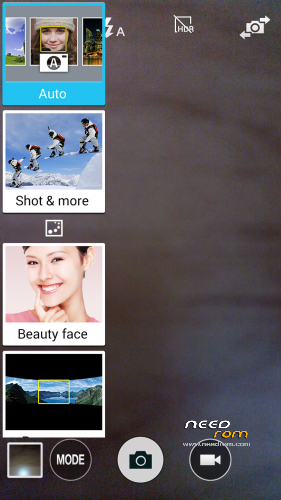
- S-Camera
- S-Gallery
- S-File Manager
- S-Clock, Alarm, Stopwach, Timer
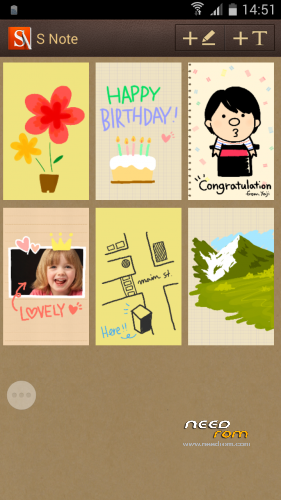
- S-Note
- S-Calender
- S-Calculator
- S-FM Radio
- S-Torch
- S-Launcher
- S-Dialer
- S-Message
- S-Task manager
- S-Settings
- S-SystemUI
- S-Sound Recorder
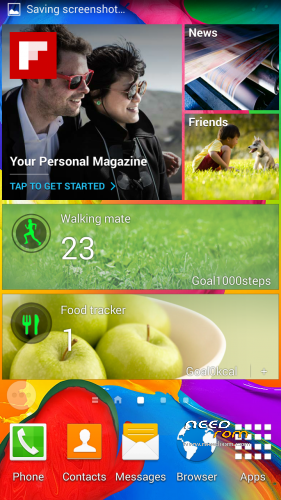
and Flipboard, HealthBoard, MyMagazine and ETC
Plus Application:
- Add Rebooter
- Add GPS Test app
- Add Mobileuncle MTK Tools
Please make a backup of your device before installing or updating ROM
CWM:
Step 1: Download the custom ROM copied to an external SD card root directory.
Step 2: the shutdown state. While holding down:
– Power button + volume button up, to enter the recovery mode.
– Wipe Data / Factory Reset -> delete all user data.
– Wipe Cache Partition -> Wipe cache.
– Advanced -> Wipe Dalvik Cache.
Step 3: Return to recovery main interface Install zip from sdcard -> choose zip from sdcard -> Select your ROM.
Step 4: Brush complete, restart
The phone Patience required – first boot takes a while.
※Please make a backup of your device before installing or updating ROM
Language:

Apps:


Looking good
I'll wait for Missed call led notification to be fixed
Keep up the good work
smark wake?
It is not compatible with the launcher.
LightFlow app works perfectly on LED notification!
is it working good….any bug ???
it is not working with my gionee p3….what would i do now ??
No, this is rom only THL T11 working (THL T11 Android 4.4.2 MTK MT6592 Octa Core)
I i'm having 1 problem…
anyone have the solution for this problem?
He recognized the card without problems