
- Title: THL T11 SG-S5 RoM by frakk
- Listed: April, 2015
- Last modified: 04/28/2015 5:16 pm
- Version: 4.4.2.(fake 5.0)
You must be logged for ROM download.
16723 total views, 2 today
1 Total favorites
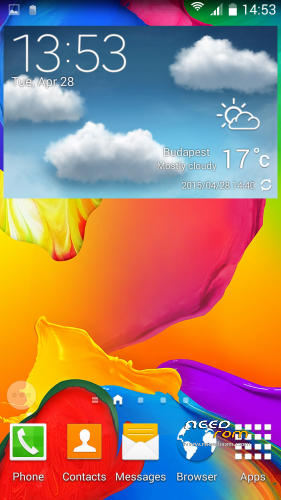
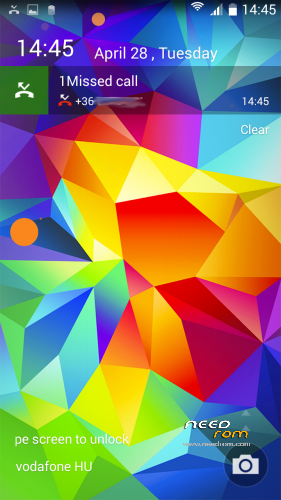
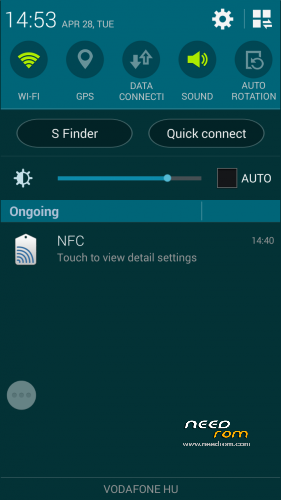
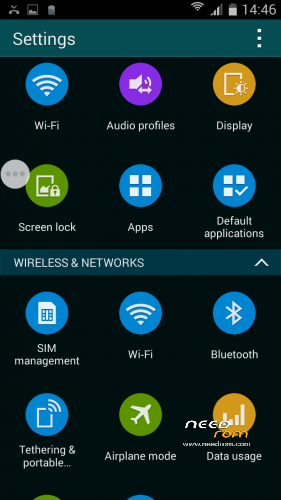

 Member Info
DESCRIPTION
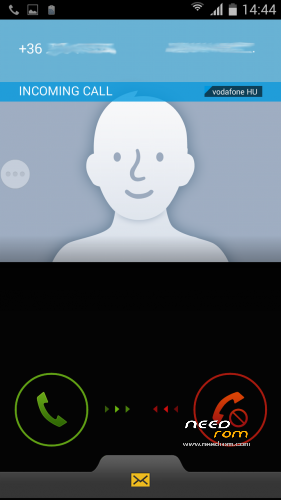
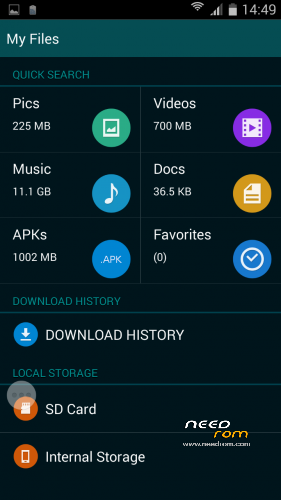
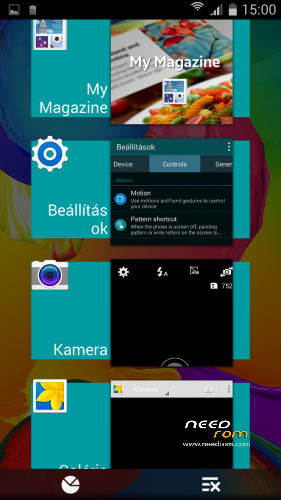
THL T11 SGS5 RoM by frakk
(Samsung Galaxy S5 Rom)
Important notes!
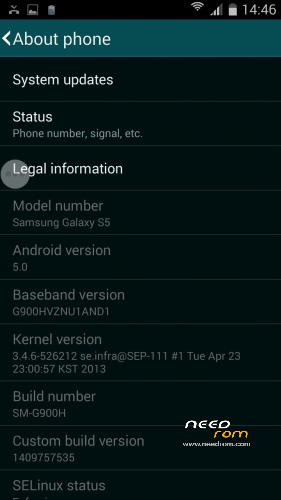
- Settings > About Phone > Android Version you can see 5.0 but this ROM version is 4.4.2 !
- Samsung extra feature (Motions and gestures, Air view, Smart screen) not work!
- Missed call led notification not work! (LightFlow app works perfectly on LED notification!)
- Android 4.4.2
- 100 % Deodex
- Multilanguage version (default language:English)
- Gapps include
- Root (SuperSu)
SamsungApp:
- Samsung LockScreen
- Samsung Bootanimation
- S-Camera
- S-Gallery
- S-File Manager
- S-Clock, Alarm, Stopwach, Timer
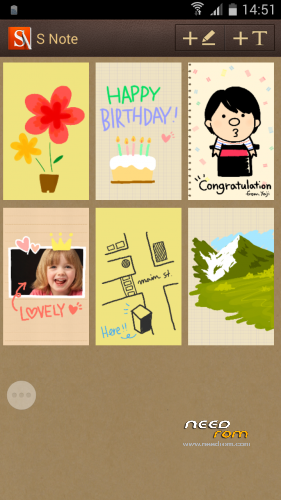
- S-Note
- S-Calender
- S-Calculator
- S-FM Radio
- S-Torch
- S-Launcher
- S-Dialer
- S-Message
- S-Task manager
- S-Settings
- S-SystemUI
- S-Sound Recorder
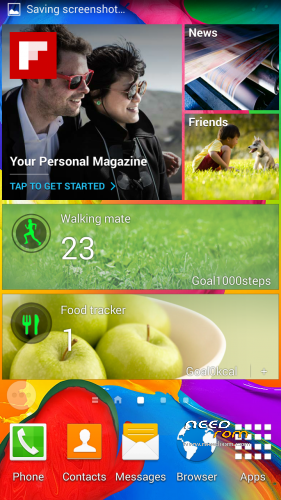
and Flipboard, HealthBoard, MyMagazine and ETC
Plus Application:
- Add Rebooter
- Add GPS Test app
- Add Mobileuncle MTK Tools
Please make a backup of your device before installing or updating ROM
CWM:
Step 1: Download the custom ROM copied to an external SD card root directory.
Step 2: the shutdown state. While holding down:
– Power button + volume button up, to enter the recovery mode.
– Wipe Data / Factory Reset -> delete all user data.
– Wipe Cache Partition -> Wipe cache.
– Advanced -> Wipe Dalvik Cache.
Step 3: Return to recovery main interface Install zip from sdcard -> choose zip from sdcard -> Select your ROM.
Step 4: Brush complete, restart
The phone Patience required – first boot takes a while.
※Please make a backup of your device before installing or updating ROM
beautiful rom, only I have problems using it dual sim reception on the first sim 3g problems
The other slot is wrong with him?
No second slot works ok, if it works well off the first slot
only with active 3g sim in the second before receiving well, if no problems in receiving
Unfortunately, such is the ruin, tf the base rom does not know 1 slot for 3G, the port does not.
*ruin = rom
(google translate very active)
thanks for beautiful rom, but i have 1 bug, when i turn off wifi data connection not work.