
- Title: THL W100 Baidu OS v5.1 port mt6589
- Listed: January, 2014
- Last modified: 01/15/2014 8:28 pm
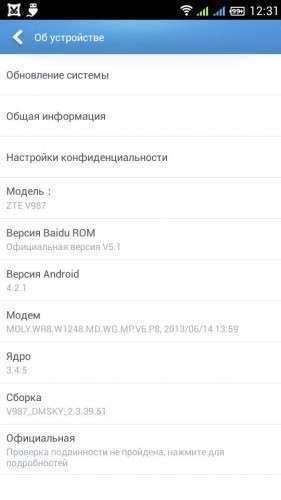
- Version: ROM Android 4.2.1
You must be logged for ROM download.
22439 total views, 1 today
 Member Info
DESCRIPTION
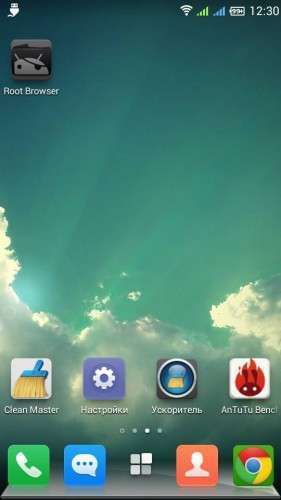
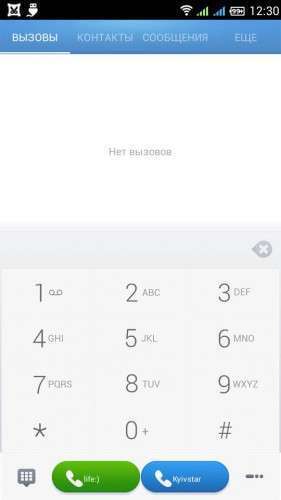
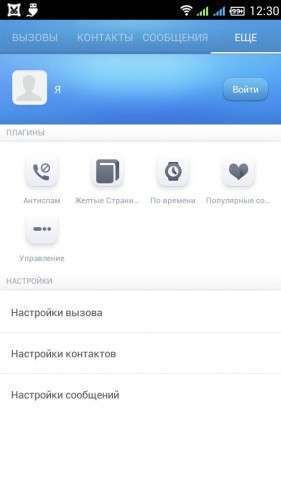
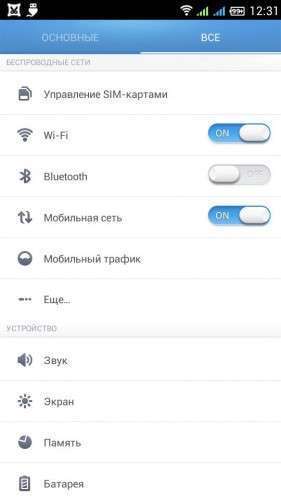
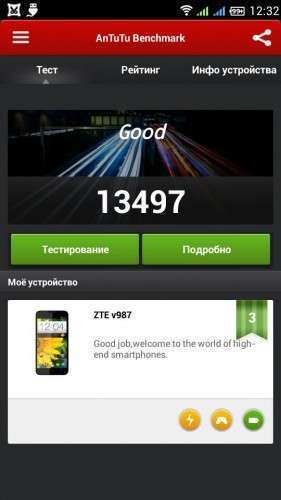
Port ZTE v987 to ThL w100 Baidu OS v 5.1
Russian language only
Update.zip
Мount a:
frameroot – the fact that the law does not restrain Root settings smartphone.
With the camera when you switch on the video – see the zoom, change did not work but was able to improve the image a bit. Deleted Baidu Galery 3D. Replaced by another camera from ICS (Russian) and another gallery + +. But attempts to change the flaws undertake.
Replacement Libraries camera.
Full port firmware Baidu OS
Firmware is based on the base firmware from 12.09.13 (So I think that there are no problems during installation on telephones with a serial number and CFYSGM4W1000 …. CFYSGM4W1100 ….
Firmware Russified 95%
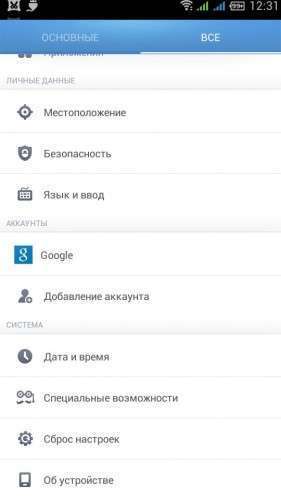
Present in the settings disable the inclusion of human ROOT.
Removed Chinese software
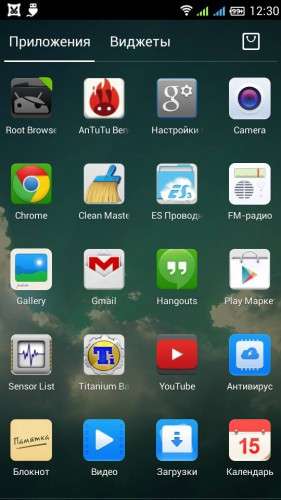
Added to the application:
Google Services
ES File Explorer
Google Chrome
Clean Master
YouTube
——————————————————————————————————————————-
Does not work antitheft security settings
In the notification curtain lock button does not work, due to the fact that the application was remotely Chinese antitheft button was tied to nimu.
In lockscreen not present the translated text, Constellations and stars name, you can download another topic they disappear.
Even after flashing on the main screen 2 folders with Chinese characters udalyayutsya.
It was noted that all
———————————————————————————————————————————————————–
Installing from CWM
1. CWM v5.5 or later.
2. Making a backup of the installed firmware.
3. Do all wipes (system, data, cache)
4. In rekaveri choose Instal zip from sd card.
5. After installing restart smart, do reset to factory settings and use.
2. Making a backup of the installed firmware.
3. Do all wipes (system, data, cache)
4. In rekaveri choose Instal zip from sd card.
5. After installing restart smart, do reset to factory settings and use.
————————————————————————————————————————————————–
sorry for my bad english
※Please make a backup of your device before installing or updating ROM
Спасибо !
No English Thai T_T
Install other languages: https://play.google.com/store/.....cale&hl=hu
App for set local language support.
i can´t conect GPS, does not recognize my position.
is there any way to fix it?
I'm from Argentina.
download gps test program from play market , go to it , open the settings and there will be 2 lines and clear agps —– —— update agps. nazhimmaete first 1 then 2 clear agps update agps.
Then you need to get out there where you can catch at least 5 satellites is a balcony or courtyard, after you watch satellite appearances on screen programki , they will appear gray , but when the phone to them prikonektitsya they change their color, that's all.
In the upper left corner you will see how to write a satellite phone, in the right corner as use , well into the center of the screen is the stability of the satellite signal , the satellite number and to what is currently connected phone , well, or unable to connect .
it works after a clean and refresh azhps not leave a bend and go outside and wait until she will do , if you sit in the center of the apartment or house you will not see the satellites , I'll post a screen with proof that programa works , oh yes another location in the settings turn on gps satellites
azhps this is gps, sorry
Thanks for the i will try today and tell you.
Pd: beautifull rom.
english language please
try this
Install other languages: https://play.google.com/store/.....cale&hl=hu
App for set local language support.
bad rom. no turkish langue.
no bad App for set local language support.
Written
Port ZTE v987 to ThL w100 Baidu OS v 5.1
Russian language only