
- Title: THL W100 official
- Listed: August, 2013
- Last modified: 08/06/2013 5:19 pm
- Version: Official 130711 (11/07/2013), 4.2.1 stock
You must be logged for ROM download.
42814 total views, 4 today
3 Total favorites

 Member Info
DESCRIPTION
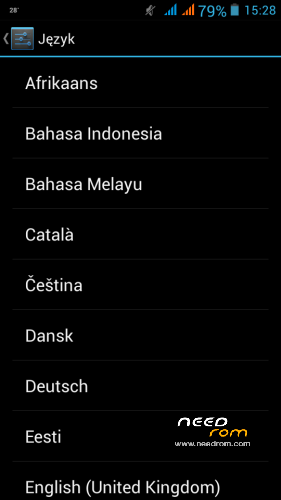
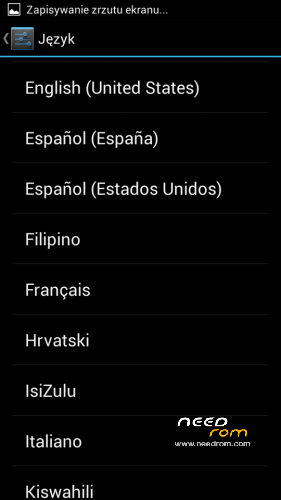
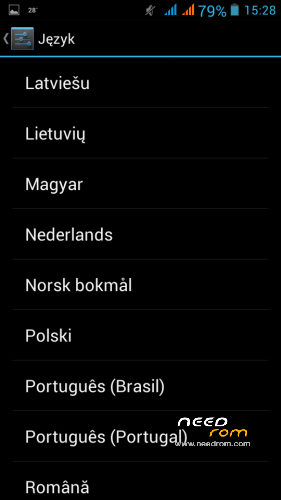
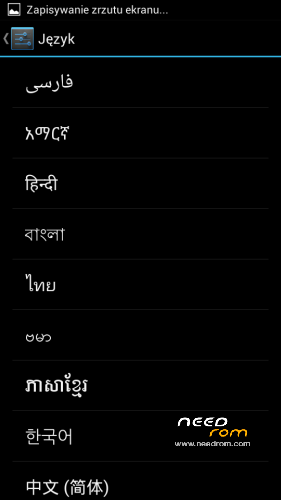
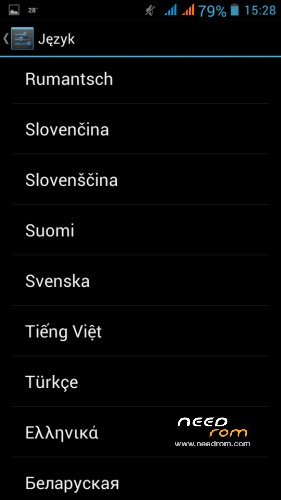
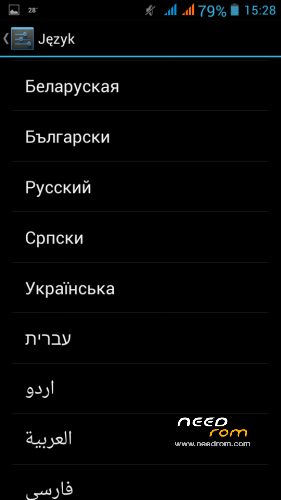
Full stock, official firmware, multilanguage (f.e. added polish)
Changelog unknown but it works lot faster than 130701.
(also can be rooted with framaroot)
flashing
first of all, you need MediaTek Vcom driver
https://www.dropbox.com/s/y0pp1lsh3pgio4c/Driver%20mtk6589.zip
installation http://forum.xda-developers.com/showthread.php?t=2206421
( after install and connect phone it will self disconnect after ~3sec, it's the right behavior, SP Flash Tool will keep it connected)
next, flashing with SP Flash Tool
https://www.dropbox.com/s/xmx2j0e2zgbe1j0/SP_Flash_Tool_v3.1304.0.119.rar
http://forum.xda-developers.com/showthread.php?t=1982587
open SP F.T. (better with administrator rights, just for sure  )
)
select Scatter-Loading; MT6589_Android_scatter_emmc.txt in firmware folder
everything should appear, all checked, just be shure everything will flash from right folder
(sudoeste from XDA suggested to uncheck preloader as wrong flashing of it may cause a nasty brick)
turn off phone, remove batter for few sec, DON'T turn it on
press DOWNLOAD in SP F.T. and connect phone with USB cable,
if everything goes right green circle will appear with "Download OK"
Rooting
Download framaroot apk from xda
http://forum.xda-developers.com/showthread.php?t=2130276
add it to SD Card and install like any other aplication, open and root with SuperSu, Boromir exploit 
(may not work at first try)
im not responsible for any possible damage
i flashed 130701 -> 130711 and everything's ok, dual camera works.
※Please make a backup of your device before installing or updating ROM
Works great for me too but I did uncheck PRELOADER. I had the roedi rom and wanted to go back to stock as there were bugs in the roedi rom. This is perfect and rooted with the Framaroot app.
Successfully installed withoud preloader. I found 2 changes in few seconds . Now You can change wallpaper in lockscreen and G-Sensor in calibration is not oscillating but is still. Great
Lockscreen wallpaper change only a picture in the circle, so it is for nothing
After rooting, the g-sensor began to oscillating again. Does anyone know how to fix that, please?
Try gravitybox
But what in Gravitybox? I can't see any setting for g-sensor…
I have the same question as bedee, does flashing only recovery.img bring cwm into the phone? Can somebody give a clear instruction on how to install CWM on ThL W100 build 130711? I need it in order to make a backup and install gravitybox. Thanks a lot.
Nightsinner,
I flashed this ROM according the description… an it works 100% i don't see any problems (now for 9 days) Gps works fast, Rooted… so this is the ROM at this moment.
Greets and my advise Flash this Rom.
In these room I have problem with 3G network… When I surf on the internet I often lost connection :-/
gps not work
Please could someone check the camera preview function it works or not in turkish language part of the rom?.doesn’t work on previous one.please someone check it out.thanks?
dear friends,
i have a thl w100.
i tried a lot of firmware.
my default imei are '352xxxxxxxxxxxx01' ,'352xxxxxxxxxxxx02' and
i wrote with MTKdroidTools.exe or direct enginering mode (*#*#….#*#*)
my new imei are '345xxxxxxxxxxxxxxx1','345xxxxxxxxxxxx2' it is ok.
i can use phone.
But they are changed to default imei('352xxxxxxxxxxxx01' ,'352xxxxxxxxxxxx02' )
when it to factory setting.
so it has got a problem. do you have a any solution ?
i want a real solution .
Please help me.
Noice. i flashed and its great. working like a charm. even rooted it using farmaroot.