
- Title: THL W100S Galaxy Edition
- Listed: September, 2014
- Last modified: 09/03/2014 5:03 pm
- Version: 4.2.2
You must be logged for ROM download.
19752 total views, 3 today
2 Total favorites
CUSTOM







 Member Info
DESCRIPTION
installing
1 Download the firmware and throw it in the memory card (/ sdcard)
2 Go to the Recovery:
On the phone off hold down the button: Volume up + switch
3 Make the wipes before flashing:
-Wipe Data / Factory Reset.
-Wipe Cache Partition.
-Advanced – Wipe Dalvik Cache.
-Mounts And Storage – Format System.
4 Now select Install zip from sdcard, more Choose zip from sdcard
5 Select the firmware
6 We are waiting until the firmware is established
7 Making wipes after flashing:
-Wipe Cache Partition
-Advanced – Wipe Dalvik Cache.
8 Reboot
※Please make a backup of your device before installing or updating ROM
English language include? I installed, seems really nice, but didn't find how to change the language. Some tips, help??
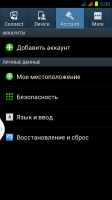
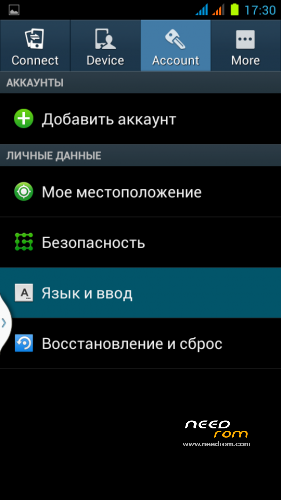
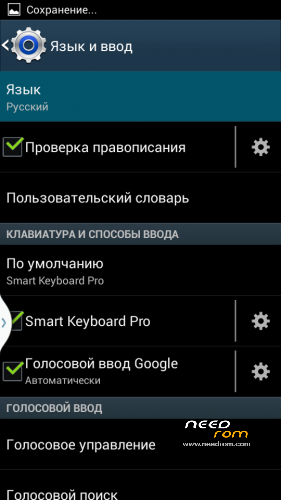
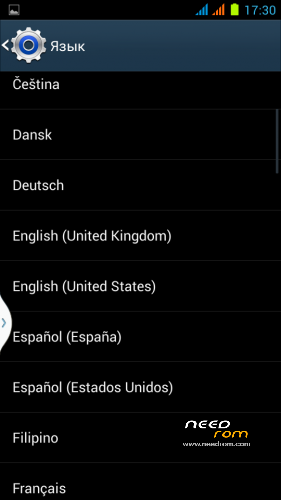
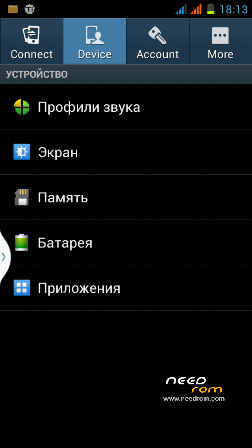
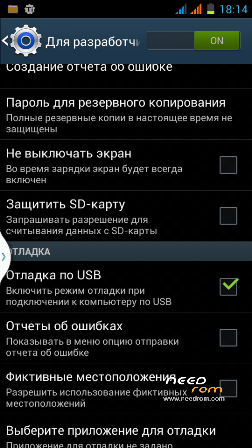
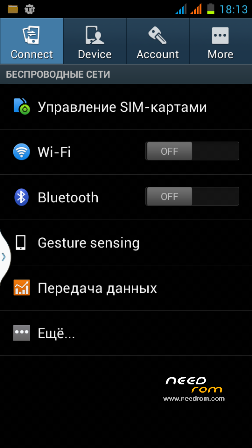
I uploaded a new photo and we'll see how to switch to English
1. Tap settings.
2. Tap ‘Key Icon’ on top row.
3. Tap icon with letter ‘A’.
4. Tap 1st entry on then select your language.
How to increase the sound of the ringing tone?
http://forum.xda-developers.co.....d.php?t=2248396
hello, has any real change without visual ?? I mean the wifi, to gprs or gps? thank you
How to increase the battery life?
Hungarian(magyar) language included???
Thank you for work.
Bugs found so far:
1) Not working alarm with phone off
2) Not working schedule phone on (however schedule phone off is working fine)
Camera flash not working.