
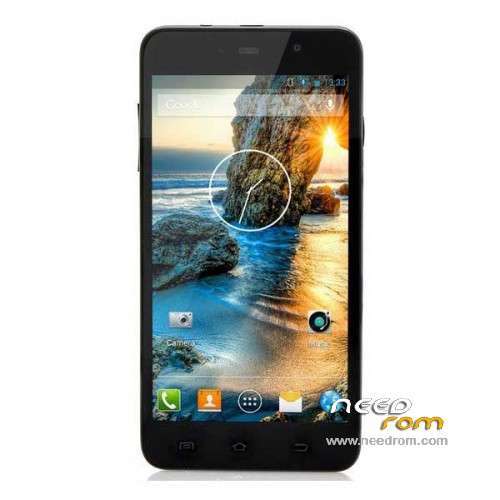
- Title: ThL W200S
- Listed: June, 2014
- Last modified: 06/11/2014 6:12 pm
- Version: ROM Android 4.2.2
You must be logged for ROM download.
20175 total views, 3 today
1 Total favorites
 Member Info
DESCRIPTION
ROM Phone ThL W200S – ROM Android 4.2.2
ONLY MT6592 – 156F – 8P64
Official ROM THL W200S: ThL.W200S.156F.A1.JB9.HD.EN.8P64.4E1.MT6592MW.20140609
ATTENTION this rom is for THL W200S 156F – 8P64 So look your "Buid Number" not compatible with this ROM
Gapps include – No Rooted
Language support: Multilang
Install ROM:
- Unpack FlashTools, and Click on Flash_tool.exe
- Select a the MT6592_Android_scatter_emmc.txt in ROM
- Wait file to be added into Flash Tool
- choose Option->USB Model,click USB Model
–> Choose Option->DA DownLoad All->Speed->High Speed, click High Speed
- Turn off your phone, remove the battery.
- "Press F9 (hit Download button)" OR " if upgrade ROM Firmware->Upgrade "
- and connect your phone into the computer via USB data cable.
- The process will start and a red progress bar will appear after color purple, yellow.
- And green circles display
- Finish !
- You can now safely disconnect your phone and turn it on.
※Please make a backup of your device before installing or updating ROM
thank
For those with bricked phone after flashing the ROM, you will need the correct stock firmware for your phone. Format all with SP Flash Tool, then use ‘Download’ to flash the correct ROM.
Keep in mind that if you format all, you may need a NVRAM backup to restore radio functions. The format all option is only a last resort.
I need some help with a W200S phone.
It has an accident and dropped from some stairs.
After that it was making some blinking with on the monitor. We did a ROM change and after that was working perfectly.
2 weeks later the phone turned off and wasn't opening, I have taken off the battery and even bought a new one, but no change.
When I connect it on the usb for charging or Flash a ROM, the pc stars making a repeating beep that a new device found, but no new device is available on system devices.
Any idea of how to save it?