
- Title: TOUCH OS 2.0 KITKAT
- Listed: January, 2015
- Last modified: 01/25/2015 7:33 pm
- Version: 4.4.2 Touch OS 2.0
You must be logged for ROM download.
16915 total views, 1 today
2 Total favorites
 Member Info
DESCRIPTION
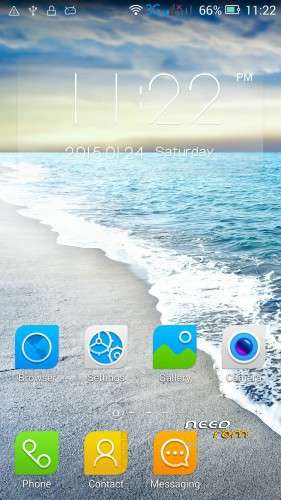
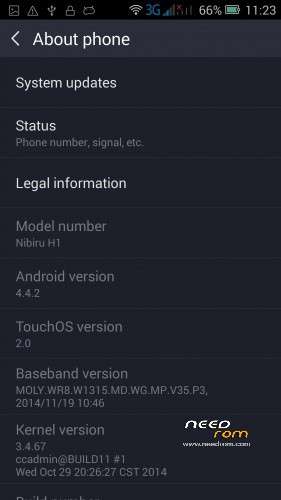
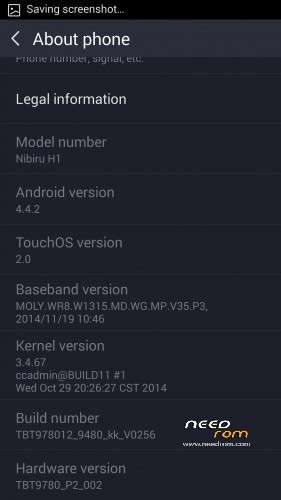
Nibiru H1 Touch OS 2.0 KitKat 4.4.2
Not Rooted- Gapps not included.
Download TWRP or CWM (I used CWM).
Download Mobileuncle and install it.
Root your phone by using shuame (yes it's chinese, but you just have to click the big button in the middle.
Open Mobileuncle and go to "recovery update", there search for the .img file you downloaded and click on it.
It should now install CWM. After it finished, restart your phone and download this ROM to a place where you can find it again.
Now you can go to Mobileucle and click on "Into Recovery". When your phone started into recovery, you click on install zip from sdcard by using the volume buttons and power button. Then go to the directory where you downloaded the ROM to. Open the the folder and click on the ROM.zip. Click yes and wait until it finished installing.
After it finished you can restart your phone.
If you want to root your Nibiru H1, you can do that by using shuame again.
※Please make a backup of your device before installing or updating ROM
Please help ! both sim card not supporting !
check nvran and imei
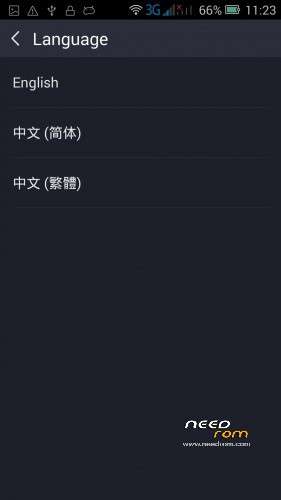
it's multilanguage version? support 3g wcdma version ?
need rus translate
google playis not suported
imei not restored