
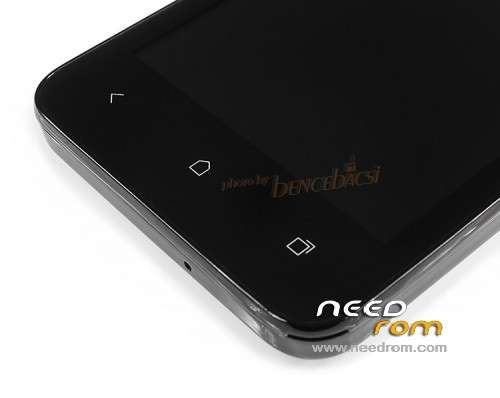
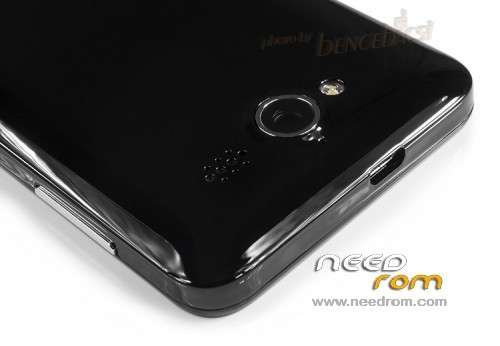
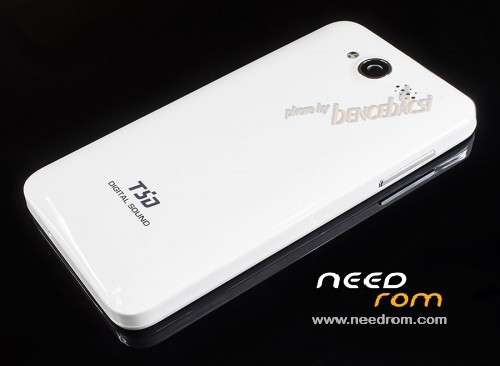
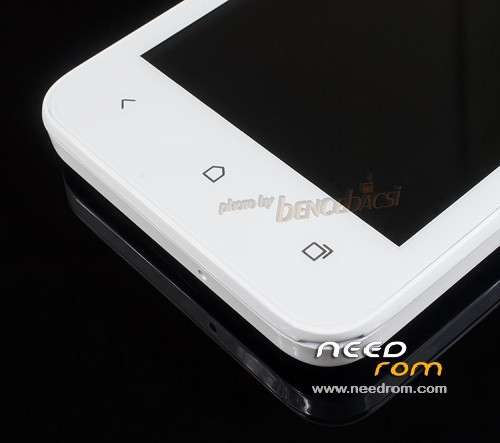
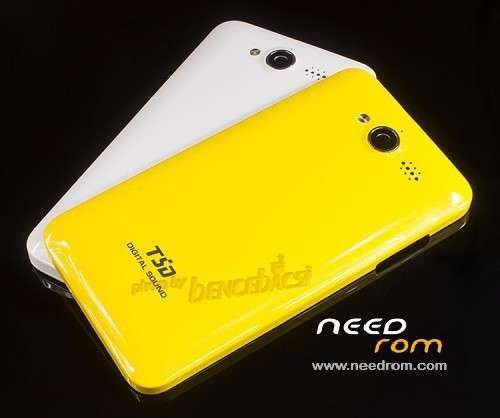
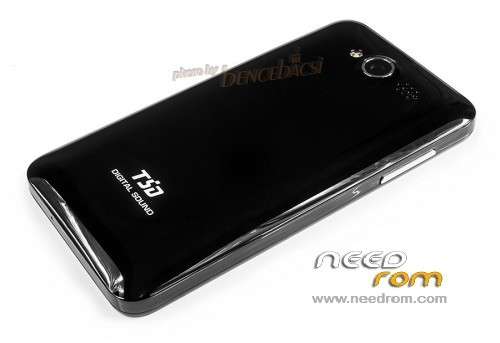
- Title: TSD A518
- Listed: September, 2013
- Last modified: 01/07/2014 4:17 am
- Version: Multiple versions
You must be logged for ROM download.
17332 total views, 1 today
CUSTOM










 Member Info
DESCRIPTION
Two versions of custom built ROMs with unlocked boot. You can root them easily.
Because these are not stock ROMs, use them at your own risk.
Update Jan. 6. 2014: One more (stock) version has been added. Z6_LC_A2_R1_MUL_P2.LDM.WVGA.USR.S2T_20130418
※Please make a backup of your device before installing or updating ROM
Hi,
I have installed all drivers, open researchdownload, load the .pac file and push play button, then i quit and put the battery, push vol – and plug the usb but the program still show waiting…. Can u please give me some advice to flash the file please?
Thanks in advance
Hi,
Maybe you have to push the vol + button. If you're running 64-bit Windows, than you have to start it with F8 key and choose 'Disable Driver Signature Enforcement' to enable Spreadtrum drivers. You don't need other things to do.
Hi again,
I tryed in a friends WIN XP computer and seems to work but it give me download size error. Do you have any clue for this? Thanks again for your reply and your patience
You may try to flash the partitions separately. Check only one of them and start the flashing process on that way.
Thanks for your support!
I did what you said i can flash all files but the nv, there should be no problem with that?
Again thanks for your support and your time!
hello bencebacsi is ther stock rom for this model?????
thanks
Hi,
Version Z6_LC_A2_R1_MUL_P2.LDM.WVGA.USR.S2T_20130418 is a stock ROM provided by the manufacturer.
Hi, i bought a new tsd a518 and somehow its bootlooped by my friend, i never opened the debuggimg mode so dont know if its enabled or not and it goes to recovery by volume – and power button but their is nothing except revonery logo, i tried all the keys to unveil the recovery options but nothing happens, please help me i want to hard reset it
Thanks in advance