Welcome, visitor! [ Register | Login

  • Title: TWRP 2.8.2.0 FOR THL W200S ONLY
  • Listed: January, 2015
  • Last modified: 01/01/2015 3:09 pm
  • Version: TWRP 2.8.2.0
  • You must be logged for ROM download.


Overall Rating : 13


16810 total views, 2 today

3 Total favorites


CUSTOM
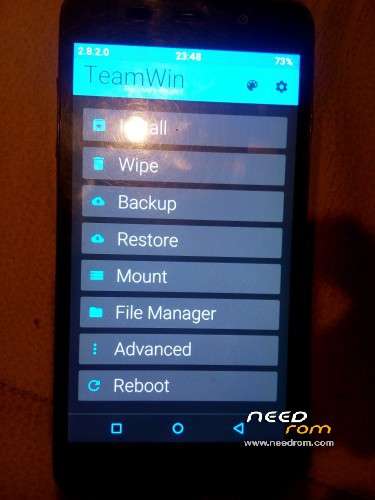
TWRP 2.8.2.0 FOR THL W200S ONLY
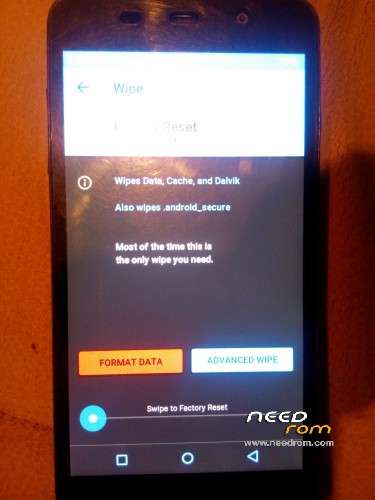
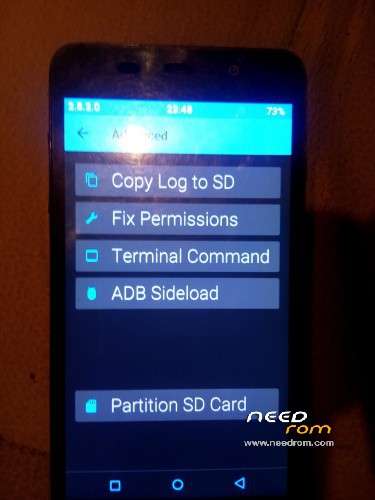
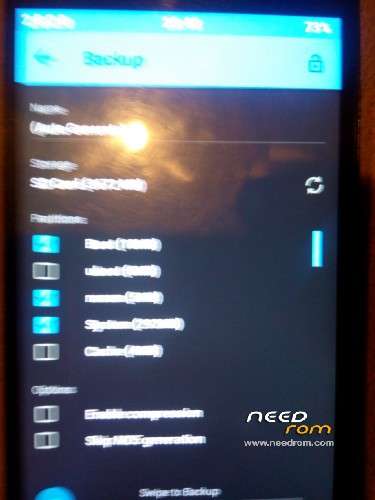
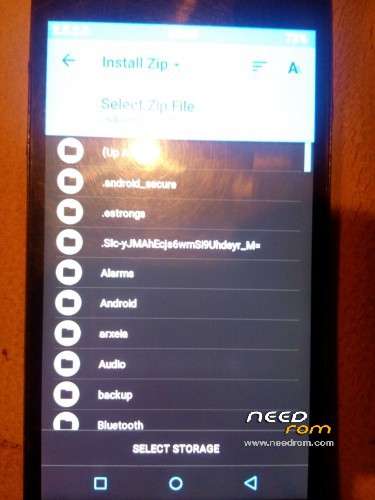
TWRP 2.8.2.0 FOR THL W200S ONLY - Image 1TWRP 2.8.2.0 FOR THL W200S ONLY - Image 2TWRP 2.8.2.0 FOR THL W200S ONLY - Image 3TWRP 2.8.2.0 FOR THL W200S ONLY - Image 4TWRP 2.8.2.0 FOR THL W200S ONLY - Image 5

Author adMember Info

  • Listed by: sokolataki
  • Member Since: 09/18/2013

DESCRIPTION


that is the latest TWRP RECOVERY for THL W200S 

DOWNOLOAD IT TO YOUR COMPUTER

EXACT IT

PLACE RECOVERY.IMG IN ROOT OF SDCARD

FLASH IH WITH MOBILEUNGLETOOLS


※Please make a backup of your device before installing or updating ROM


Responses to “TWRP 2.8.2.0 FOR THL W200S ONLY”


  1. 05/31/2014
    Spain

    After installation does not start the recovery . I have downloaded 2 times and nothing. I’ve installed with the mobileuncles .

  2. 09/18/2013
    Greece

    I try again in my phone I installed again and work fine. Try to go to recovery from reboot app and give me the result

    • 03/07/2014

      It isn't working for me also…

      I flashed it with mobile tools, and when i try to reboot to recovery the phone seems to get into recovery, but then reboots again and goes to android s.o….

      I'll try to flash the recovery with Flash Tools later…

  3. 09/19/2014
    France

    vote for THL W200S http://miuipro.ru/golosovanie-.....irovaniya-miui/

  4. 06/24/2014
    Kazakhstan

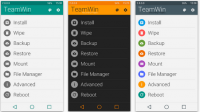
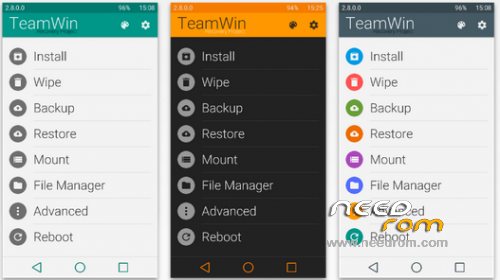
    Install Material Design Themes for TWRP

    1. Download the latest package of the Materialized TWRP for your device.
    2. Open the folder where the package has been downloaded.
    3. Now, right-click on the package, and select Rename.
    4. Rename it to “ui.zip” (.zip is the extension).
    5. Connect your device to the PC via USB cable in either Mass Storage or MTP mode.
    6. Open the Root of device’s storage and open the “TWRP” folder (If you have TWRP installed, it should be there).
    7. Create a new folder named “theme” (without caps) within this folder and open it.
    8. So now the directory would be <storage>/TWRP/theme/
    9. Paste the ui.zip file in here.
    10. Keep the device connected and enter the following command in a CMD window to reboot your device into Recovery mode.

       adb reboot recovery
    11. You will now be able to see the updated design of your TWRP recovery.

Leave a Reply

You must be logged in to post a comment.


Terms&Conditions  -  Privacy&Cookie © 2012 - 2026 Needrom.com