
- Title: Blade L6 TWRP 2.8.7.0
- Listed: April, 2017
- Last modified: 04/24/2017 11:14 pm
- Version: 2.8.7.0 TWRP Blade L6
You must be logged for ROM download.
10932 total views, 1 today
2 Total favorites

 Member Info
DESCRIPTION
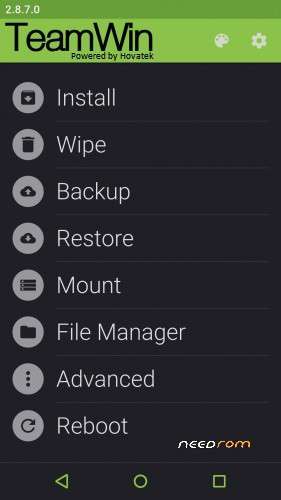
TWRP-based custom recovery, for the ZTE Blade L6, powered by Hovatek
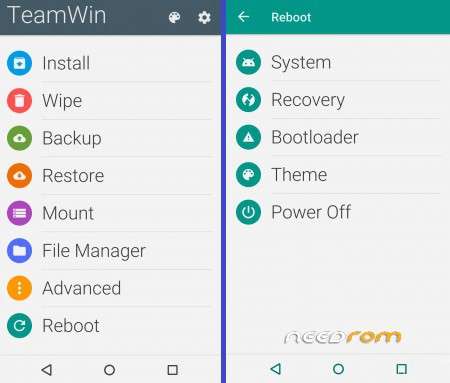
Customisable UI, bookmark function for file lists, Aroma File Manager support, splash screen- & theme-changer
3 ways to flash this recovery:
Rename the downloaded twrp_2.8.7.0_L6.img into recovery.img
Install with Mobile UncleTools
Download Mobile Uncle
1) Turn off internet connection
2) Place your downloaded Recovery on sdcard-directory
3) Open the app
4) Select "recovery update"
5) Select your recovery
6) Flash It
7) Reboot into recovery
________________________________________________________
Install with Flashify
Download Flashify
1) Place your downloaded Recovery on sdcard-directory
2) Open the app
3) Click "recovery image"
4) Click "choose a file"
5) Select Flashify File manager
6) Select the recovery to flash
________________________________________________________
Install via fastboot
fastboot flash recovery recovery.img
fastboot reboot
Just boot once into TWRP:
fastboot boot recovery.img
________________________________________________________
Check the external links for the materialised themes + tutorial!
※Please make a backup of your device before installing or updating ROM
Hi there, does any of the three options mentioned above work with a locked bootloader ? Mine is locked and I don´t know how to unlock it…
Any help is welcome, kind regards, Skyfire
U don´t need an unlock bootloader for a custom recovery flash.
Best and fastest method: Command prompts via fastboot.