
- Title: TWRP CubotMAX by MDSdev
- Listed: December, 2016
- Last modified: 12/27/2016 3:01 pm
- Version: MDSTWRP 3.0.2-7ES CubotMAX by MDSdev Android 6.0
You must be logged for ROM download.
12752 total views, 1 today
5 Total favorites
 Member Info
DESCRIPTION
Description:
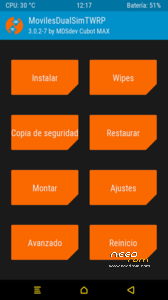
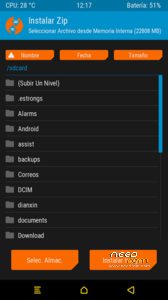
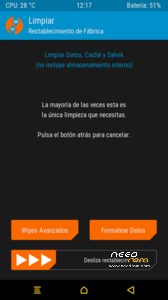
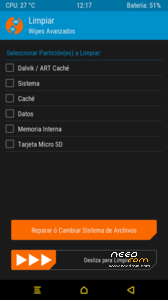
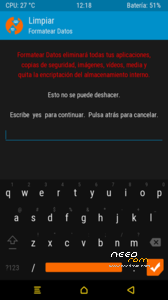
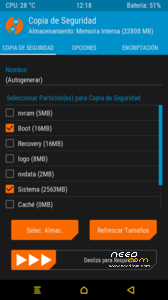
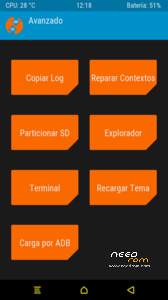
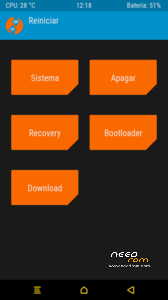
Custom recovery for Cubot MAXcompiled from great Iceman-IT sources.
- Automatic MTP conection with pc, not necessary to disable MTP and enable it again.
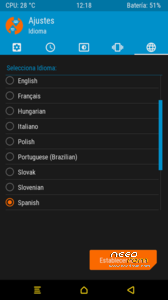
- Default language Spanish.
- Better spanish translation and text adjusted to buttons size.
- Default time format: 24h.
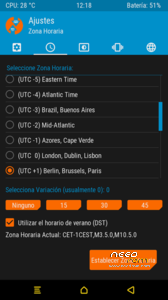
- Default time format: Berlin, Brussels, Paris.
- Default brightness: 66%.
- Defaultactivated screen 120 secs.
- Default navbar inverted, same position as navbar on phone
Via SPFlashtools, tested on linux OS and windows10
Download the zip from download link (just below) and uncompress it, inside you have the recovery.img, supersu.zip and 2 scatter file needed for flashtools installation. Ussual way to proceed with Flashtools but takeing into account that:
- For Rom version 4 and before: MT6753_Android_scatter.txt
- For Rom version 9 and after: MT6753_Android_scatter_2.txt
Very important: Just installed recovery, first boot has to be in recovery mode, and then before booting on system, YOU HAVE TO install SuperSU provided in the zip MDSTWRP_3.0.2-7ES_CubotMAX. If not you will have a never-ending bootloop.
Thanks to great master Iceman-IT who tought me and parsed the kernel for me in order to make the touch work and this recovery functional.
Support: http://www.movilesdualsim.com/tema/mdstwrp_3-0-2-7es_cubotmax-supersu.163283/#post-1835272
※Please make a backup of your device before installing or updating ROM
Will they be a version done for v11 rom?
Thank you.