
0
- Title: TWRP recovery for Symphony w70Q
- Listed: March, 2015
- Last modified: 03/23/2015 9:13 pm
- Version: TWRP recovery
You must be logged for ROM download.
12501 total views, 1 today
OFFICIAL
 Member Info
DESCRIPTION
Requirement :
- rooted Device (if not then follow the link)
Process :
1.Download and Unzip the files
2.Put the “TWRP recovery.img” on sd card and install “Rashr.apk”
3.Open Rashr and give root access & Select “I Know the risk”
4.Select Recovery
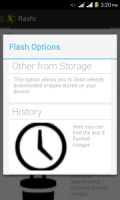
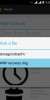
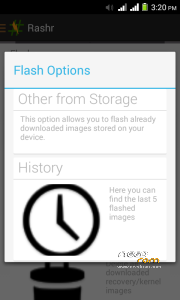
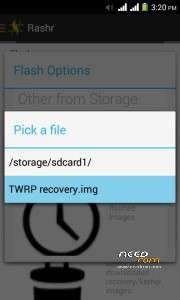
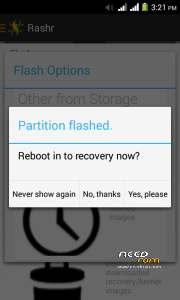
5. Now you can see “Flash Option” Select “Other from Storage” Now choose a file and locate your “TWRP recovery.img” on your SD card
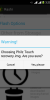
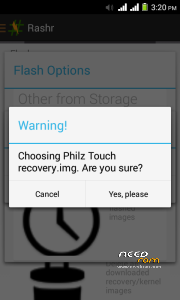
6.Select “Yes, please”
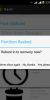
7.Now you can see “Partition flashed” Select “Yes, please”
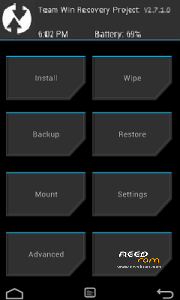
8.It will reboot into your recovery.
9. Enjoy !!!
NB: Any Kind Of Damages I am not Responsible. Do At your own risk.
※Please make a backup of your device before installing or updating ROM