
- Title: TWRP Recovery Plus Stock Recovery
- Listed: May, 2015
- Last modified: 06/06/2015 3:39 am
- Version: v2.8.6.0 & v2.8.7.0
You must be logged for ROM download.
20319 total views, 2 today
10 Total favorites


 Member Info
DESCRIPTION
……………………………………………………………………………………………………………………………………
THESE ARE THE KITKAT 4.4.4 Versions Only and will not boot on Lollipop 5.1 rom !!!
——————————————————————————————————————————————————
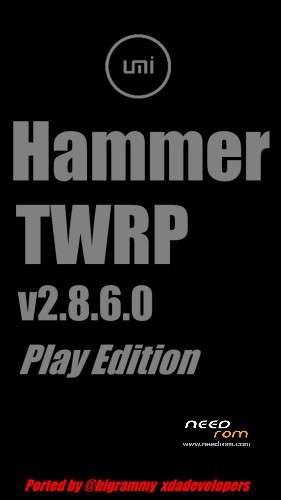
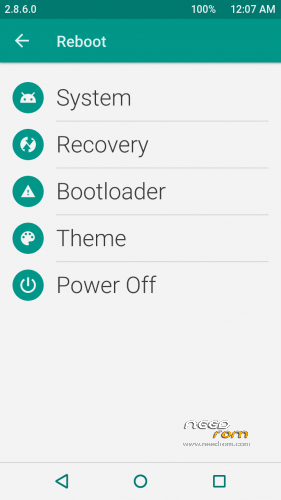
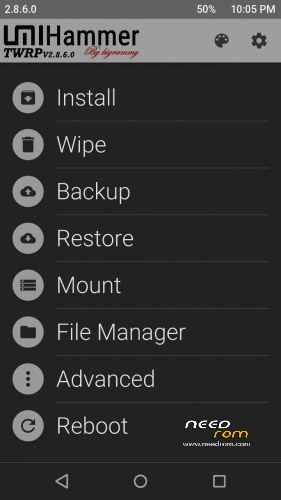
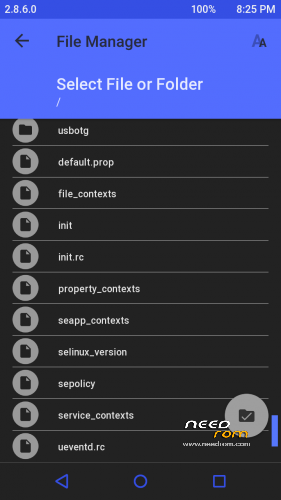
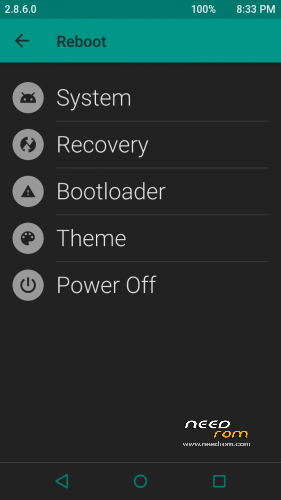
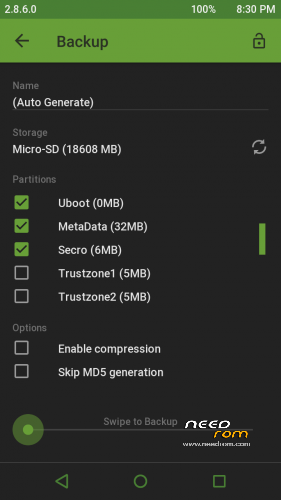
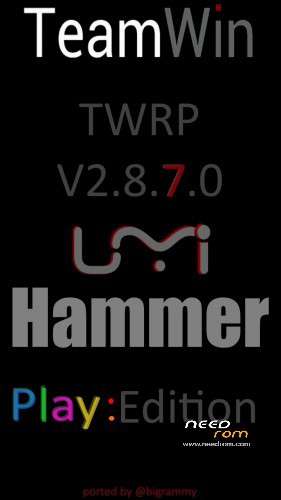
TWRP v2.8.6.0 Play Edition plus the Stock Recovery are both in UMI_HAMMER_TWRP_recovery Download.
TWRP v2.8.6.0 Dark Edition is in the UMiHammer_TWRP_Dark Download.
The Stock recovery on it's own is in the STOCK_UMI_HAMMER_recovery Download.
Stock Recovery is incase you need to reflash it for any Umi OTA's.
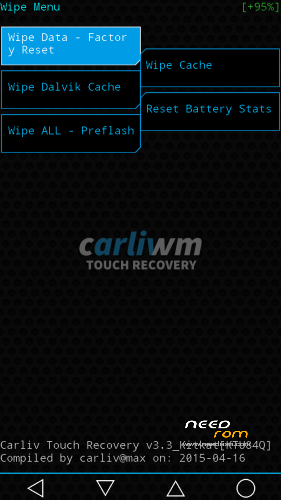
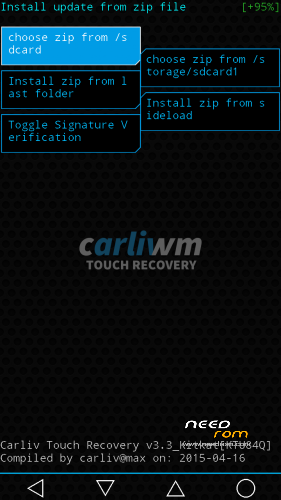
Added: UMiHammer_Carliv_Touchv3.3
…………………………………………………………………………………………………………………………..
THESE ARE THE LOLLIPOP 5.1 Versions Only and will not boot on KITKAT 4.4.4 rom !!!
_________________________________________________________________________________
CHANGE LOG:
1. partitions changes in the official Lollipop 5.1 ROM.
2. the .img based changed
3. the Kernel and contexts etc etc
Added: UMiHammer_TWRP_Dark_Lollipop_recovery
Added: UMiHammer_TWRP_Play_Lollipop_recovery
………………………………………………………………………………………………………………………………………………………………
New v2.8.7.0 version ………………………………………………………………………………………………………………………………………………………………
Added: Hammer_TWRP_v2.8.7.0_Dark_recovery
Added: Hammer_TWRP_v2.8.7.0_Play_recovery
Change Log Here: https://twrp.me/site/update/2015/06/22/twrp-2.8.7.0-released.html
HOW TO FLASH…..
Flash the Recovery with Umi's Rootjoy, Flashify from the Play Store, SPflashtool
Credits:
To @carliv xdadevelopers for the Carliv Touch.
There are too many people involved to list individually but
Thanks to all the dev's on xda that makes these recovery's possible and TWRP Project.
As always you flash at your own risk and I take no responsibility.
If you do not know or understand what this is or how to use them do not flash them.
Warning:
If you made a backup with the KK recovery do not try to restore it with the Lollipop recovery or try flashing a KK ROM when your on Lollipop. So KK is for KK only!! and Lollipop is for Lollipop only!!
This is because the partitions changed in the Lollipop update "As I stated in the change Log above" TWRP does not know you have changed the partitions so this can cause problems.
Due to One report regarding Restore over on the xda forum:
We did have a similar issue on a older version of TWRP for the P6000 and I thought the issue was resolved in later versions of TWRP. 
IF you encounter problems restoring the phone and followed the above instructions then try do it manually by selecting just 1 partition restoring it then
go back and select another partition and restore that so and so on this resolved the issue in the older TWRP version.
I am not 100% sure what causes this issue as logs of the past didn't really give us any clues 
If anyone can pull the log where this problem occurred that would be great 
The Logs are in /cache/recovery/ The Logs can be viewed with notepad ++ or just add .txt to the end to view with notepad.
Please report anything on my thread on xda and put HAMMER in the title of your post.
http://forum.xda-developers.com/android/development/elephone-p6000-mtk6732-64bit-sp-flash-t3007070
※Please make a backup of your device before installing or updating ROM
Installed easily with Rashr & works as it should
& thanks! I thought I was complimenting you as well
THANKS TO YOU bigrammy
Big thanks to you bigrammy, you are the best
Thank you for the THANK's all. It makes all those hours of work a little more worth it.
Thanks a lot for this, great job
RLY BIG THANKS for LOLLIPOP!!!!!!!!
Thanks for the lollipop update, very quick reaction man !!
Thanks all :)
Most of all thanks to UMi for coming through on their promises :D
Great job!
Please help me how can i install the UMiHammer_TWRP_Dark_Lollipop_recovery.img with no Root on UMI Hammer Lollipop Rom ?
Thanks for your help Grabit
use spflashtool with only recovery image file