
- Title: TWRP recovery v3.2.1 by Venkat aj
- Listed: December, 2017
- Last modified: 12/16/2017 2:30 pm
- Version: v3.2.1
You must be logged for ROM download.
11553 total views, 2 today
1 Total favorites



 Member Info
DESCRIPTION
Hello guyz
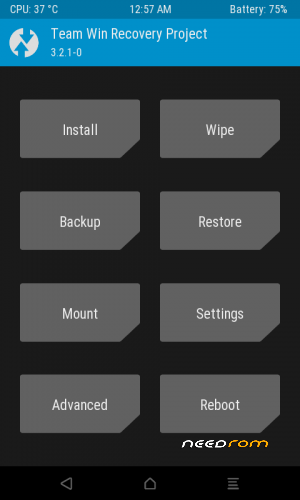
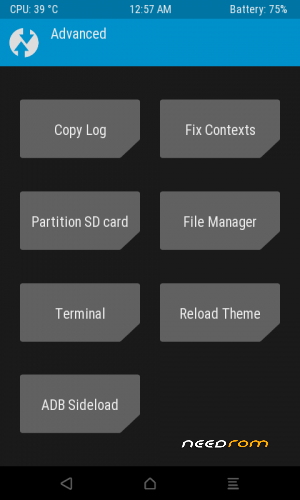
Today i am back here with the latest twrp recovery
update your old twrp to the latest one
Flashing Guide
Method 1
1. If you are going to update your TWRP recovery ( then download the file via link 1) its flashable.zip format
2. So no need use flashify, SP flash tool or any other shit
3. Just flash this zip with your old Twrp (old versions like 3.0.0 or 3.1.1 or 3.2.0)
4. Reboot into recovery you got a latest twrp recovery
5. No bugs (everything works perfectly)
Method 2
1. if you are going to flash twrp v3.2.1 directly or fresh (instead of updating the old twrp)
2. Download the file via link 2.
3. Use SP flash tool, mobileuncle tool, flashify, root rashr, etc…..
4. Flash the recovery.img
5. reboot into recovery mode
Special thanks
GURUMI & MANJUNATH YASHU
Thank you guyz keep supporting me
※Please make a backup of your device before installing or updating ROM
Good work bro.
it's really hard OR confusing to install TWRP for Gionee p3, But after a liitle research, I managed to install it on my GP3.
youtube link: https://www.youtube.com/watch?.....v=Txr5z6BYfuA this video will gets you an idea how to install TWRP, just follow the exact steps in the video.
the video starts from at 1:00
REMEMBER these things!
YOU NEED MTxxx_Android_scatter.txt file as shown in the video and for that, you need to download the Gionee stock ROM first: firmwarefile. com/gionee-p3 it can be easily found under Firmware folder
incase if the youtube video deleted in future: https://mega.nz/#!GmhRRIra!Qnl.....A4q4guBEqjcortQ