
- Title: TWRP XIAOMI MI5S CAPRICORN
- Listed: February, 2017
- Last modified: 02/26/2017 8:56 pm
- Version: 3.1.0
You must be logged for ROM download.
10053 total views, 1 today
2 Total favorites
 Member Info
DESCRIPTION
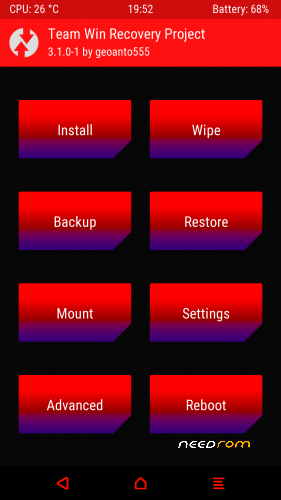
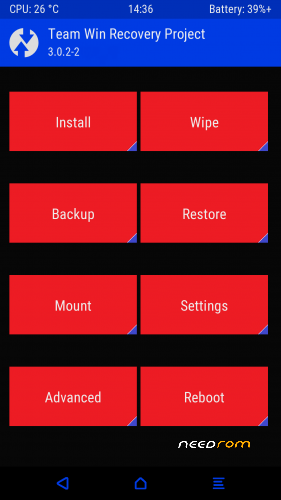
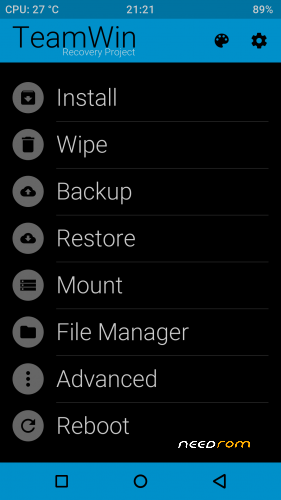
Custom Recovery TWRP 3.1.0-1-3.0.2
Xiaomi Mi5s Capricorn
Installation:
Bootloader must be unlocked.
Install image(twrp_3.0.2.img or twrp_aroma.img or twrp_3.1.0.img) from TWRP
or
1. Download "adb" drivers+twrp zip
2. Enable USB debugging in Developer options
3. Extract zip to desktop
4. Now open a command window inside that folder(adb). To do that, “Shift + Right click” on any empty white space inside the folder and then select “Open command window here” from the context menu..
5. Type "adb devices" to see if you're device is detected.
6. Type "adb reboot bootloader" to reboot in to fastboot mode.
7. Now to check if you're device is still there, type "fastboot devices".
8.Type "fastboot flash recovery twrp_3.0.2.img"
for twrp 3.0.2 -flash twrp
"fastboot boot twrp_3.0.2.img" boot twrp or
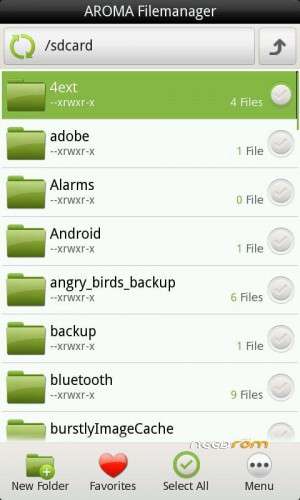
"fastboot flash recovery twrp_aroma.img"
for twrp with aroma file manager -flash twrp
"fastboot boot twrp_aroma.img" – boot to twrp or
"fastboot flash recovery twrp_3.1.0.img"
for twrp 3.1.0 -flash twrp
"fastboot boot twrp_3.1.0.img" boot to twrp
※Please make a backup of your device before installing or updating ROM