
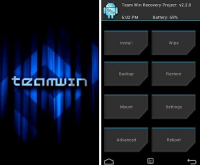
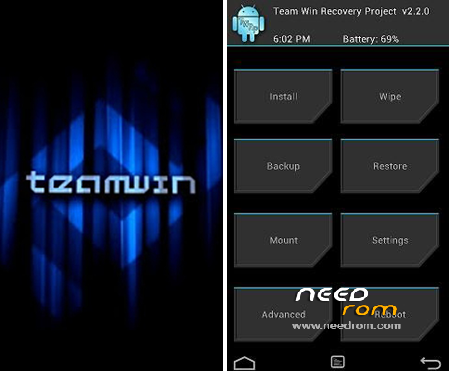
- Title: TWRP ZTE V967s
- Listed: May, 2015
- Last modified: 05/02/2015 2:07 pm
- Version: TWR
You must be logged for ROM download.
15845 total views, 1 today
2 Total favorites
CUSTOM


 Member Info
DESCRIPTION
Install (root is requirement):
- Download and extract the zip file
- Copied the "recovery.img" to internal SD card root directory
- Install "Mobileuncle Tools" from Google Play Store
- Open Mobileuncle Tools and select "Recovery Update"
- Chose "recovery.img" on SD Card and flash it.
- When finish click OK and reboot into recovery mode.
※Please make a backup of your device before installing or updating ROM
good?
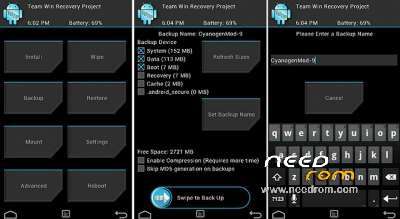
Haven't tested all functionality, but it installs and run 100% fine. I have install using TWRP X-Floser ROM and create full backup. Think it is safe to install it.
Is safe and good !