
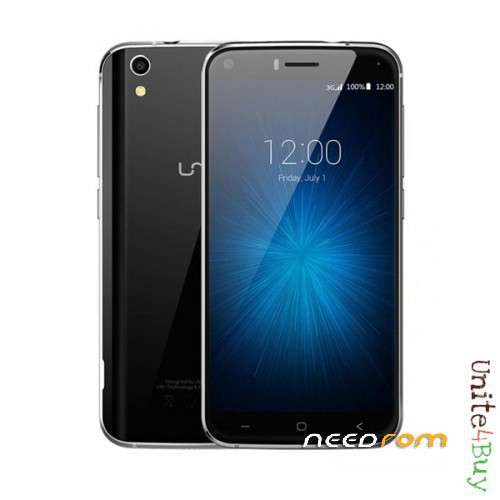
- Title: Umi london offical rom upgrade latest
- Listed: June, 2017
- Last modified: 06/01/2017 1:37 pm
- Version: 6.0
You must be logged for ROM download.
10793 total views, 1 today
2 Total favorites
 Member Info
DESCRIPTION
Unpack the archive , install the driver included.
Run flashtool , and load scatter file from rom directory.
You have 2 option for flashing:
1, Standard method : Holding Volume key (+) or (-) while plug the phone in with usb to the computer.
Select firmware upgrade from the dropdown list.
Press Download, the if you connect the phone now, the flashing will start automatic.
Green circle shows the process completed.
Take the battery out , wait a couple of seconds , put it back and power on as usual.
2, The non so common mode: Take the battery out , and hold the power key while plug in the phone to usb.
Need to hold upto 10 seconds, in order to the system detect the phone.
While Firmware upgrade selected , and Download pressed, the process starts , if you see MTK device , and color bars moving, the process started. You can let the power switch go.
Green circle shows the process done.
Please note that this will wipe all data , including phonebook sms etc.
Can also be used to clear frp lock.
Please donate me to keep my work going, and these guides and files coming, dont forget to rate!
Please if you downloaded it , rate the rom and the author ! its important for us.
Thanks and have a good one.
※Please make a backup of your device before installing or updating ROM
Hi, what is the version of rom????