
- Title: official firmware
- Listed: July, 2014
- Last modified: 07/18/2014 2:33 pm
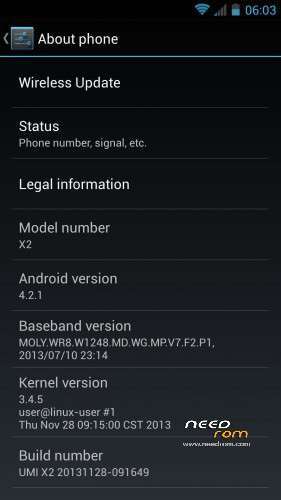
- Version: 2013.11.28
You must be logged for ROM download.
23760 total views, 1 today
1 Total favorites
 Member Info
DESCRIPTION
Intro
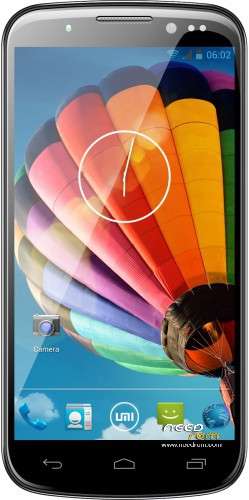
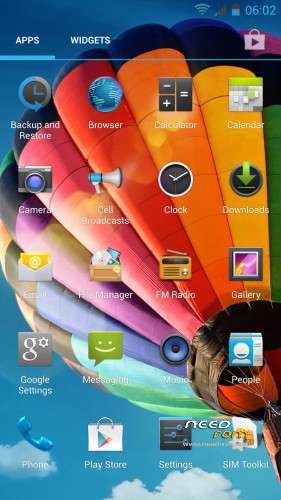
This is the latest official firmware from 2013.11.28. The ROM is CLEAN(no china apps, no bloatware…)
Changes:
-AOSP Bootanimation 4.2 (no bootsound)
-cleaned(no china apps)
-deoxeded/odexed
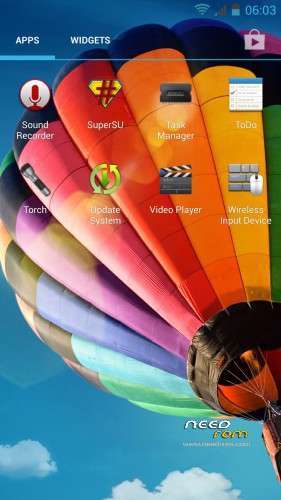
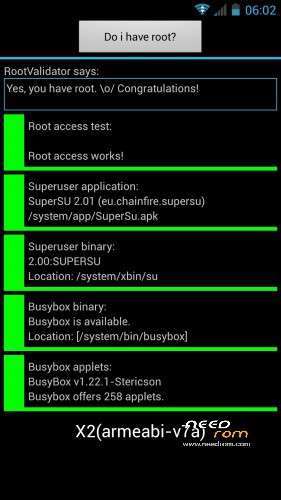
-root SuperSu V2.01
-BusyBox V1.22.1
-init.d support
Which version should you download ?
ODEXED (recommended for normal users)
+ faster boot
+ better ram usage
- a little bit more memory usage
DEOXEDED (recommended for advanced users who really need deodexed rom)
+ easier to theme the APKs
+ less memory usage
- little more ram usage
Join our facebook group to get help, tips, news for your UMI
https://www.facebook.com/groups/UMIActiveUsers/
Thank you for the Donation 
E. Schimmelpfennig (10 USD)
ROM Install :
Step 1: Download my ROM and copy on a SD card or phone memory
Step 2: Reboot and press Volume UP button to enter in the custom recovery
Step 3: Wipe Data / Cache / Dalvik Cache
Step 4: Install the ROM
※Please make a backup of your device before installing or updating ROM
I'm running this but not noticing any improvement in Wifi range or GPS lock.
Which of the previous ROMs, if any, showed any improvement in Wifi range ?.
wifi can’t be improved by a software update because the low wifi power is a hardware problem
Ok, I've played with it a while longer & noticed something weird with wifi. If I'm using the stock browser & have a good wifi range but if I'm using the Facebook or Messenger Apps then I'll have no connection unless I move closer to the router. Weird but somehow the apps must be not optimised for wifi control.
I've never even had a single satelite lock on the phones GPS so I've given up on that, I've a GPS bluetooth receiver instead & that works well with Google Maps on the phone.
Everything else seems to be working very well.
GPS is really a problem, i´ll ry to mod my antenas from wifi and ps and mobile data GSM… this schould help, because some MTL phones with exactly the same chip have a good GPS performance, the problem is just the antena, but i dont understand umi and other manufacturers, this is not that hard to make a good antena for the phone …
Hi,
I have one question please – is 3G connectivity fixed in your ROM? that seems to be real problem of factory delivered ROM. (other than poor WiFi range)
Thanks
Jules.
P.S. ready to donate
i have absolutely no problem with 3G, but try it out
Great ROM, I have the ODEXED on my Umi X2 and with Antutu 5, I was able to get over 18000 score points. Plus this ROM never crashed on me. No reboots, it just works. Thanks a lot.
Hi
I have UMI X2 version 1 gig Ram. the big problem I have is the mobile network signal is really weak ( I mean the antenna). can you guide me to choose a good ram to flash my phone? which ram should I use?
Thanks
you mean rom ? you need to flash a custom recovery, the TWRP or Carliv from needrom, with a custom recovery you can flash the this ROM, the official firmware which was cleaned by me, no china apps, no bloatware, or the NEXUS ROM, which is very light, this is the fastest rom for the umi x2 right now
@ Mr-Needrom
thank you so much for guiding me. yes, I meant rom. I had wrong typing
the last question, should I only download the NEXUS ROM and install it? by doing this, my problem will solve?