
0
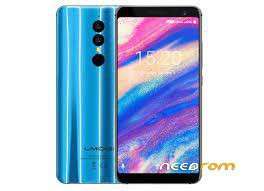
- Title: Umidigi A1 Pro 20180525
- Listed: December, 2022
- Last modified: 12/12/2022 7:31 am
- Version: C390 FE K8B UMI 20180525 1641
You must be logged for ROM download.
5348 total views, 1 today
OFFICIAL

 Member Info
DESCRIPTION
Because the Firmware Version on the official site is offline, here is version 20180525.
Changelog:
- Video camera shutter speed control enabled (no more dark videos in low light conditions)
- Other minor bug fixes
1. Connect your UMIDIGI A1 Pro to USB.
2. Start the flashing process with the Download button in the flasher app.
3. Press and keep pressed the power button of your phone until the flashing process starts (red bar appears at the bottom of the app window), then release it. In this process you have to keep the power button pressed for about 10 seconds.
4. Wait until the flashing process finishes.
※Please make a backup of your device before installing or updating ROM