
- Title: UMIDIGI Z1 pro
- Listed: September, 2017
- Last modified: 09/08/2017 2:56 am
- Version: Root with Magisk
You must be logged for ROM download.
12686 total views, 1 today
5 Total favorites
CUSTOM

 Member Info
DESCRIPTION
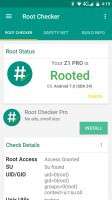
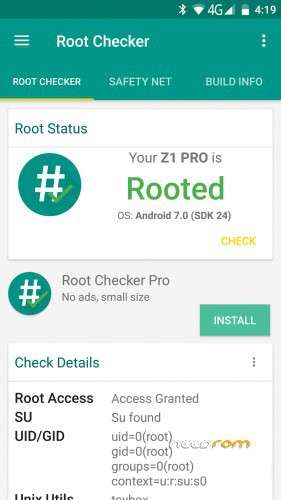
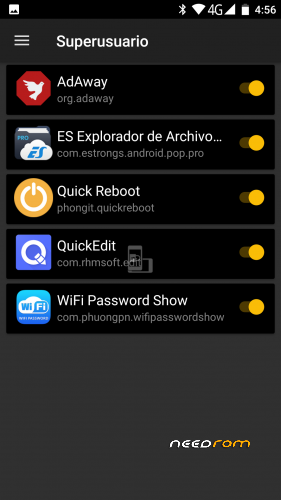
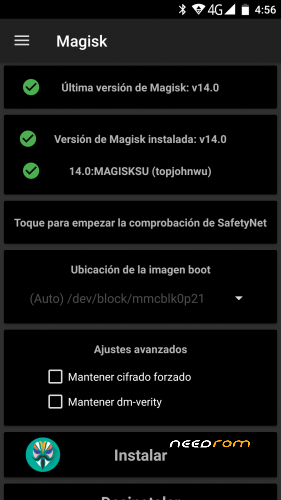
The zip file contains all the files and information to rooted the UMIDIGI Z1 pro
※Please make a backup of your device before installing or updating ROM
Well, my phone boots up without screen signal I guess, only UMIDIGI logo for ~2sec
ROM - V1.1_20170907
It dosesn´t work for me! It´s not possible to flash the new bootimage!
for jayjay89
Install version 14
Download this manual and follow its steps: https://drive.google.com/file/.....ew?usp=drivesdk
to my It has always worked for me
for pmjh
If you can flash the modified image, it is most likely that you do not have the sp installed flashtools drivers correctly. There are guides on the internet that explain it well.
For restaw
The TWRP is already almost in disuse as well as supersu.
With Magisk you can be root and with a couple of lines with adb, you can extract or load the boot.img, recovery.img,etc (all partitions). Make dump of your applications, modify system files and everything you want.
NOT! The twrp of the Z1 does not work in the pro (the screens are different) I tryed unsuccessfully. Magisk will not disappoint you.
hey im wondering how can i use this, if there is not any custom recovery for umi Z1 Pro. Can i use the one ,made for umi Z Pro?
Hello, I'm UMIDIGI Z1Pro and I'm quite happy. I have a problem with the camera – the photos are blurred, also video. Everything I upload in high definition. Does anyone also have a similar experience? I do not want to believe that it is hardware – I think it's a software problem. Is it possible to fix it?